What is Adobe Content Server?
Adobe Content Server is a server-controlled approach to Digital Rights Management (DRM) introduced by Adobe for PDF documents (DRM PDFs). It’s a system designed to protect digital books in formats such as PDF, EPUB, and EPUB3. Adobe Content Server was developed to extend the early DRM controls that Adobe provided within their PDF product, which includes restricting user access, preventing editing, and reducing printing quality.
One issue with Adobe Content Server is its high cost and lack of personal use support. If the reader does not agree to install additional software, the DRM file becomes virtually useless. The licensing model involves a joining fee, an annual maintenance fee, and a charge per protected document delivered to an end user.
The problem with Adobe Content Server is its expense, and the fact that it's not suitable for personal use. If users don't want to install specific software to view DRM-protected files, those files are rendered almost useless.
What About Locklizard and Digify?
Both Locklizard and Digify offer solutions that allow you to share protected PDFs securely. However, they rely on proprietary viewers and installation of software. Locklizard's system includes its own file format called PDC, which encodes PDFs into a proprietary format for viewing. The viewer software translates these encoded files back into PDFs for display.
Digify also provides advanced access control features like deciding whether a file can be shared or forwarded. It integrates features like:
- Restrict forwarding of documents
- Revoking access to files
- Allowing only specific users to access files
- Enabling print & download permissions
- Using passkey encryption for added security
Both platforms use a PDF.js library, and they are slightly more affordable than Adobe. However, Locklizard introduces a proprietary file format (PDC) and their viewer software interprets these files, making it less flexible than MaiPDF.
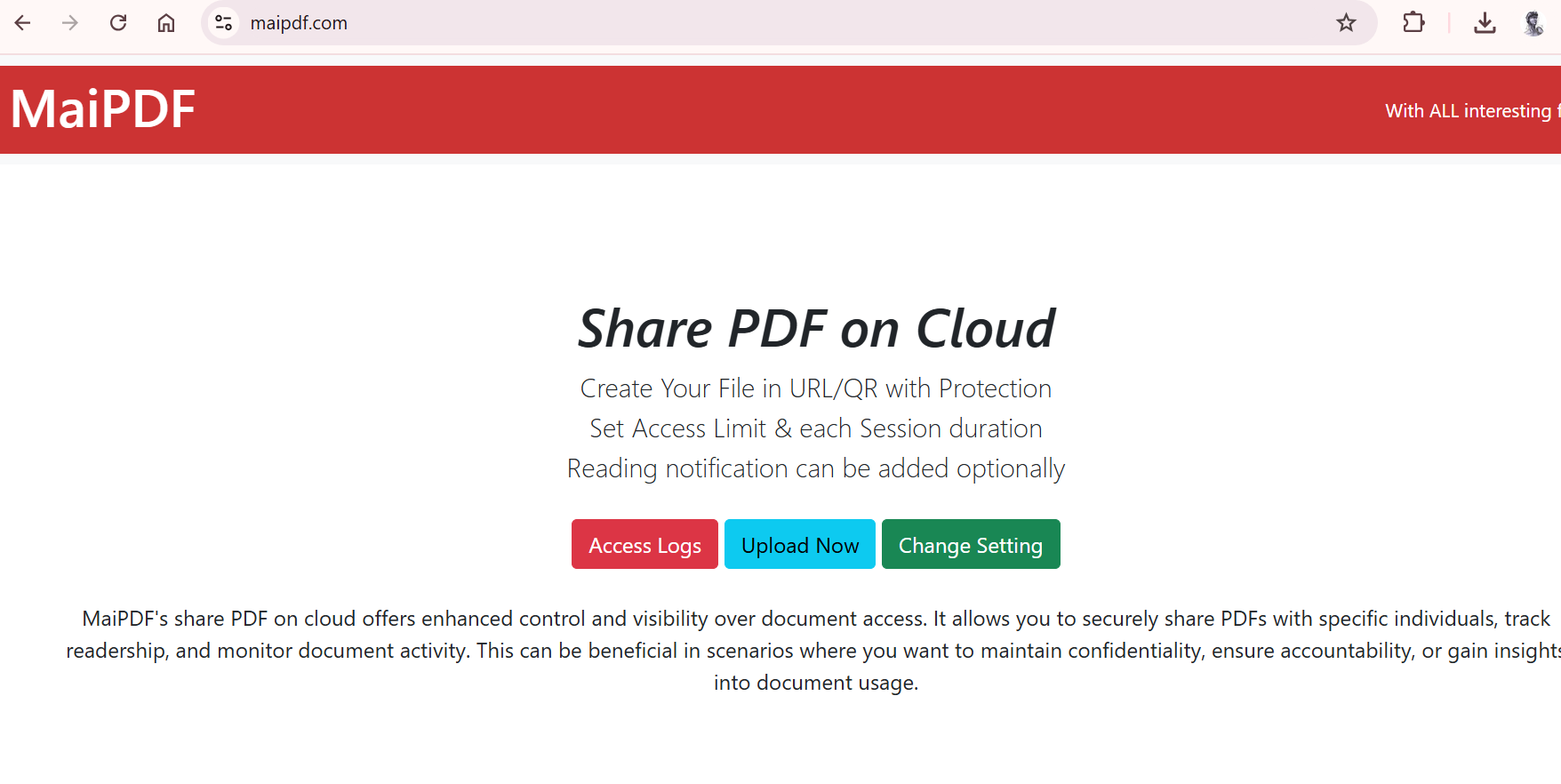
**MaiPDF simplifies the process and offers it for free**. MaiPDF allows users to share PDFs in a webview format without requiring registration. Plus, it doesn't require any additional software installation!