Send PDF Like a Privnote Link

Published: January 15, 2025 | Updated: December 03, 2025

Share your PDF files securely via a web link that self-destructs after being read. Control access and set expiration dates for your documents—100% free!

Learn More

How MaiPDF Works

Upload Your PDF

Upload any kind of PDF document, including password-protected files. MaiPDF allows you to securely share your PDFs without any additional software.

Dynamic Watermarking

Each PDF is assigned a dynamic QR code, containing information like IP, access time, and browser details, to identify who views your document.

Access Control

Set expiration dates for your PDF files or limit the number of views. After the set conditions are met, the document will no longer be accessible.

MaiPDF vs. Privnote and Other Platforms

What is Adobe Content Server?

Adobe Content Server is a DRM solution that provides digital rights management for PDF and EPUB documents. While it offers robust protection, it is often expensive and requires additional software installation. MaiPDF provides a more flexible and affordable solution.

Locklizard & Digify

Both Locklizard and Digify offer DRM solutions that include file protection and access control. However, these solutions often require proprietary software and can be costly. MaiPDF allows users to share protected PDFs with no software installation required, making it a simpler, more cost-effective alternative.

MaiPDF Features

Stronger Encryption

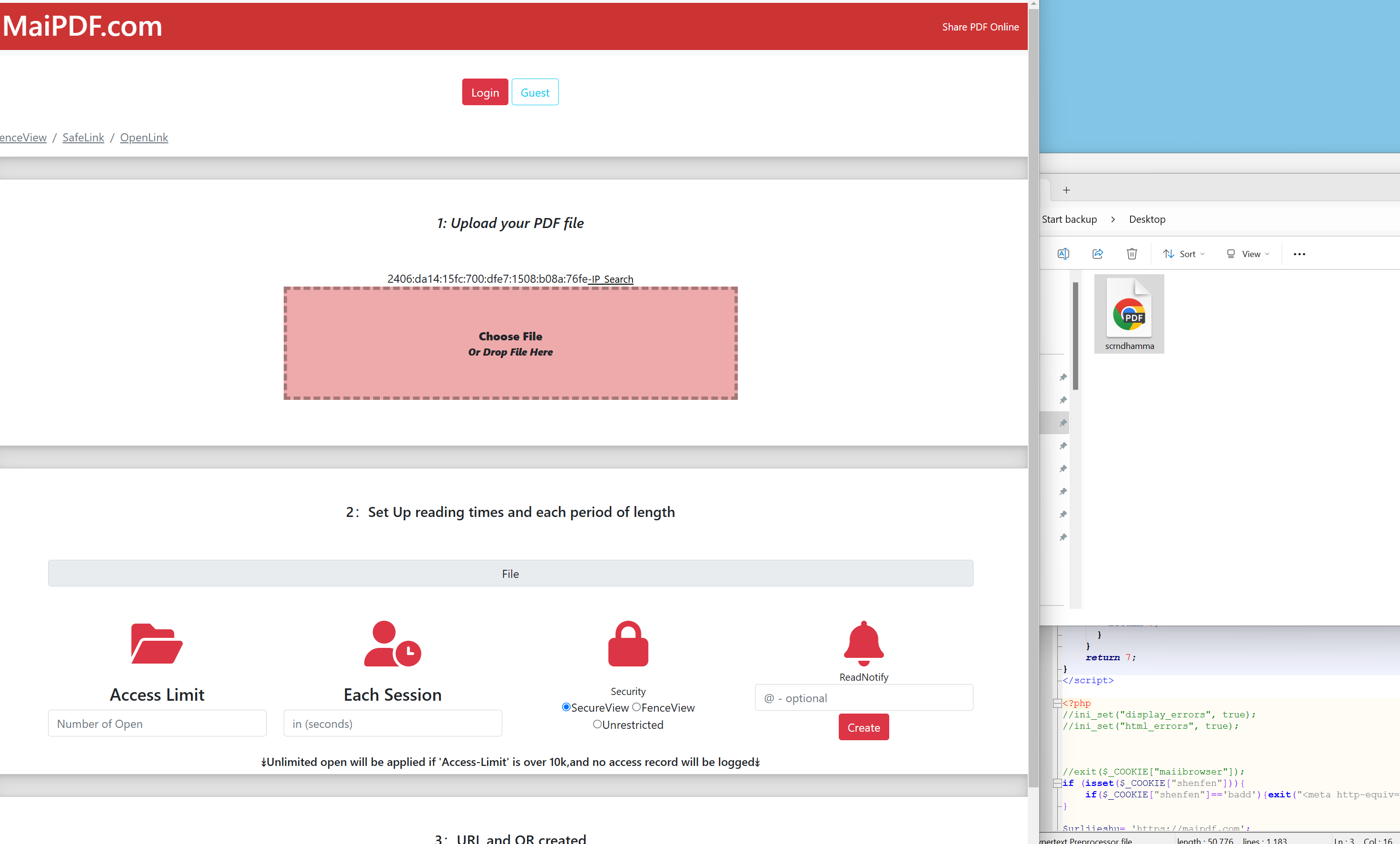
MaiPDF uses industry-standard encryption to protect your PDFs from unauthorized access and sharing. All your content is secure.
Encryption
No Software Installation

MaiPDF is browser-based, meaning no extra plugins or software installations are needed. It's simple and secure, accessible on any modern browser.
No Software Installation
List of MaiPDF Features

Use Online Cloud Sharing for speed; use MaiPDF App DRM when screenshots, forwarding, or device access matter

SendPDFOnline pages now describe MaiPDF as a two-level product family: Online Cloud Sharing creates quick browser links and QR codes, while the MaiPDF App creates protected .maipdf packages for sensitive PDFs that need App DRM controls.

Fast cloud link

Upload a PDF, share a browser link or QR code, and keep read code / modify code management.

Protected .maipdf file

Package the PDF in the MaiPDF App with local encryption, license rules, expiry, open limits, and revoke control.

App-only protections

Use protected viewer, device binding, screenshot-aware controls, watermark trace, and license management where supported.

No web page can fully stop screenshots. MaiPDF App DRM is positioned as the stronger path: reduce casual copying, bind access to identity/devices, revoke licenses, and trace leaks with visible watermark information.

Need stronger control?

Create protected .maipdf documents with MaiPDF App DRM.

Open MaiPDF App DRM