When Watermarking Actually Helps
Watermarking does not block every leak, but it changes behavior. A visible watermark with viewer identity and time makes sharing traceable, which strongly reduces casual forwarding.
- Legal and finance: drafts, due diligence files, investor updates.
- Sales: proposals with sensitive pricing.
- Training/content: paid or internal PDFs that should not be redistributed.
What a Good Watermark Setup Looks Like
Recommended defaults
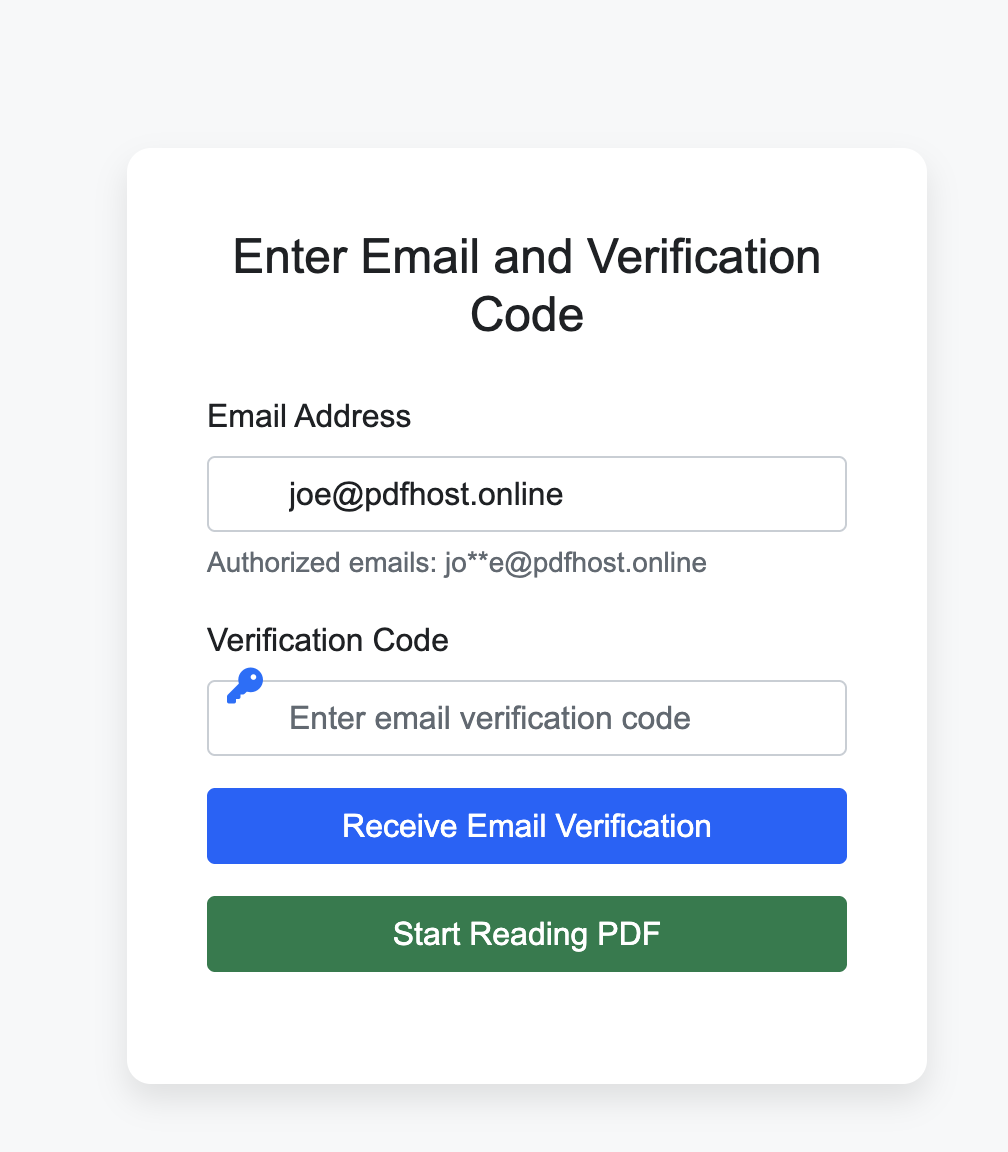
- Watermark fields: email, timestamp, and partial IP or user code.
- Set open limits for short-lived documents.
- Keep a valid date window instead of permanent links.
Operational Workflow for Teams
Simple rollout checklist
- Define which document types require watermark by default.
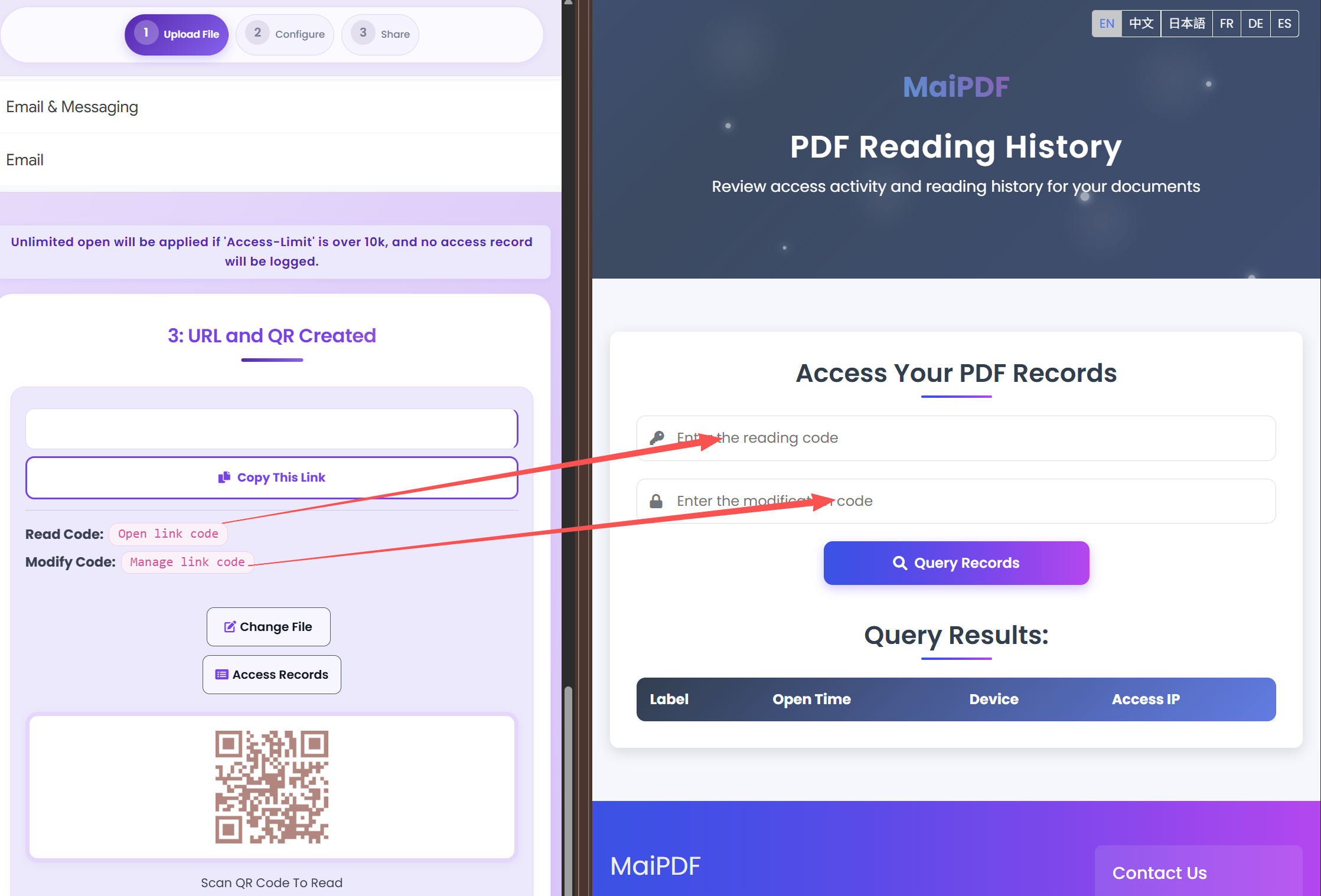
- Create a template policy: verification, expiry, read limit.
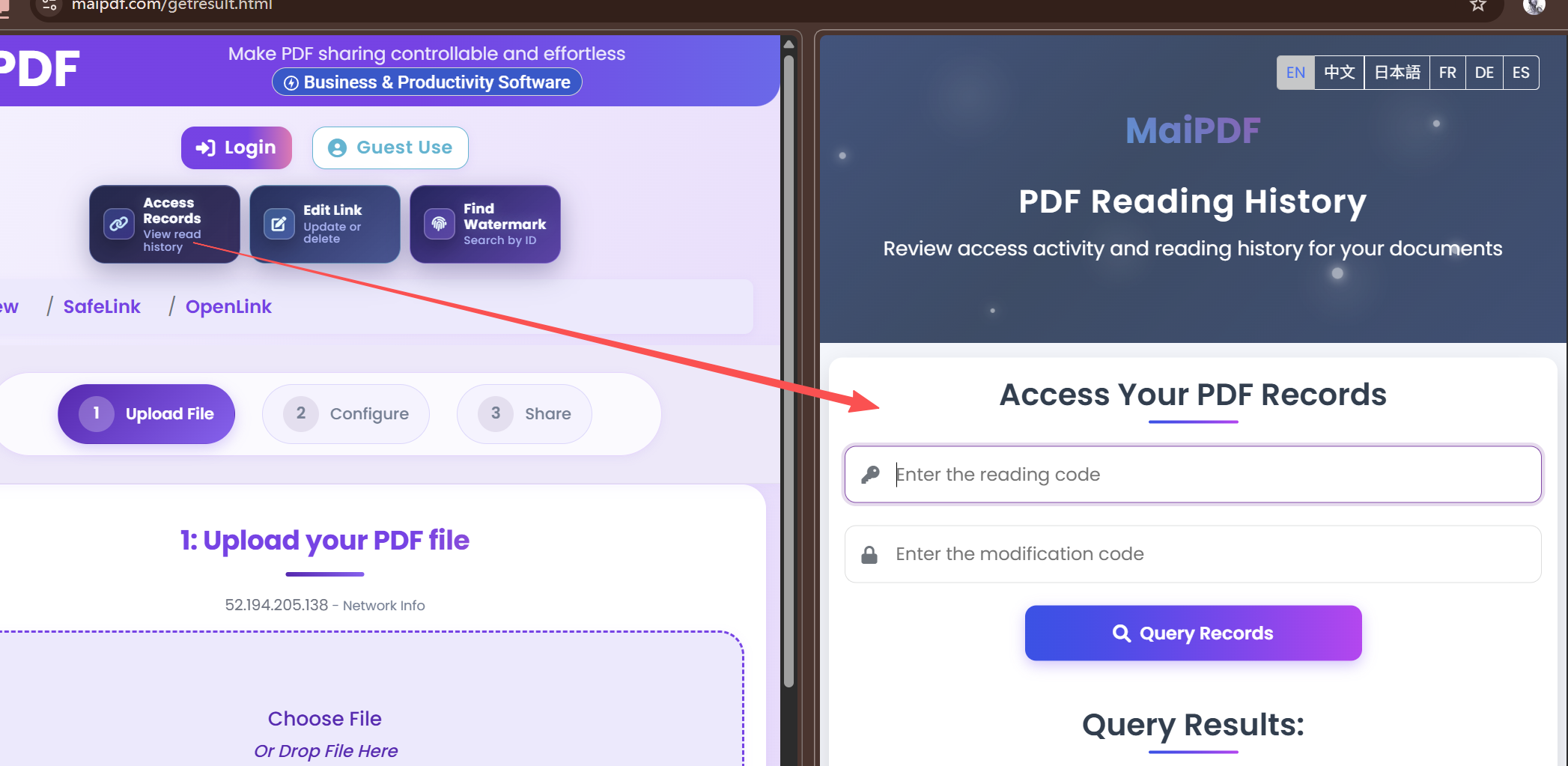
- Review logs weekly for abnormal access patterns.
Updated MaiPDF protection path
Use Online Cloud Sharing for speed; use MaiPDF App DRM when screenshots, forwarding, or device access matter
SendPDFOnline pages now describe MaiPDF as a two-level product family: Online Cloud Sharing creates quick browser links and QR codes, while the MaiPDF App creates protected .maipdf packages for sensitive PDFs that need App DRM controls.
Upload a PDF, share a browser link or QR code, and keep read code / modify code management.
Package the PDF in the MaiPDF App with local encryption, license rules, expiry, open limits, and revoke control.
Use protected viewer, device binding, screenshot-aware controls, watermark trace, and license management where supported.
No web page can fully stop screenshots. MaiPDF App DRM is positioned as the stronger path: reduce casual copying, bind access to identity/devices, revoke licenses, and trace leaks with visible watermark information.
Start with a Practical Template
Upload one PDF, enable dynamic watermark and verification, then share internally as your baseline policy.
Open MaiPDF