What DRM Means for Daily PDF Work
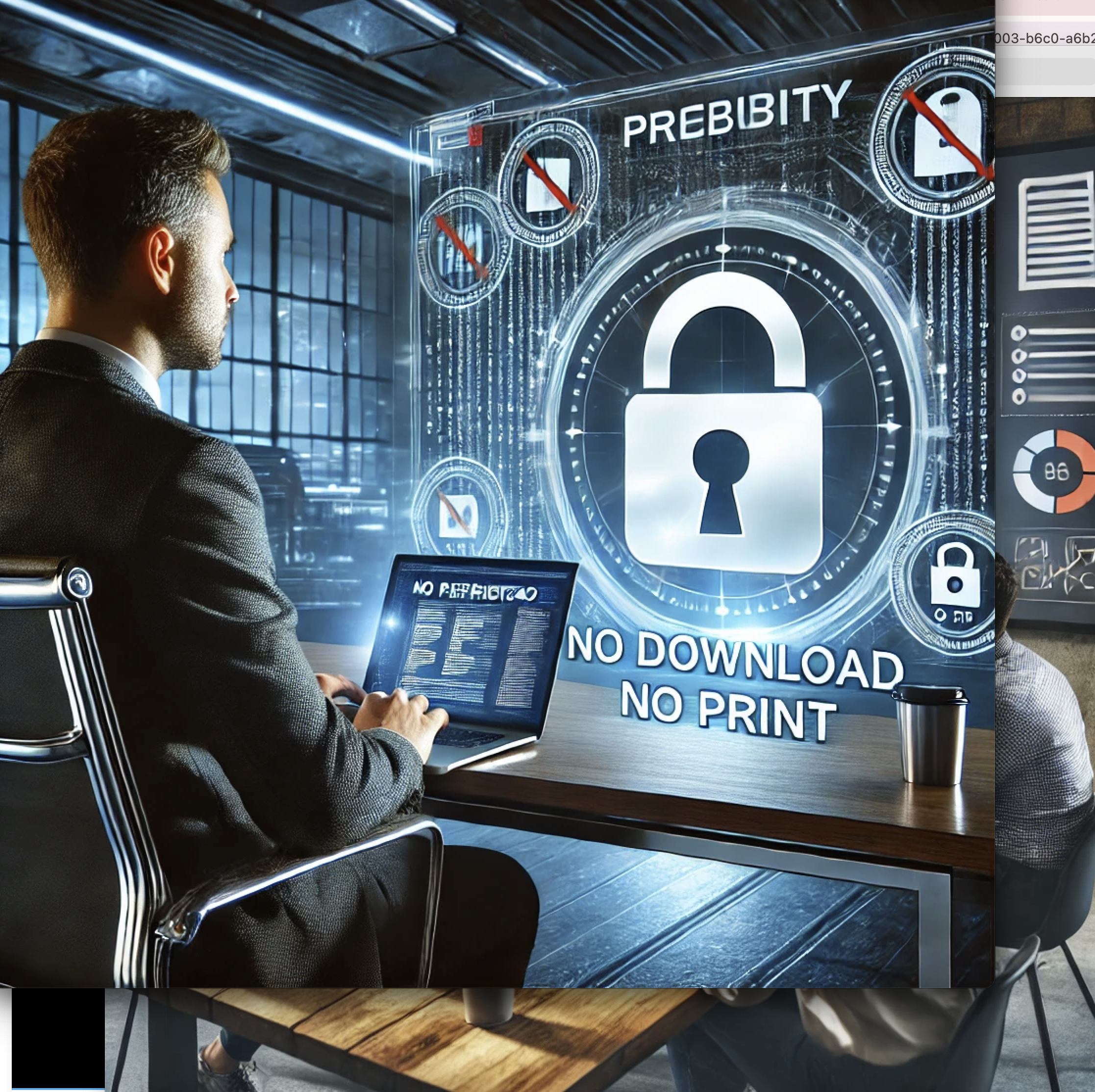
In practical terms, PDF DRM means four things: no easy download, no open sharing, limited lifetime, and complete access logs.
Reference Flow
flowchart LR
          A[Upload PDF] --> B[Enable DRM Options]
          B --> C[Generate Secure Link]
          C --> D[Recipient Verification]
          D --> E[Read in Secure Viewer]
          E --> F[Access Logs + Alerts]
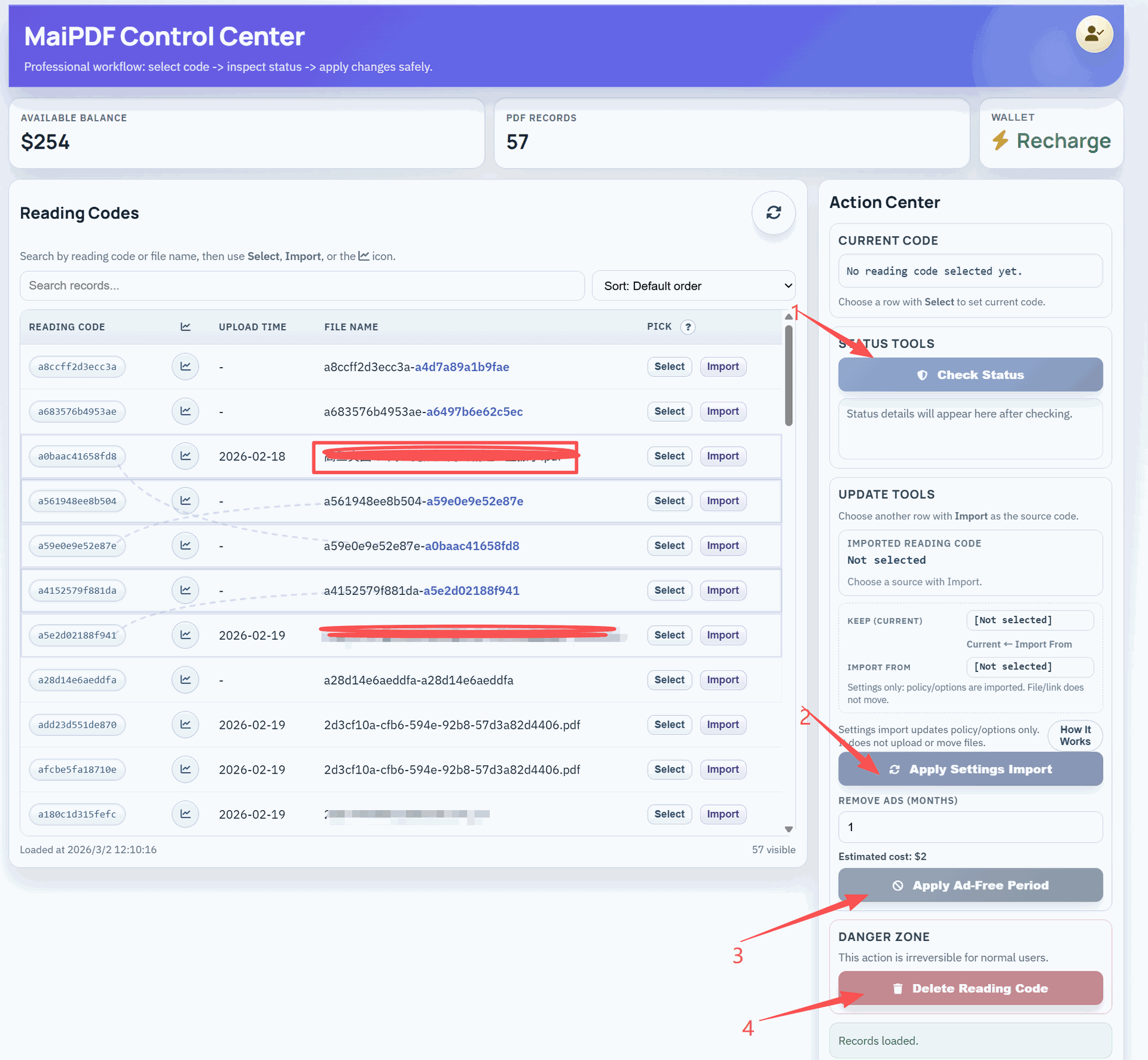
This model keeps policy and tracking at the link level, so you can still update settings later.
Recommended Control Stack
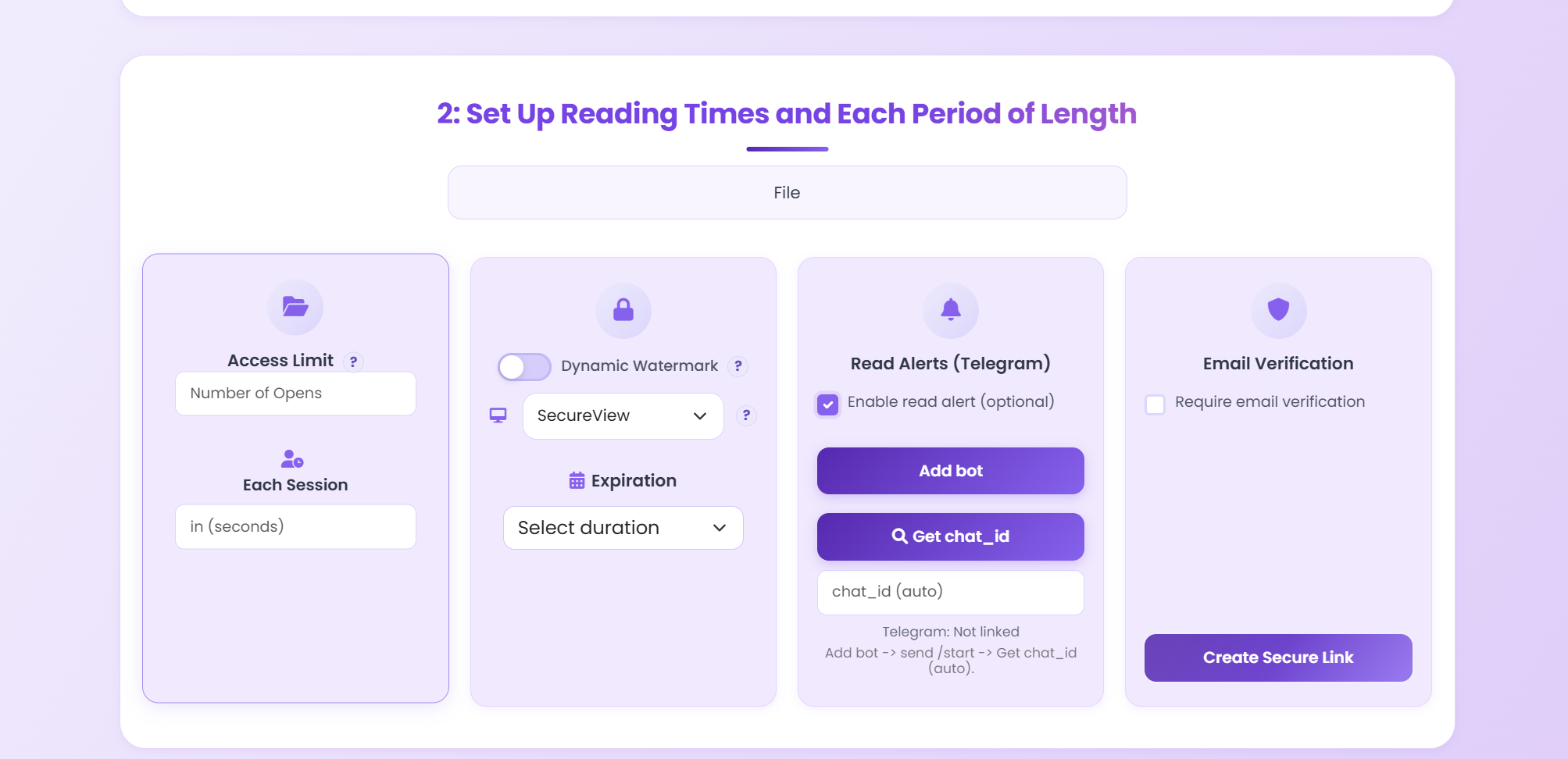
- Enable verification for unknown recipients.
- Use short expiry for proposals and drafts.
- Audit reading history on every sensitive document.
Updated MaiPDF protection path
Use Online Cloud Sharing for speed; use MaiPDF App DRM when screenshots, forwarding, or device access matter
SendPDFOnline pages now describe MaiPDF as a two-level product family: Online Cloud Sharing creates quick browser links and QR codes, while the MaiPDF App creates protected .maipdf packages for sensitive PDFs that need App DRM controls.
Upload a PDF, share a browser link or QR code, and keep read code / modify code management.
Package the PDF in the MaiPDF App with local encryption, license rules, expiry, open limits, and revoke control.
Use protected viewer, device binding, screenshot-aware controls, watermark trace, and license management where supported.
No web page can fully stop screenshots. MaiPDF App DRM is positioned as the stronger path: reduce casual copying, bind access to identity/devices, revoke licenses, and trace leaks with visible watermark information.
Apply PDF DRM Without Extra Client Software
Start with one pilot document and test your policy end-to-end in a real sharing scenario.
Try MaiPDF