Start with Document Classification
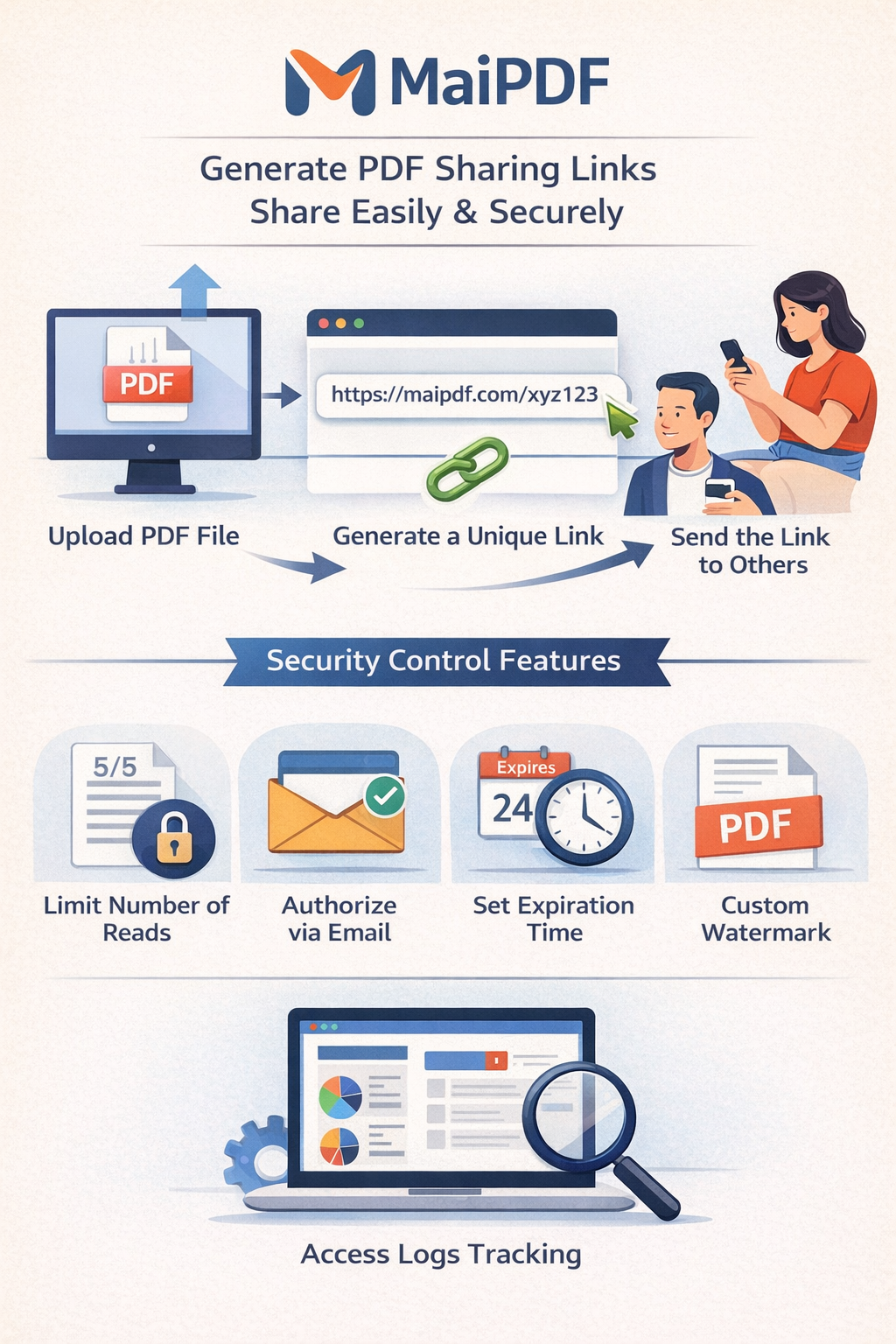
Not every PDF needs the same controls. Apply policies by document class instead of one-size-fits-all settings.
- Public: open link, no verification.
- Internal: read limit plus watermark.
- Confidential: verification, short expiry, strict log review.
Operational Best Practices
Team Checklist You Can Adopt Today
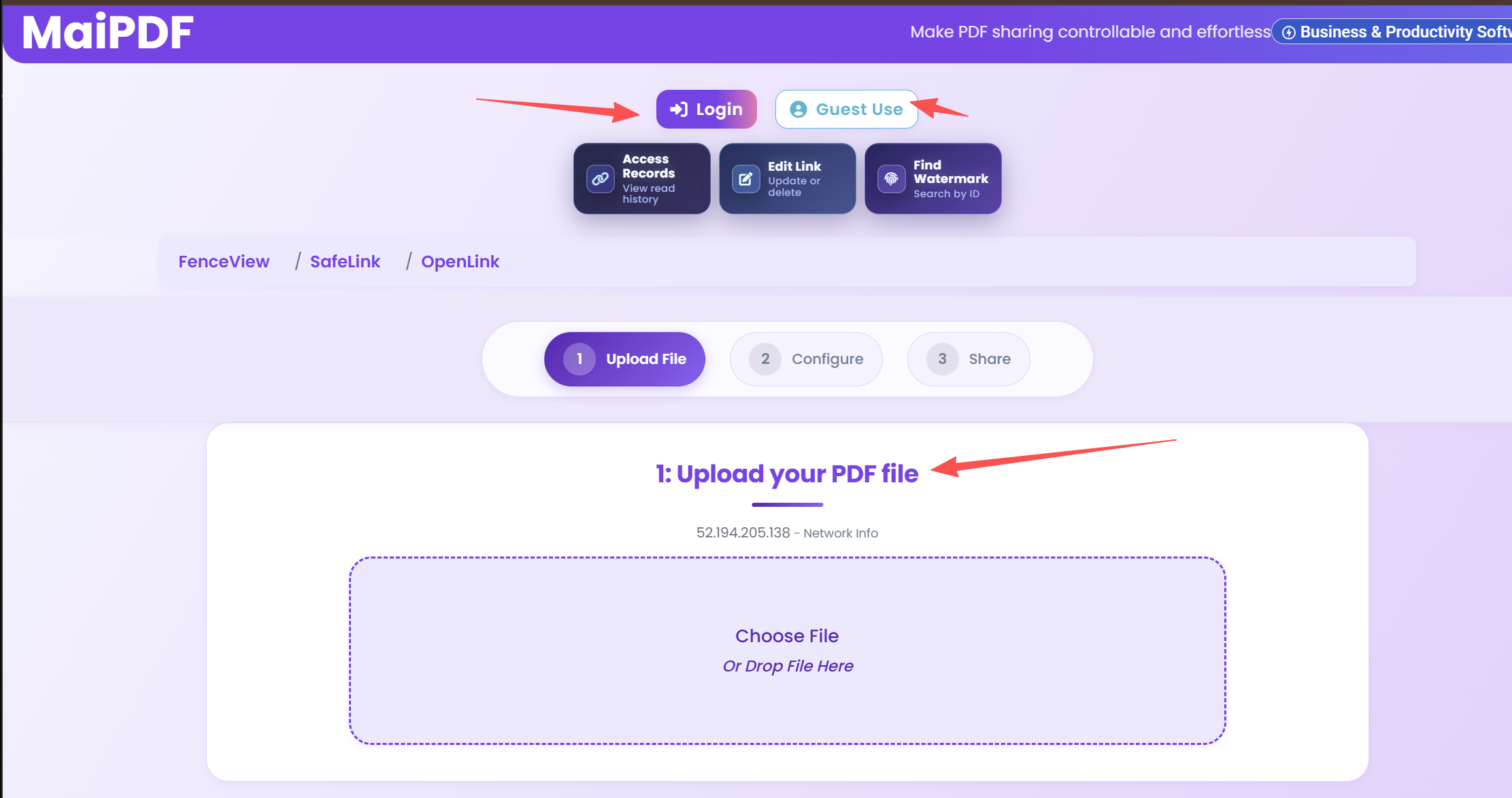
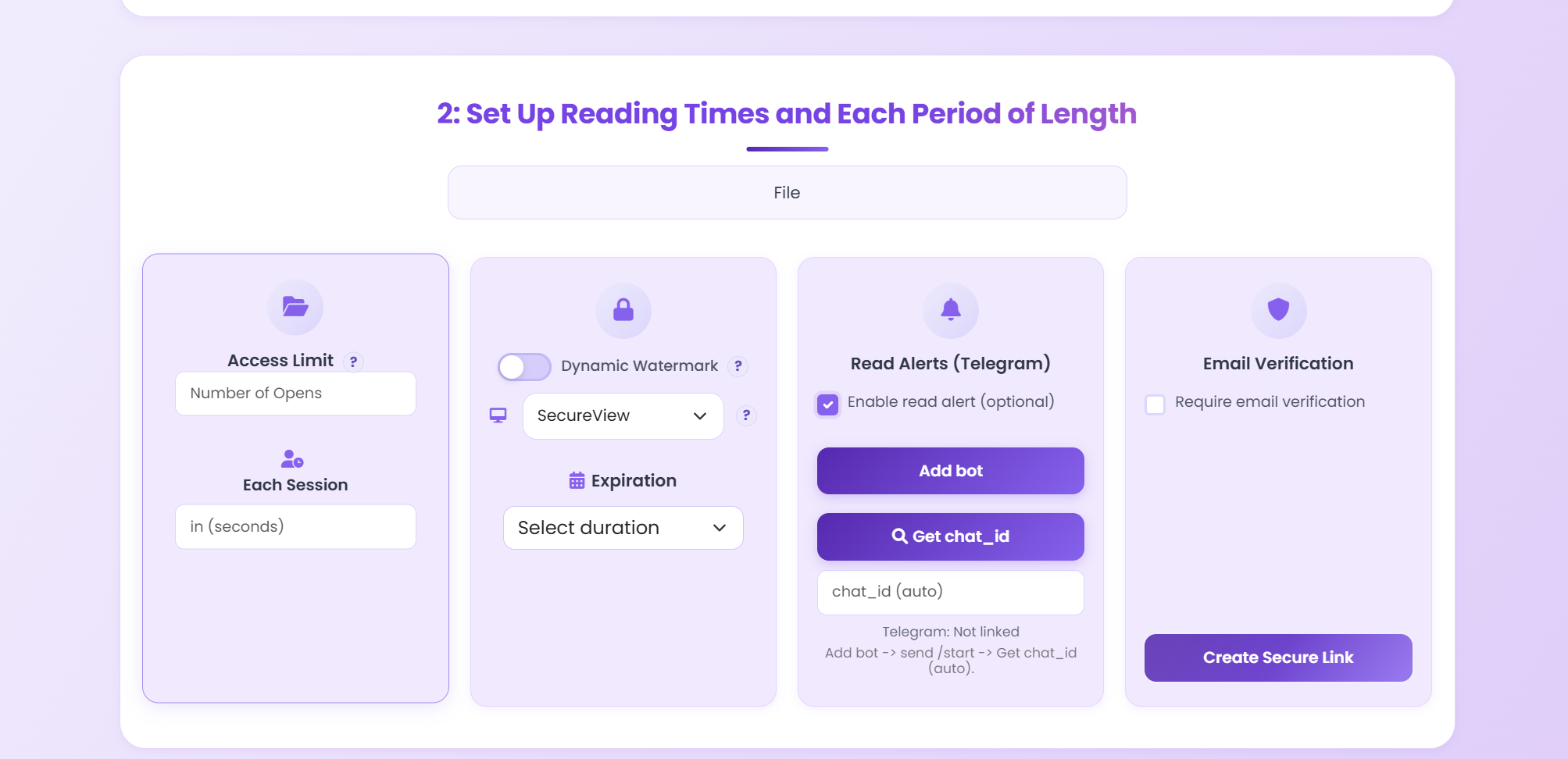
- Create 3 security templates: public, internal, confidential.
- Require watermark for all external document sharing.
- Set expiration on proposals and investor materials.
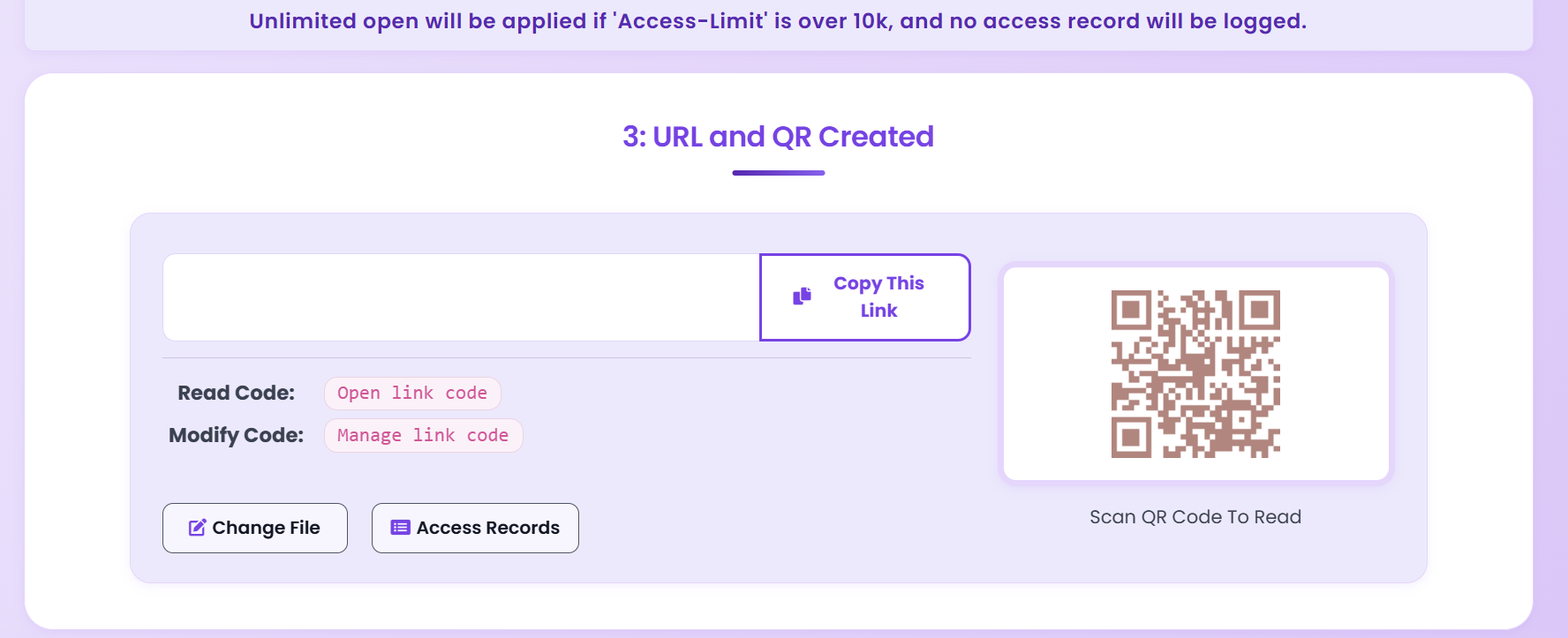
- Review access logs weekly and document unusual events.
Updated MaiPDF protection path
Use Online Cloud Sharing for speed; use MaiPDF App DRM when screenshots, forwarding, or device access matter
SendPDFOnline pages now describe MaiPDF as a two-level product family: Online Cloud Sharing creates quick browser links and QR codes, while the MaiPDF App creates protected .maipdf packages for sensitive PDFs that need App DRM controls.
Upload a PDF, share a browser link or QR code, and keep read code / modify code management.
Package the PDF in the MaiPDF App with local encryption, license rules, expiry, open limits, and revoke control.
Use protected viewer, device binding, screenshot-aware controls, watermark trace, and license management where supported.
No web page can fully stop screenshots. MaiPDF App DRM is positioned as the stronger path: reduce casual copying, bind access to identity/devices, revoke licenses, and trace leaks with visible watermark information.
Use a Repeatable Security Workflow
Consistency beats ad-hoc settings. Apply the same process for every sensitive PDF.
Open MaiPDF