Why Link-Based Sharing Wins
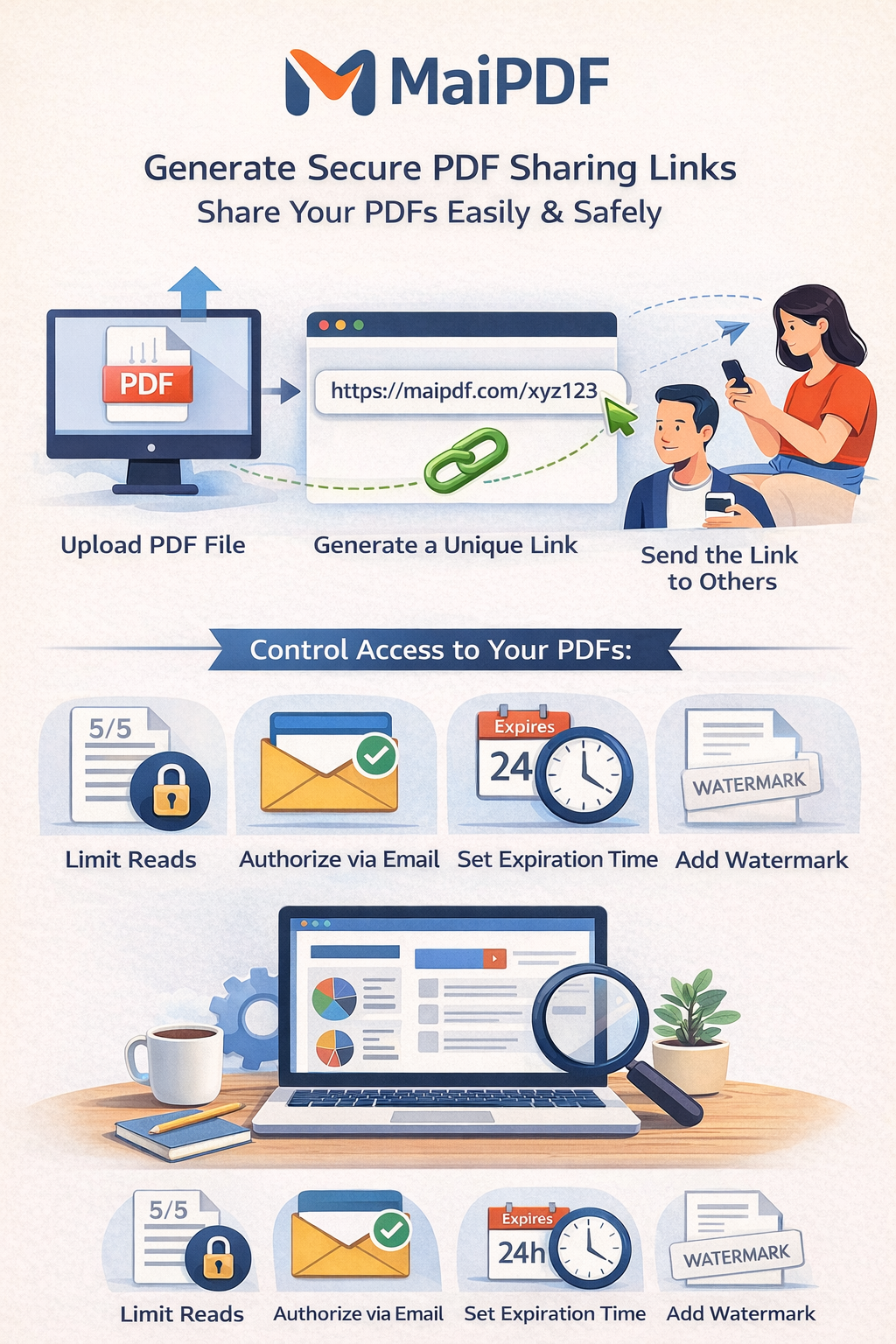
- Recipient gets one stable link and optional QR code.
- Owner can change limits and expiry after sharing.
- Access logs show engagement for follow-up timing.
Reference Workflow
flowchart LR
          A[Upload PDF] --> B[Apply Security Policy]
          B --> C[Generate Link + QR]
          C --> D[Send to Recipients]
          D --> E[Read in Secure Viewer]
          E --> F[Monitor Access Records]
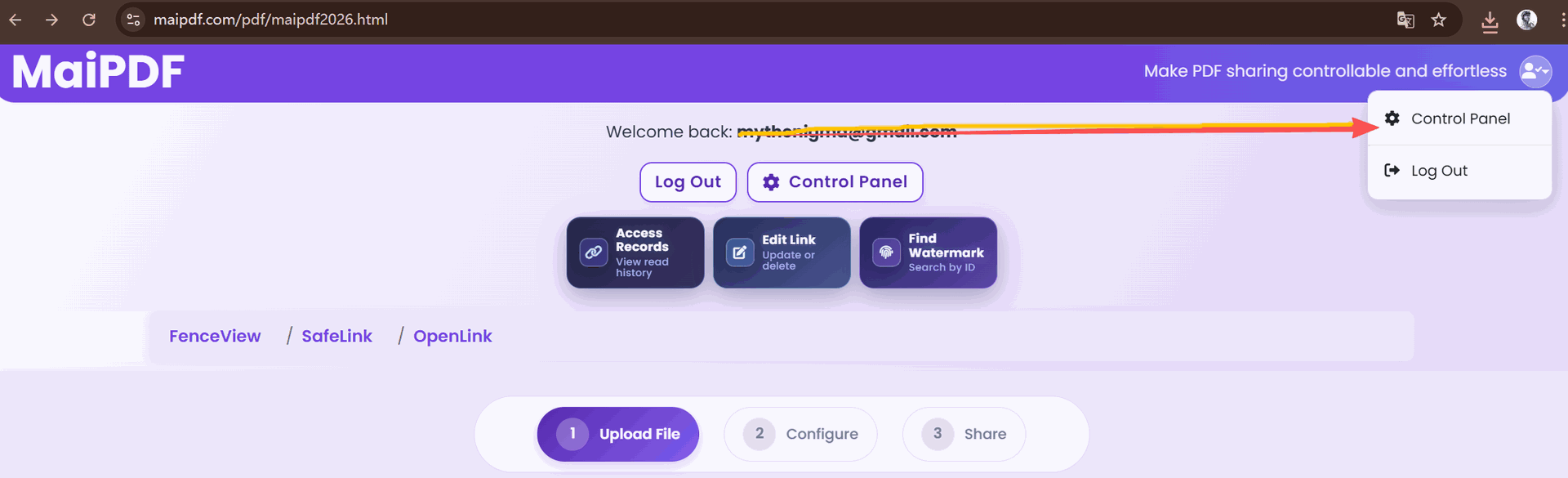
Key Screens in the Process
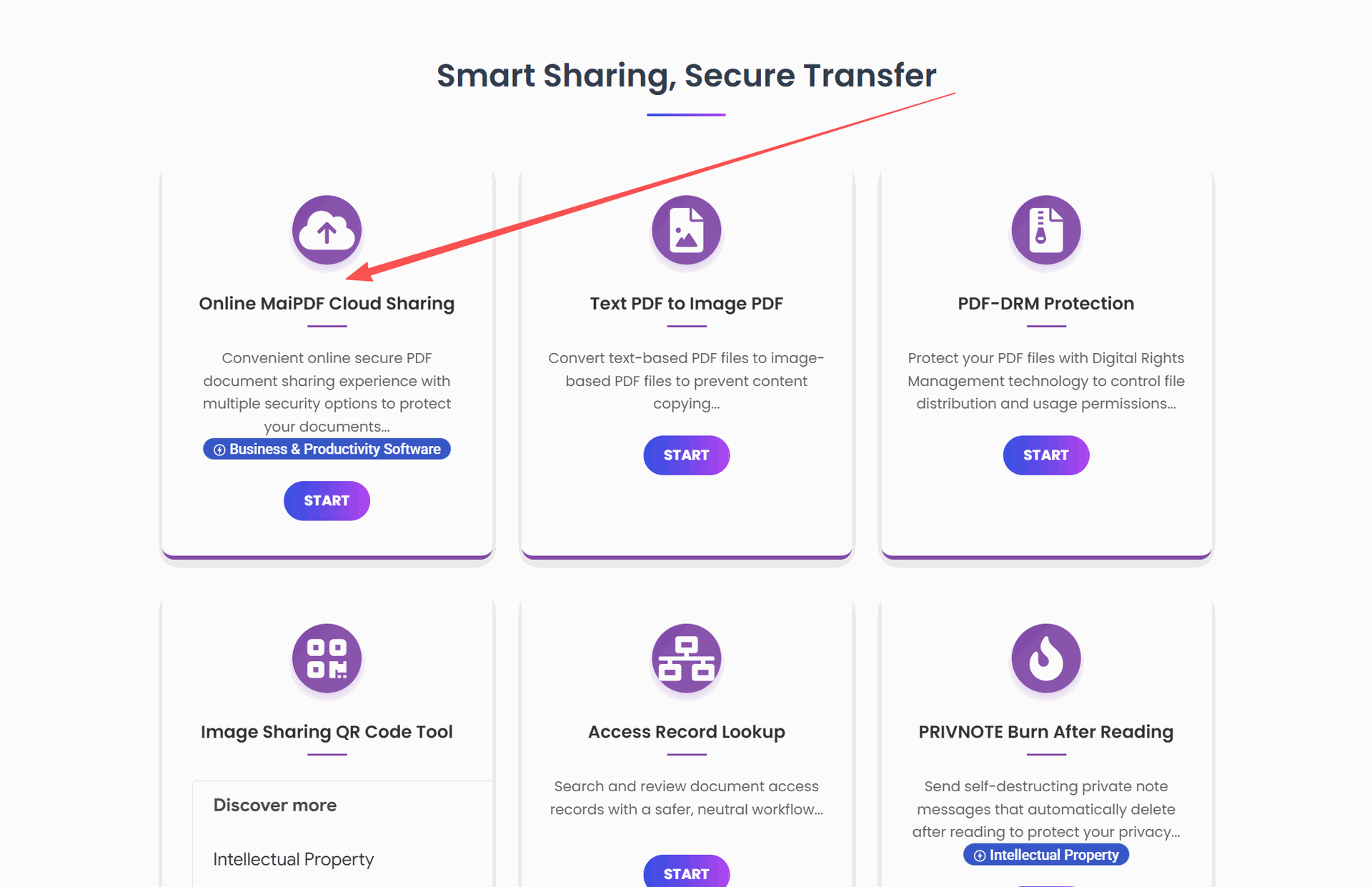
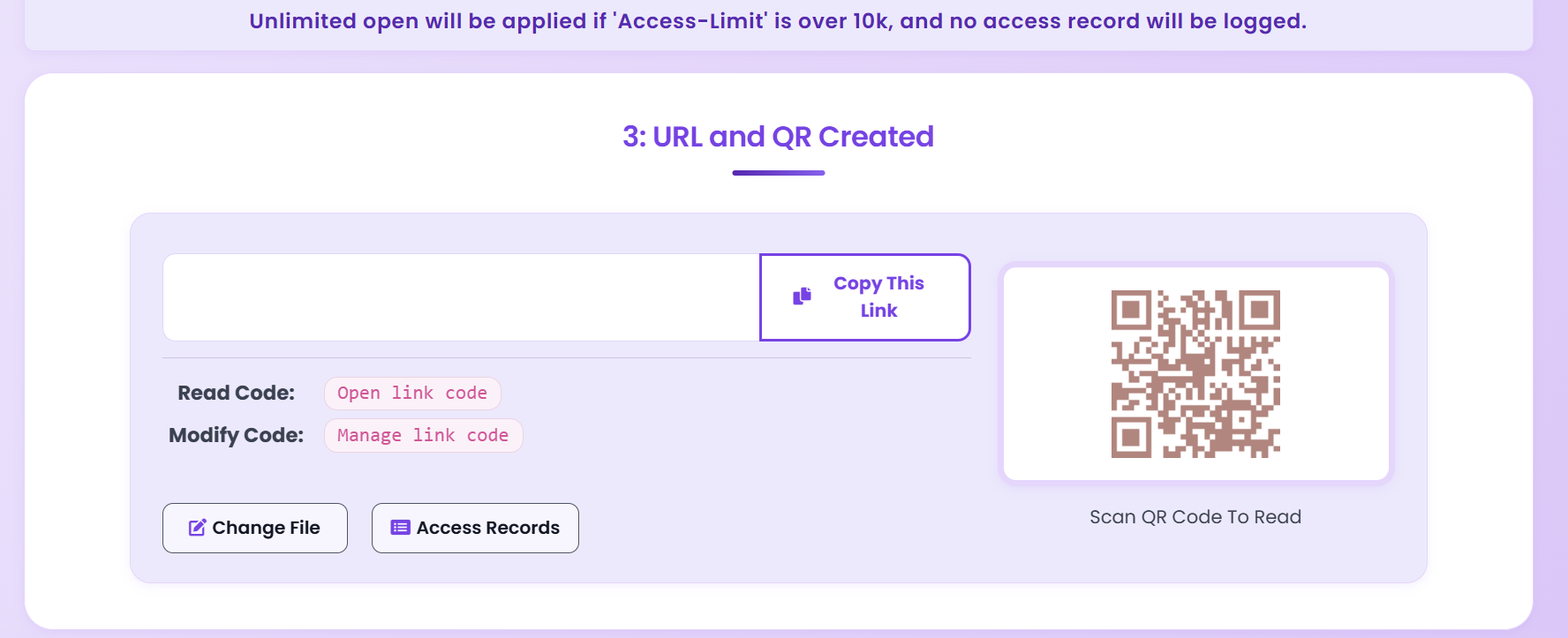
Updated MaiPDF protection path
Use Online Cloud Sharing for speed; use MaiPDF App DRM when screenshots, forwarding, or device access matter
SendPDFOnline pages now describe MaiPDF as a two-level product family: Online Cloud Sharing creates quick browser links and QR codes, while the MaiPDF App creates protected .maipdf packages for sensitive PDFs that need App DRM controls.
Upload a PDF, share a browser link or QR code, and keep read code / modify code management.
Package the PDF in the MaiPDF App with local encryption, license rules, expiry, open limits, and revoke control.
Use protected viewer, device binding, screenshot-aware controls, watermark trace, and license management where supported.
No web page can fully stop screenshots. MaiPDF App DRM is positioned as the stronger path: reduce casual copying, bind access to identity/devices, revoke licenses, and trace leaks with visible watermark information.
Build a Sharing Standard for Your Team
Use one consistent flow for all sensitive PDFs to reduce mistakes and improve control.
Start Secure Sharing