MaiPDF Online PDF to Image Tool: Secure, Convenient, and Controllable Image Conversion
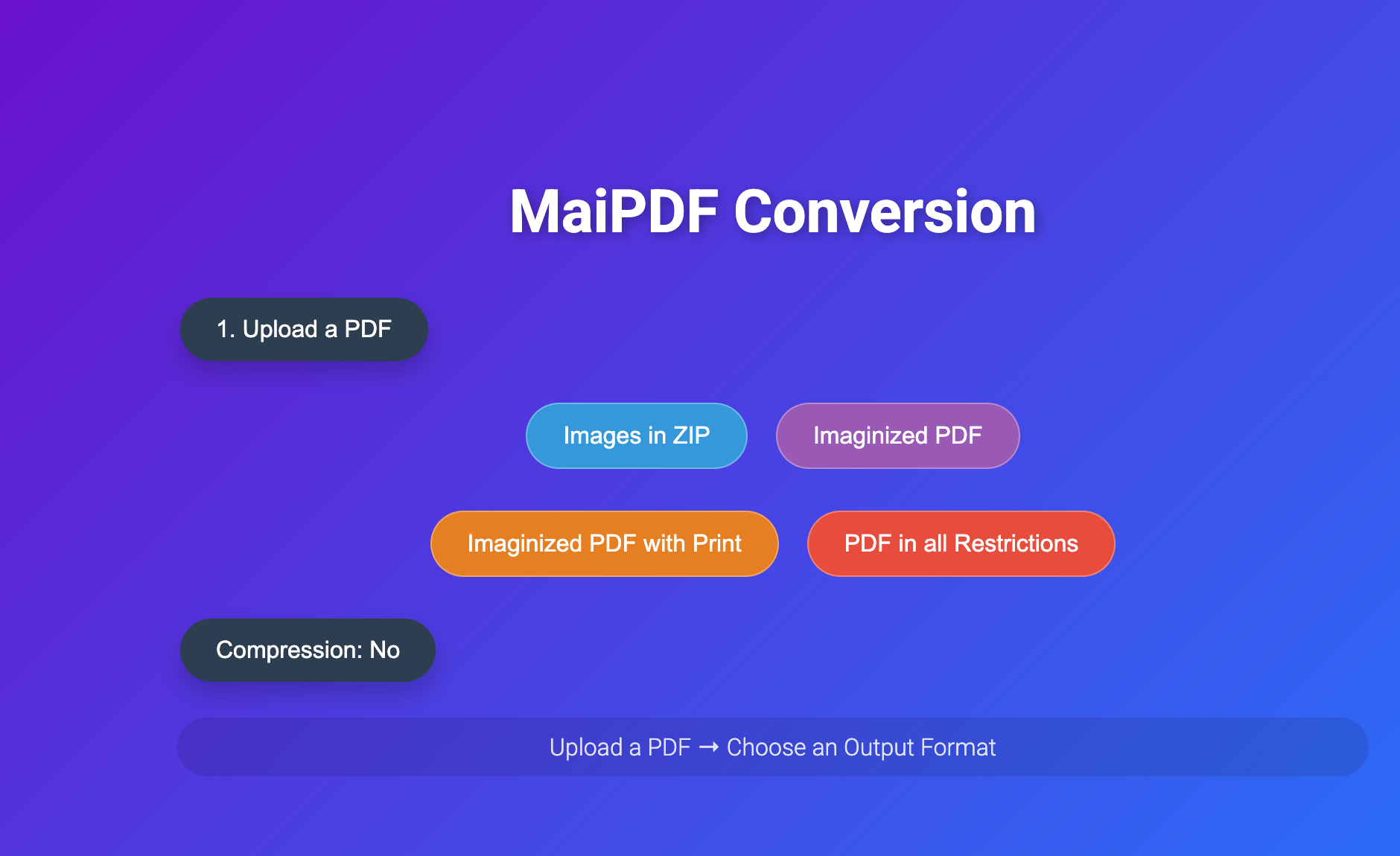
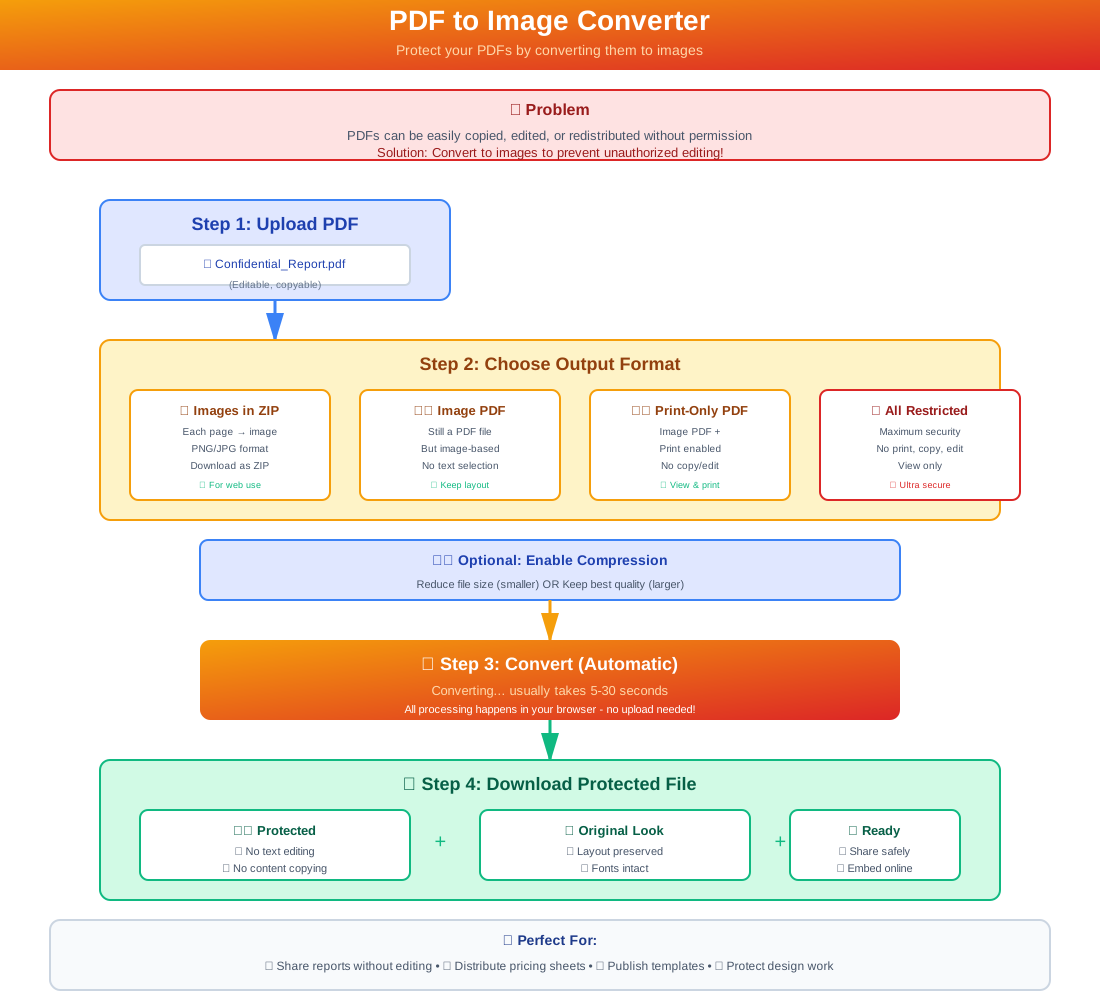
This page is the MaiPDF online "PDF → Image" conversion tool. You can upload any PDF, choose different output formats, and turn your file into a "view-only, hard-to-edit" image-based document. All operations are completed in your browser, no software installation required.
Packaged in ZIP] D --> D1[📄 Image-based PDF
Cannot Edit] E --> E1[🖨️ Image-based PDF
Print Only] F --> F1[🔒 Super Restricted PDF
All Operations Disabled] C1 --> G[Download/Share] D1 --> G E1 --> G F1 --> G style A fill:#dbeafe,stroke:#3b82f6 style B fill:#fef3c7,stroke:#f59e0b style C fill:#d1fae5,stroke:#10b981 style D fill:#e0e7ff,stroke:#6366f1 style E fill:#fce7f3,stroke:#ec4899 style F fill:#fee2e2,stroke:#dc2626 style G fill:#d1fae5,stroke:#10b981
Four Output Options
- Images in ZIP: Convert each page into a separate image and package them into a ZIP file, suitable for download or website upload.
- Imaginized PDF: Package the entire file as an "image-based PDF"—layout preserved, but direct editing is disabled.
- Imaginized PDF with Print: Same as above, but only printing is allowed; copying and editing are disabled.
- PDF in All Restrictions: Generate a super-restricted PDF where all operations (copy, print, edit) are disabled.
Optional "Compression" Switch
Enable to compress generated images for smaller file size; disable to keep the best clarity.
How to Use
- Upload a PDF
- Choose an output format
- Download or share—all in your browser
Use Cases
- Embed reports into web pages or PPTs without allowing easy text copying
- Send materials to clients/students for view or print only
- Publish templates, comics, or visual content—preserve layout, prevent editing
Security Significance
The official documentation emphasizes that image conversion "preserves original layout and font details while reducing the risk of tampering." For even more security, the page also recommends using the MaiPDF offline version.
In Short
This page is a lightweight tool to "turn PDFs into images and package them," helping you maintain appearance while better controlling copying, editing, or illegal redistribution risks.