Share Your Design Portfolio Online
Upload your design portfolio as a PDF, get a shareable link and QR code instantly. Control access with watermarks, view limits, and analytics to track engagement.
6 min read March 23, 2026 Design
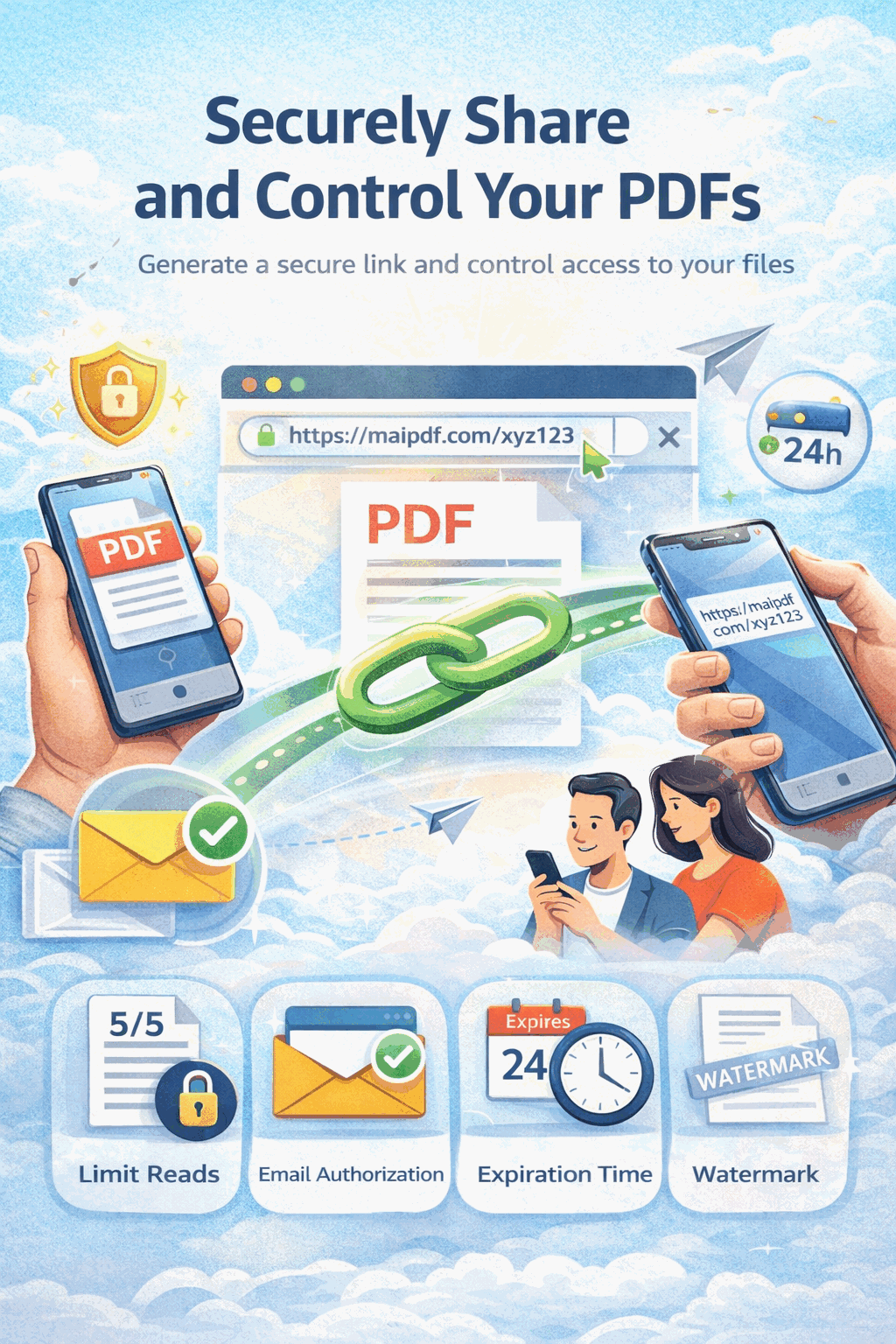
Upload your design portfolio as a PDF, get a shareable link and QR code instantly. Control access with watermarks, view limits, and analytics to track engagement.
6 min read March 23, 2026 Design
Your portfolio is how you prove taste, process, and craft. Whether you are applying for roles, pitching clients, or building an audience, you need a single link that looks professional on every device and stays under your control. MaiPDF turns your portfolio PDF into a hosted experience with a link and QR code, optional passwords and expiration, viewer-specific watermarks, and analytics so you can see what happens after you hit send.
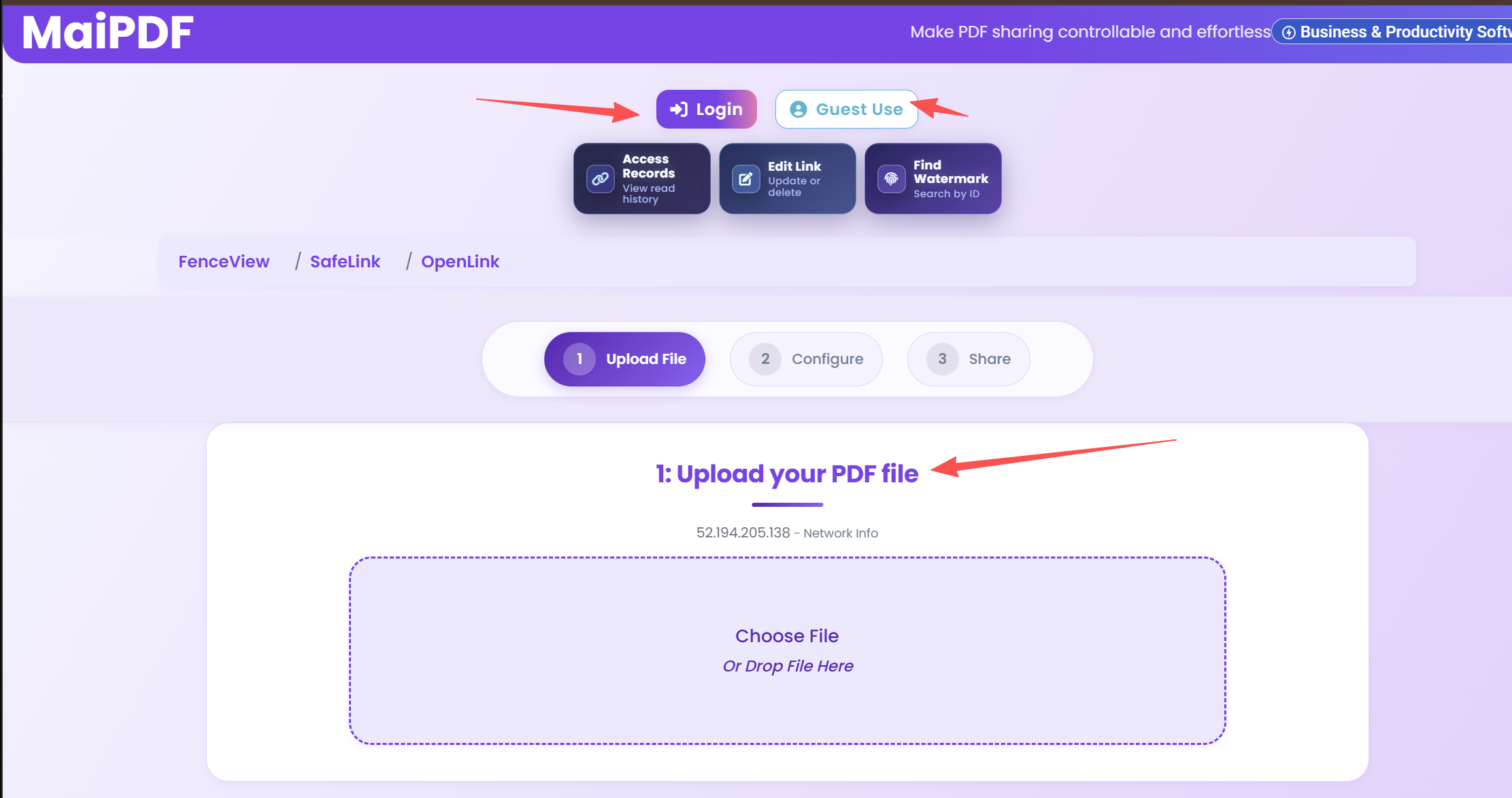
Sign in or upload your portfolio PDF. MaiPDF hosts the file and prepares it for secure viewing in the browser.
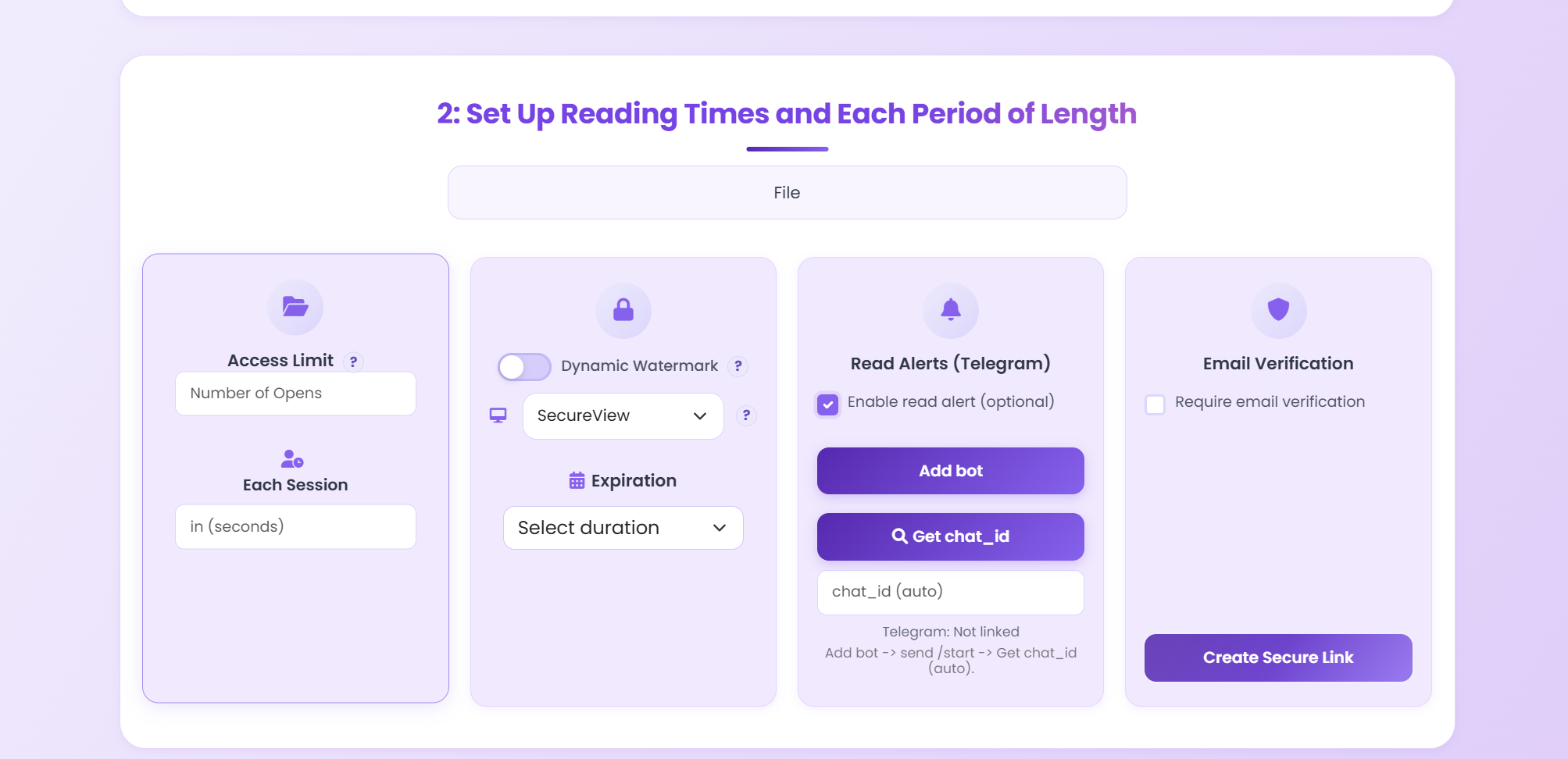
Add a password, view cap, or expiration. Enable dynamic watermarks and optional Telegram or email alerts when someone opens your file.
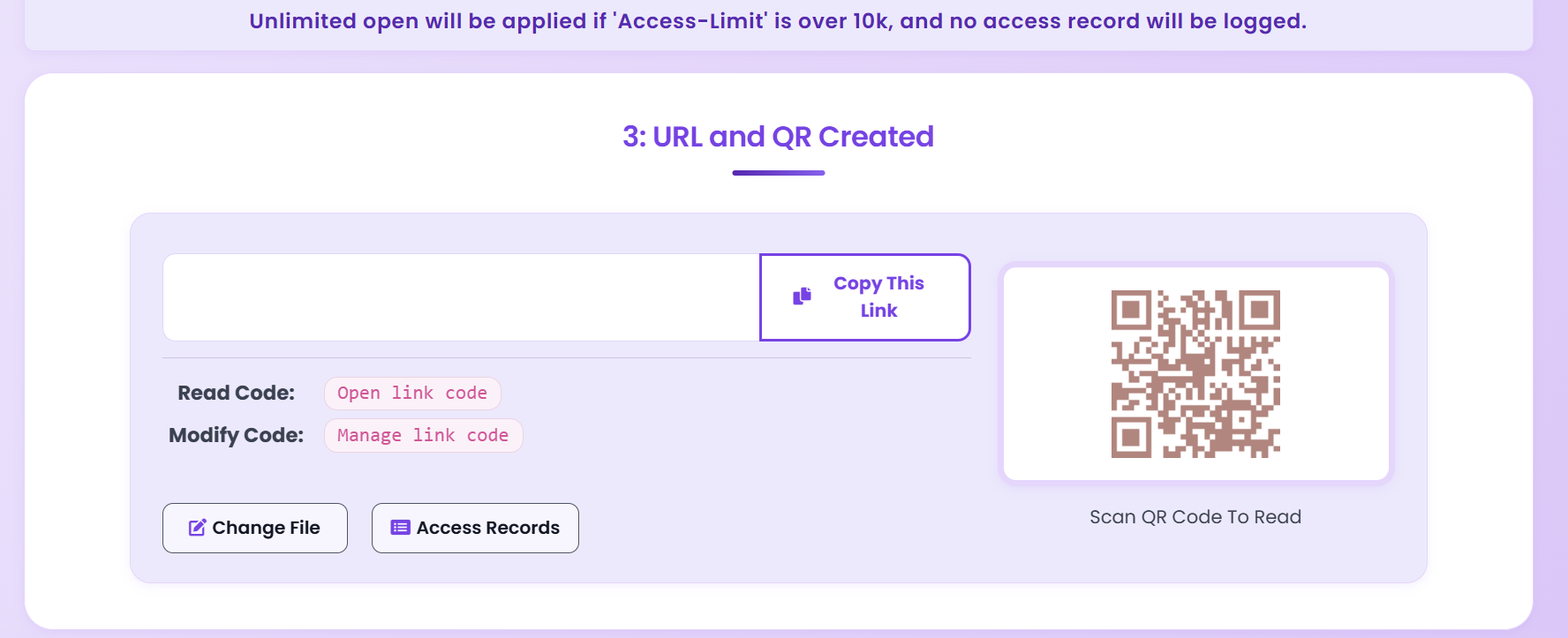
Copy your share link or download the QR code for resumes, decks, and social bios. Recipients open the portfolio instantly without extra apps.
Unlike email attachments that disappear into inboxes, a MaiPDF link keeps your portfolio in one place. You can tighten or relax access after you share it, replace the PDF when your work changes, and review analytics to see which sections get attention. That is ideal when you are running multiple applications or campaigns at once.
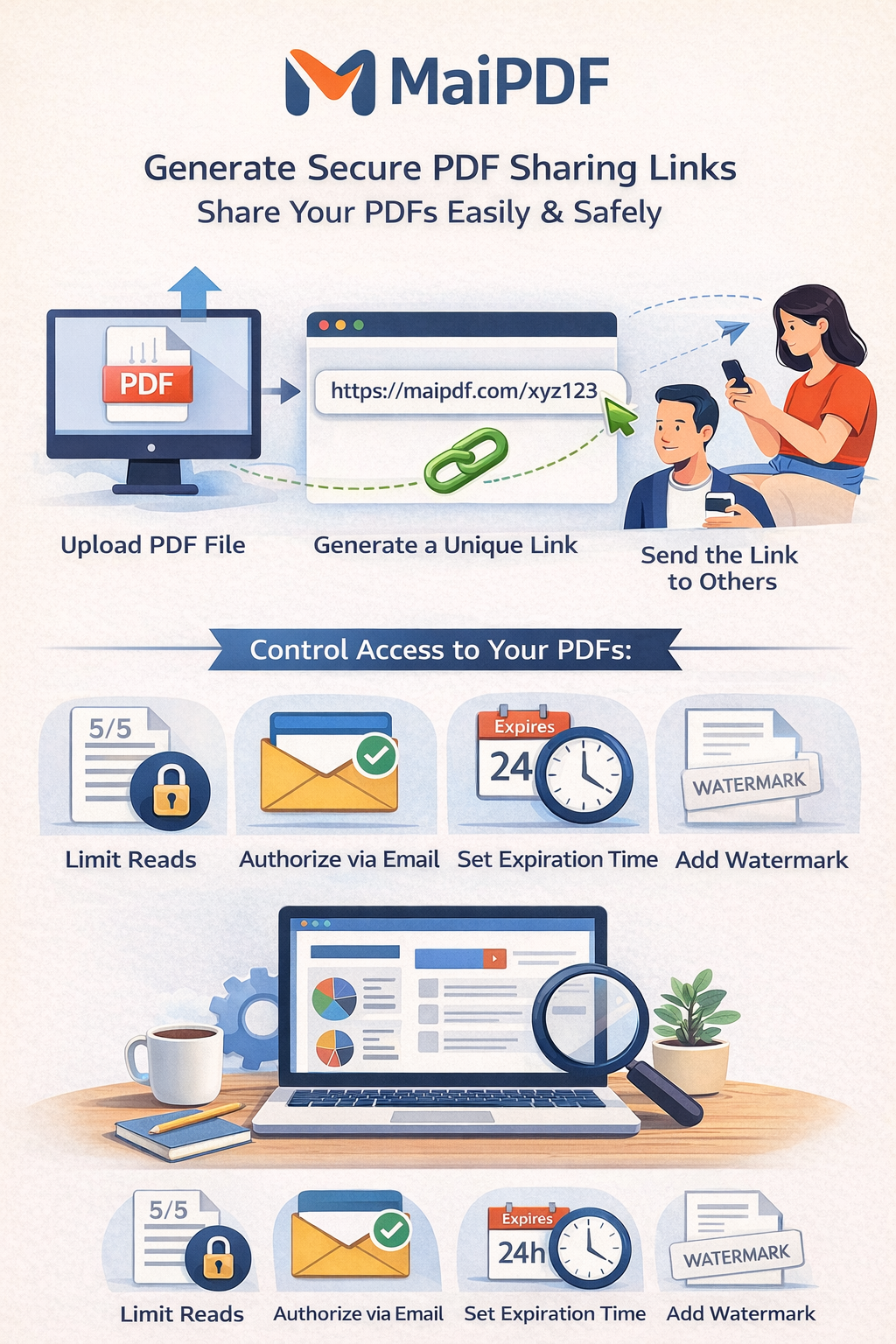
Everything you need to share work professionally and protect it when the stakes are high.
Generate a shareable URL and QR code as soon as your PDF is uploaded. Use them on your website, resume, or pitch deck.
Overlay viewer-specific details so forwarded copies are traceable and casual resharing is discouraged.
Let viewers read in the browser without a direct download, when you want review and presentation without handing out the file.
See opens, engagement, and signals that help you follow up and refine what you send next.
Gate access to confidential or pre-release work so only people you trust can open the portfolio.
Set a time window for competitions, interviews, or limited pitches so access does not linger forever.
Swap in a new PDF without changing your URL or QR code so your public profile stays current.
Present your work in a clean viewer that respects typography and layout across desktop and mobile.
Adjust security to match how sensitive the audience and timing are.
| Scenario | Recommended settings |
|---|---|
| Job application | Password optional; moderate view limit; dynamic watermark on; expiration aligned with the hiring timeline; analytics on to see who opened your file. |
| Client pitch | Password for confidential concepts; no-download enabled; dynamic watermark; Telegram or email open alerts; view limit if the deck is narrow in scope. |
| Social media | Public link or QR; shorter expiration for limited campaigns; watermark on; tighter view limits if you want to reduce viral spread of unreleased work. |
| Design competition | Expiration on submission deadline; view limits; watermark on; password if the brief requires private access; replace file with same link if rules allow updates. |
Why PDF works for portfolios and how to structure files before you share.
Use QR codes alongside your portfolio link for print and in-person moments.
Upload your portfolio PDF, share a link or QR code, and keep control with watermarks, limits, and analytics.
Updated MaiPDF protection path
SendPDFOnline pages now describe MaiPDF as a two-level product family: Online Cloud Sharing creates quick browser links and QR codes, while the MaiPDF App creates protected .maipdf packages for sensitive PDFs that need App DRM controls.
Upload a PDF, share a browser link or QR code, and keep read code / modify code management.
Package the PDF in the MaiPDF App with local encryption, license rules, expiry, open limits, and revoke control.
Use protected viewer, device binding, screenshot-aware controls, watermark trace, and license management where supported.
No web page can fully stop screenshots. MaiPDF App DRM is positioned as the stronger path: reduce casual copying, bind access to identity/devices, revoke licenses, and trace leaks with visible watermark information.