Access Query
Check Remaining Views and Open Records
Enter your passcode and modification code to retrieve current remaining clicks and detailed open logs.
Best Practice
Use Expiry with Extra Controls
- Set both expiration date and max view count for sensitive files.
- Use verification options when sharing outside your organization.
- Review open records before extending expiry windows.
- Revoke links immediately when distribution scope changes.
Query Results
| Open Time | Device | IP Address | |
|---|---|---|---|
| Run a query to load records. | |||
How It Works
Set PDF Expiration in 3 Steps
1
Upload PDF
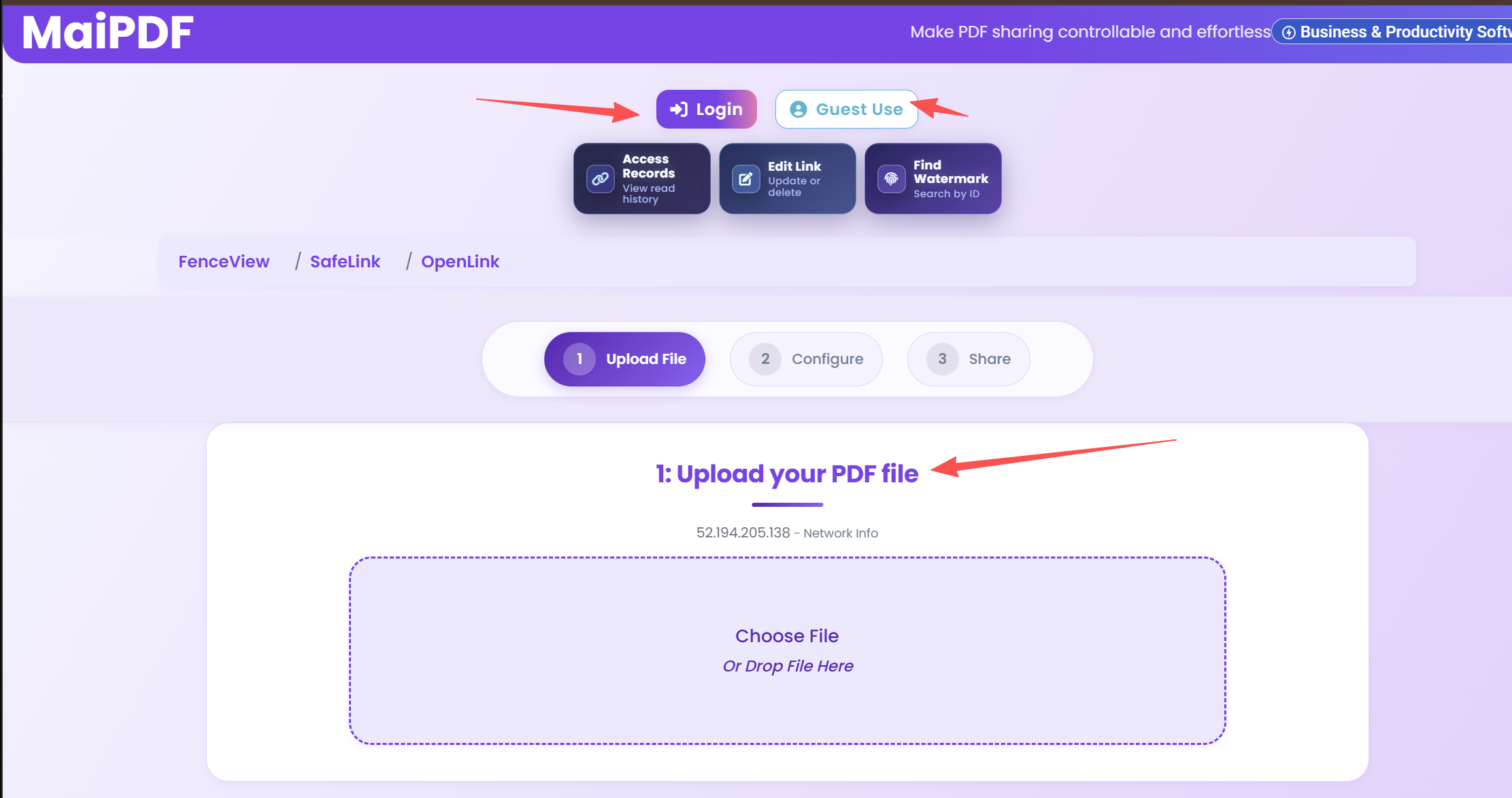
Upload the PDF and open security settings.
2
Set Expiration
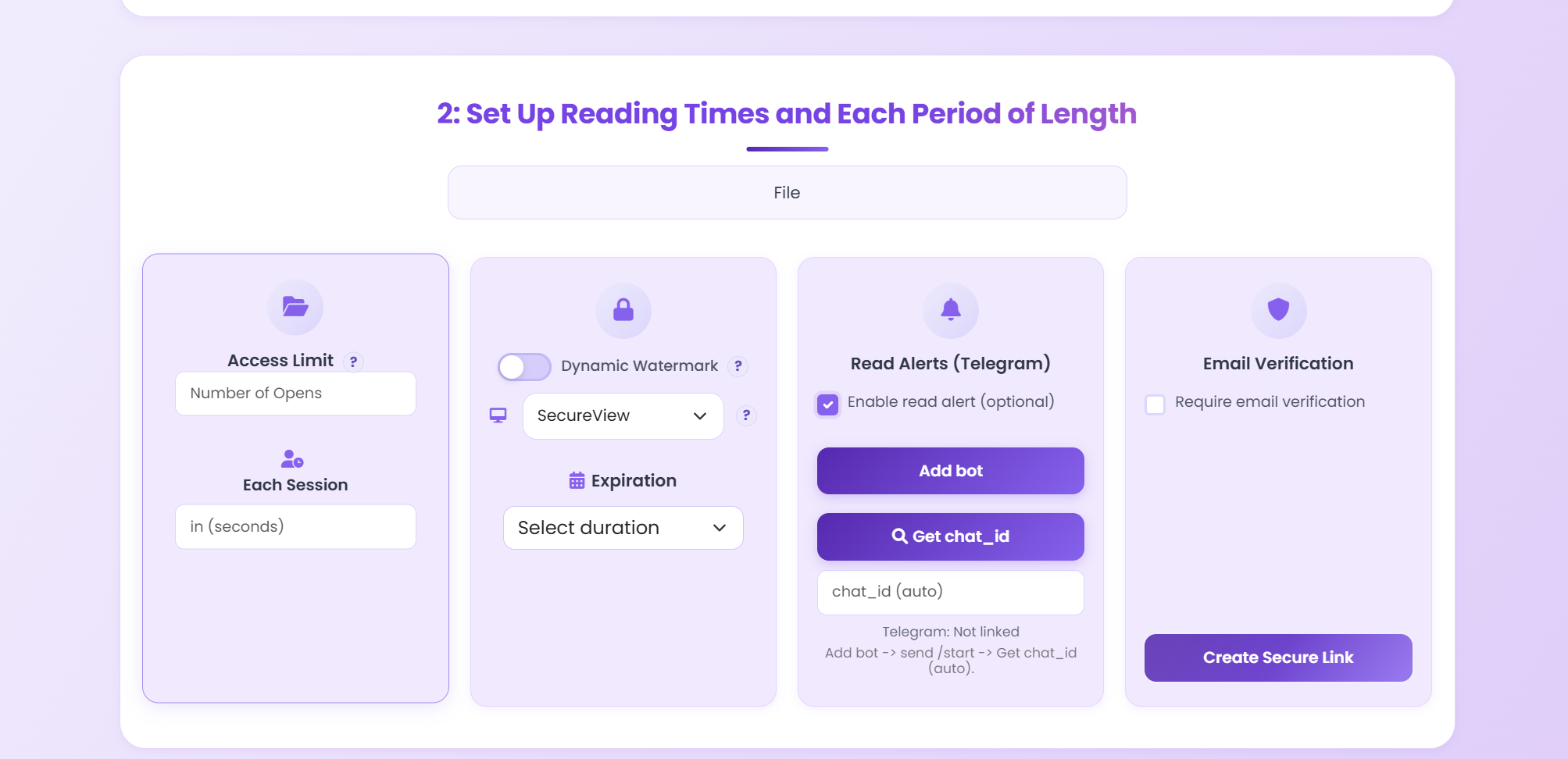
Configure expiry date, view limit, and extra controls.
3
Share and Audit
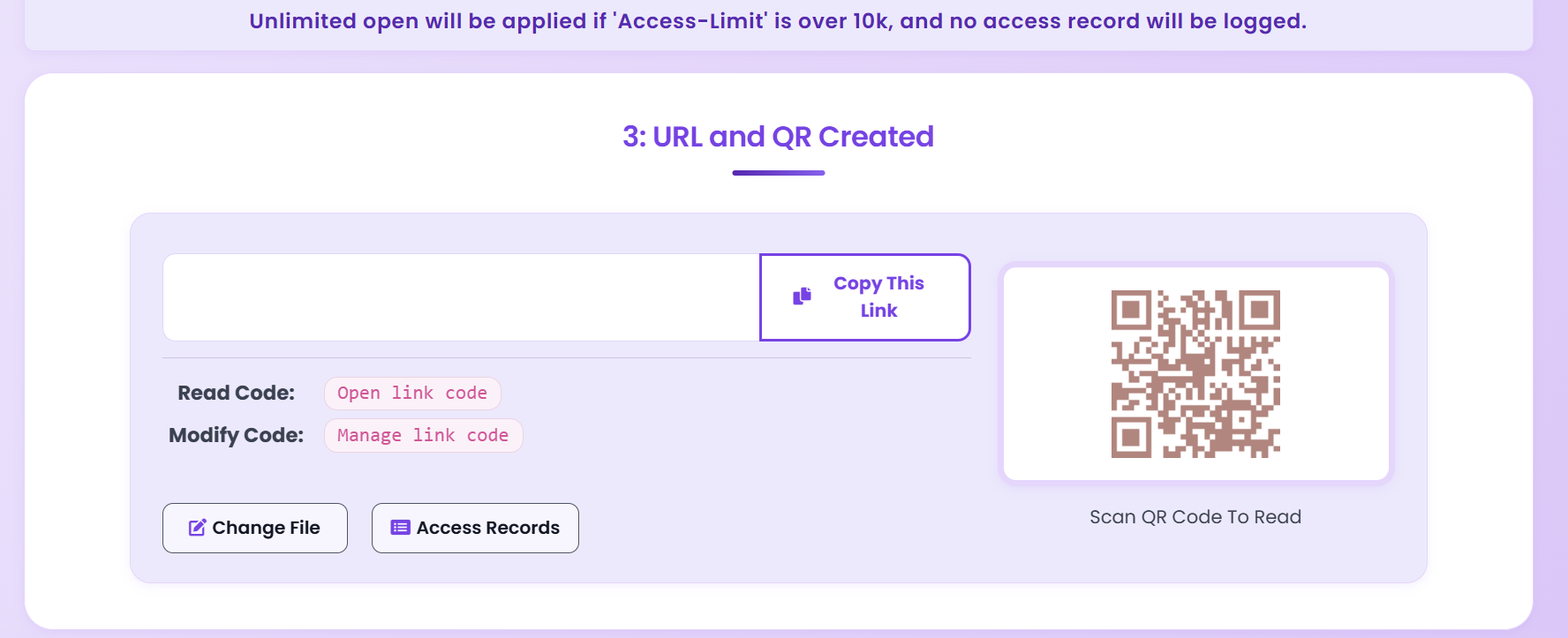
Distribute link or QR code and monitor logs.
Need Stronger Control?
Combine expiry with password, watermark, and email verification for layered protection.
Open MaiPDF Dashboard