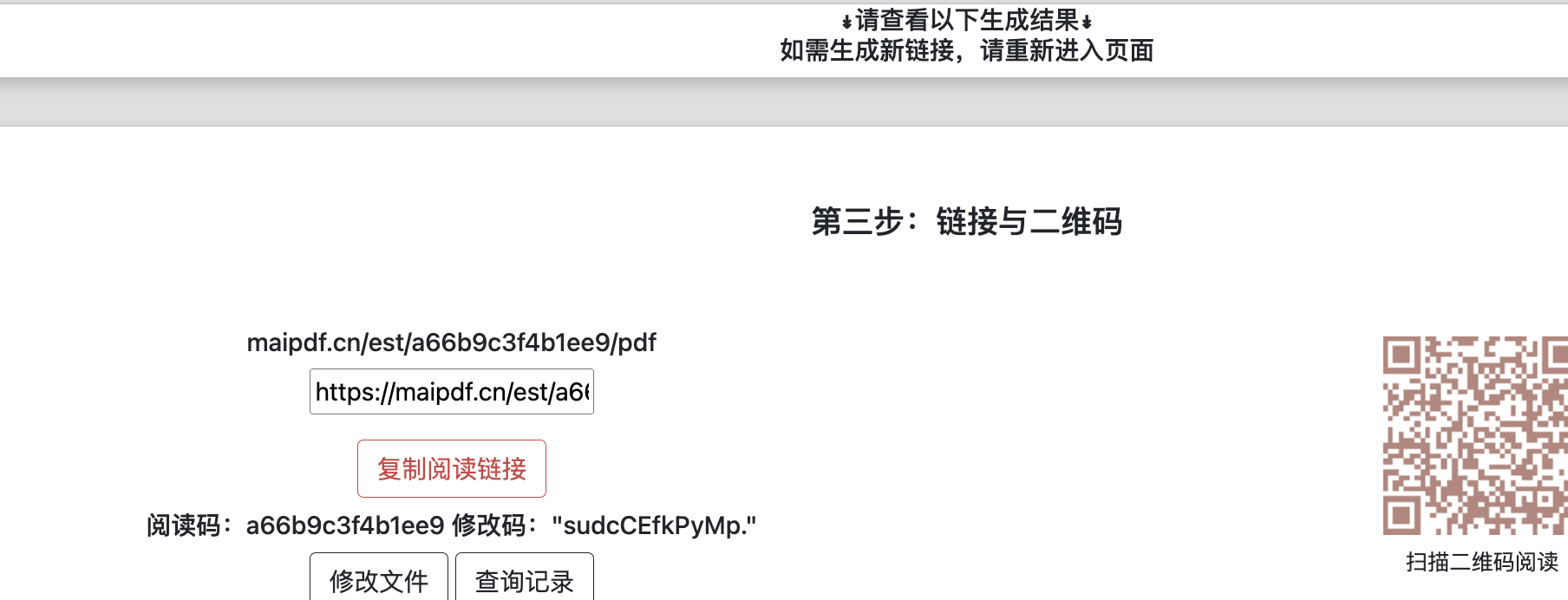
在网站中嵌入PDF文件链接,不仅能够方便访问者查看文件内容,还能为您的网站增加互动性与便利性。通过生成PDF链接,你可以让访问者直接点击链接访问文件,避免了下载麻烦。此外,这种方式能够有效保护文件的内容,防止未经授权的修改或下载。
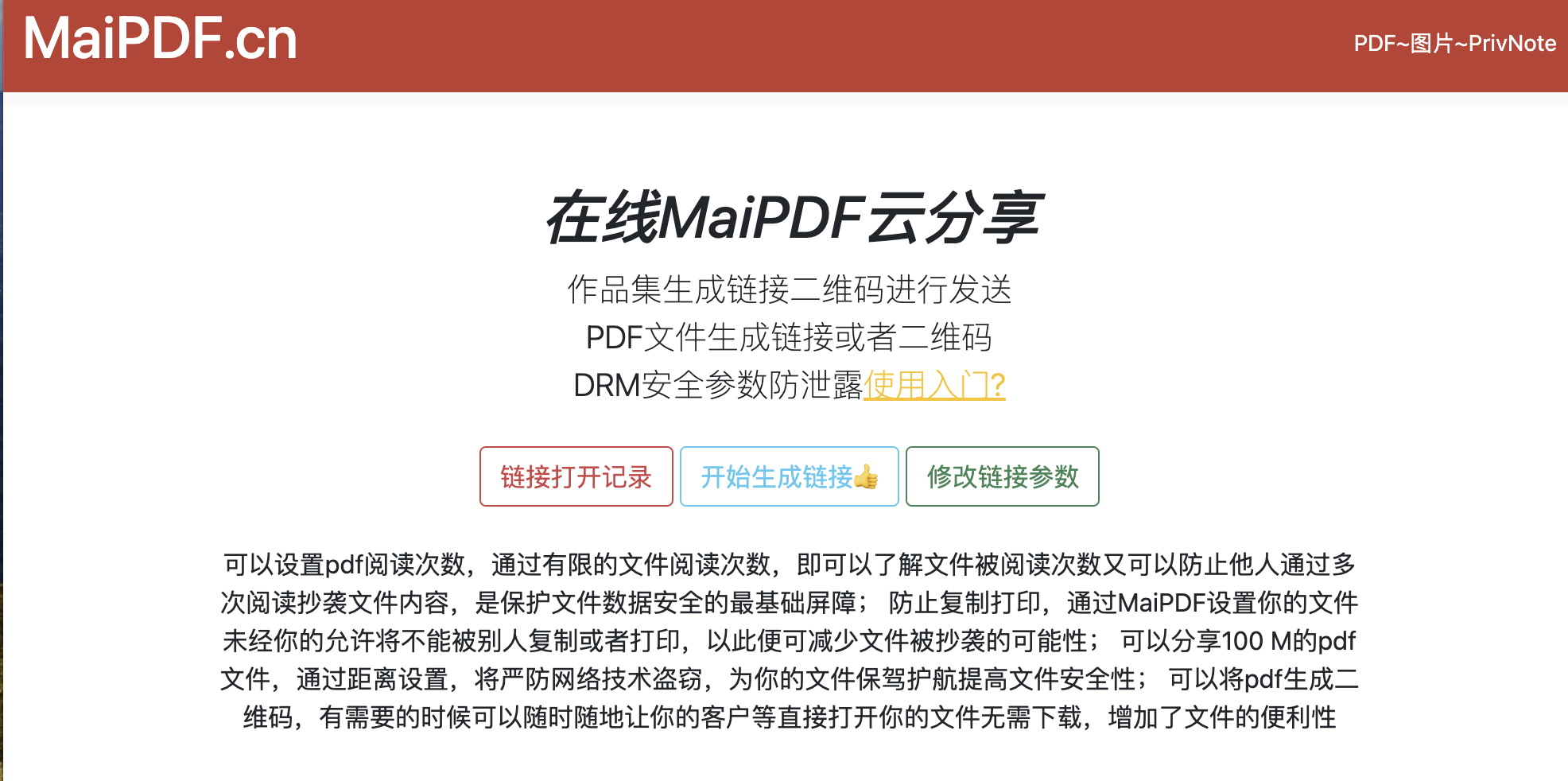
通过MaiPDF,你可以轻松地将PDF文件生成一个分享链接,并嵌入到你的网页中。首先,将文件上传至MaiPDF平台,然后将生成的PDF链接嵌入到你的网页HTML代码中。这样,访问者点击链接后,就能够直接查看你的PDF文件,而无需下载它。
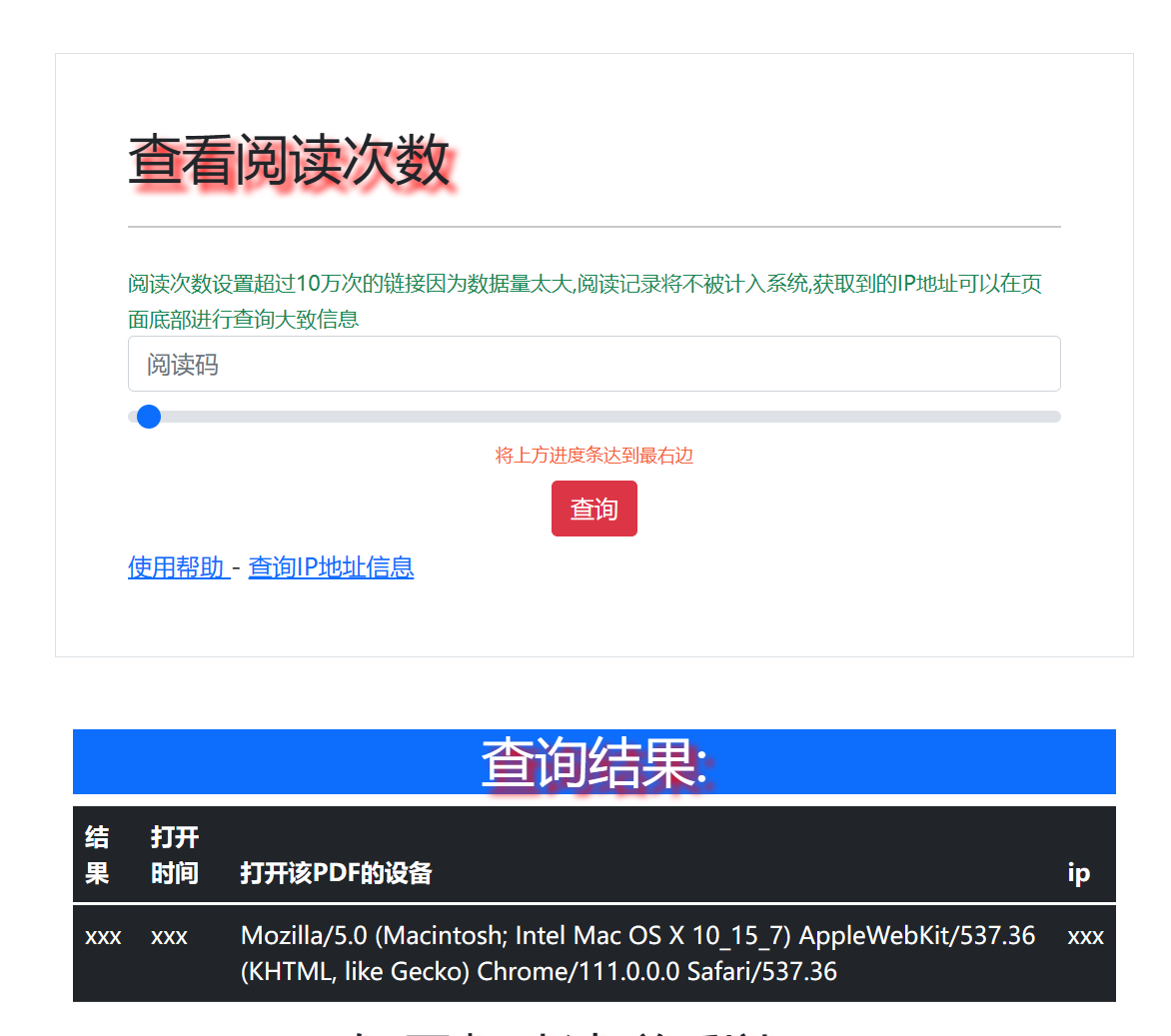
这种方式不但简化了分享过程,还能通过设置密码或查看次数来保护文件。你可以控制文件的访问权限,确保文件的安全性和隐私。
<a href="你的PDF链接" target="_blank">点击这里查看PDF作品集</a>
这样,访问者点击“点击这里查看PDF作品集”链接后,就可以直接在新窗口查看你的PDF文件。
Updated MaiPDF protection path
SendPDFOnline pages now describe MaiPDF as a two-level product family: Online Cloud Sharing creates quick browser links and QR codes, while the MaiPDF App creates protected .maipdf packages for sensitive PDFs that need App DRM controls.
Upload a PDF, share a browser link or QR code, and keep read code / modify code management.
Package the PDF in the MaiPDF App with local encryption, license rules, expiry, open limits, and revoke control.
Use protected viewer, device binding, screenshot-aware controls, watermark trace, and license management where supported.
No web page can fully stop screenshots. MaiPDF App DRM is positioned as the stronger path: reduce casual copying, bind access to identity/devices, revoke licenses, and trace leaks with visible watermark information.
© 2025 MaiPDF