如何使用
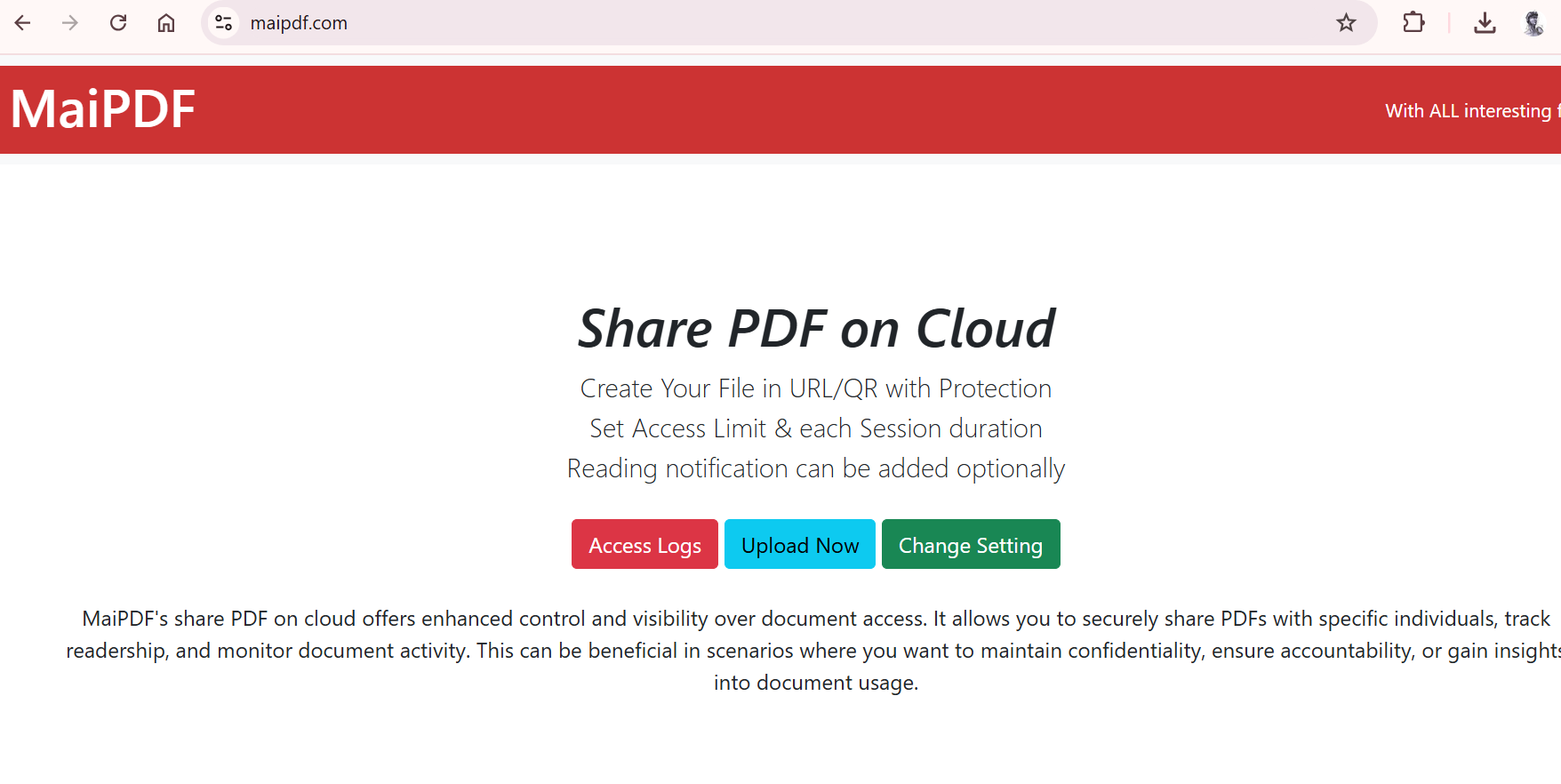
- 访问MaiPDF网站。
- 上传您的PDF文件。
- 配置安全设置(DRM、密码等)。
- 生成分享链接或二维码。
- 安全分享您的PDF文件!


为PDF文件设置密码,限制未授权访问。
禁止下载、打印和编辑,保护您的内容。
查看下载和访问记录,了解文件使用情况。

Updated MaiPDF protection path
SendPDFOnline pages now describe MaiPDF as a two-level product family: Online Cloud Sharing creates quick browser links and QR codes, while the MaiPDF App creates protected .maipdf packages for sensitive PDFs that need App DRM controls.
Upload a PDF, share a browser link or QR code, and keep read code / modify code management.
Package the PDF in the MaiPDF App with local encryption, license rules, expiry, open limits, and revoke control.
Use protected viewer, device binding, screenshot-aware controls, watermark trace, and license management where supported.
No web page can fully stop screenshots. MaiPDF App DRM is positioned as the stronger path: reduce casual copying, bind access to identity/devices, revoke licenses, and trace leaks with visible watermark information.