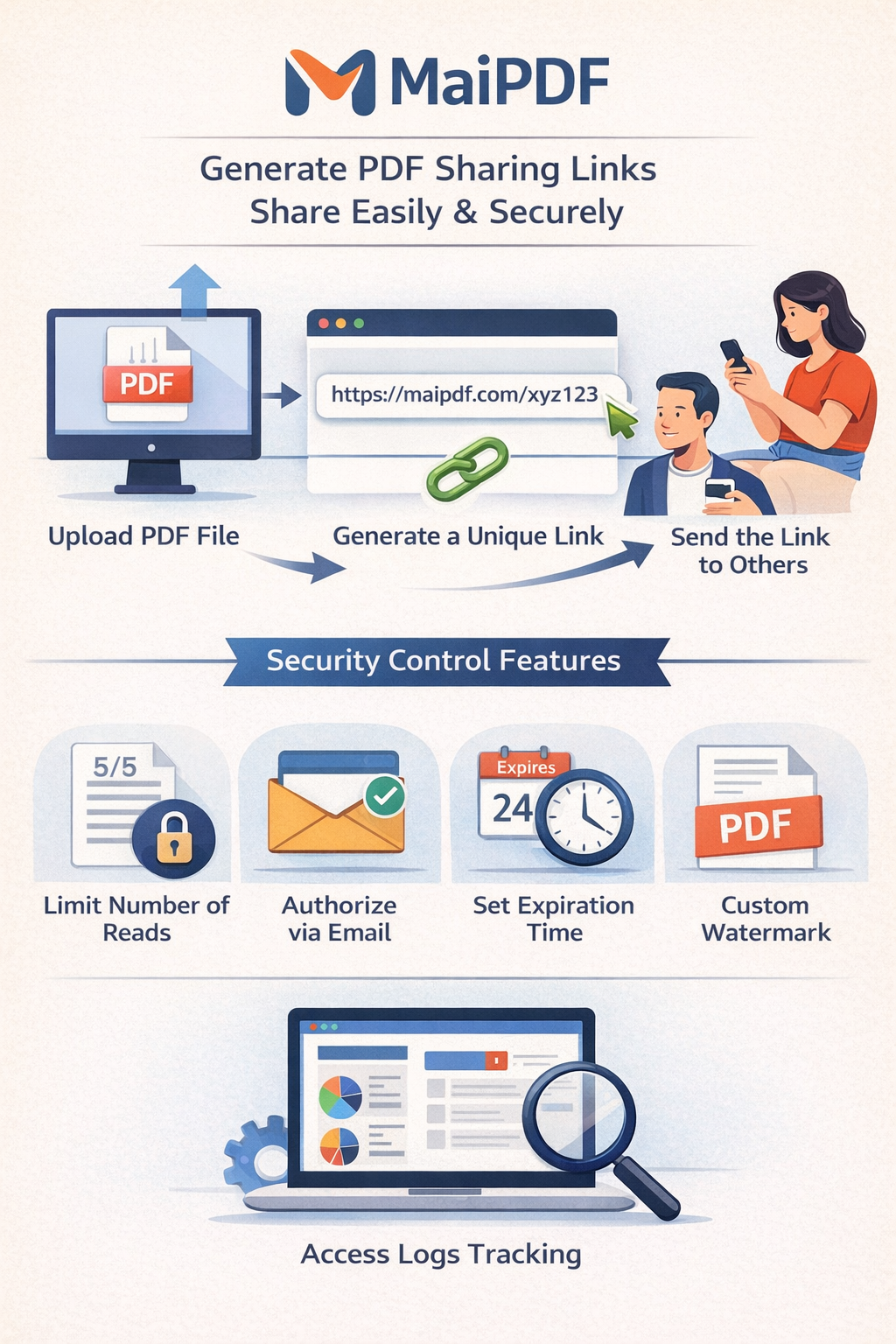
Set expiration dates for shared images, control access times, and automatically revoke image links. Perfect for time-sensitive content, event photos, promotional materials, and temporary sharing needs.
Set Expiration DatesI used to share images and forget about them. Old links would stay active forever, outdated content would still be accessible, and I had no control over when access should end. Expiration dates solved all of this.
For event photos, promotional materials, or limited-time offers, expiration dates ensure content is only accessible during relevant periods. Once the event ends or promotion expires, access automatically stops.
Expired links automatically become invalid. No need to manually revoke access or remember to remove old links. The system handles it automatically.
Prevent old links from being accessed indefinitely. Even if someone saved your link, it becomes useless after expiration. Perfect for sensitive or confidential images.
Expiration dates create urgency and encourage faster engagement. "This link expires in 7 days" gets more immediate responses than open-ended links.
Upload your images to MaiImg (up to 25 at once).
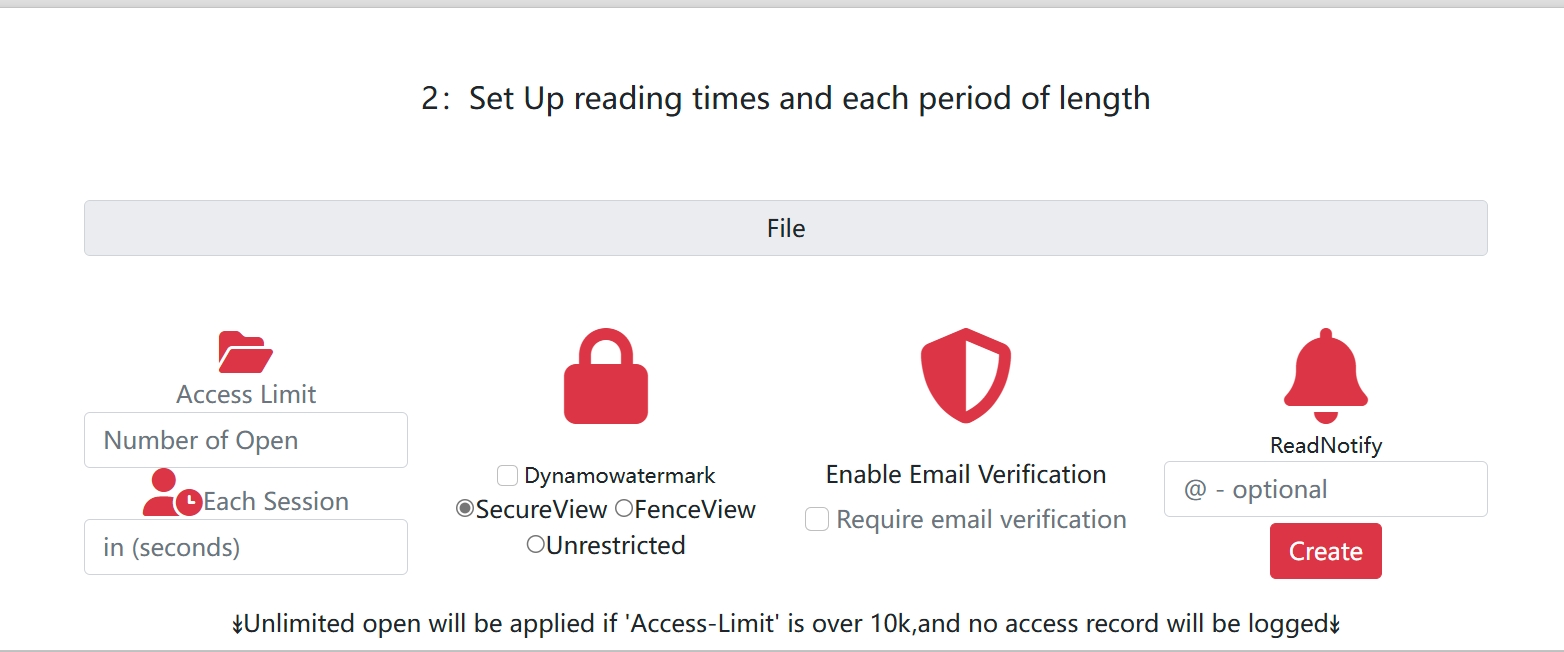
Choose when the link should expire - 1 day, 7 days, 30 days, or a specific date. You can also set view limits.
After the expiration date, the link automatically becomes invalid. Recipients see an expiration message.
You can combine expiration dates with view limits for maximum control:
Set when the link expires (e.g., 7 days from now, or a specific date). After this date, the link becomes invalid regardless of views.
Set how many times the link can be opened (e.g., 10 views). Once reached, the link expires even if the date hasn't passed.
For event photos, I set expiration to 30 days and view limit to 100. This ensures photos are accessible for a month, but if they go viral and get 100 views quickly, access stops automatically. Best of both worlds.
Share event photos with attendees. Set expiration to 30 days - gives everyone time to download, but prevents old links from staying active forever.
Share limited-time offers or promotional images. Set expiration to match the promotion period. Creates urgency and prevents access after promotion ends.
Share proposal images with clients. Set expiration to 14 days - gives them time to review, but prevents old proposals from being accessed indefinitely.
Share course images with students. Set expiration to end of semester. Ensures materials are only accessible during the course period.
Set expiration dates and view limits to control when and how your images are accessed.
Get Started Free