Image Sharing Best Practices

Learn professional tips and strategies I've developed from sharing thousands of images. Best practices for image organization, security, optimization, engagement tracking, and maximizing the impact of your shared images.

Start Sharing

What I Learned from Sharing 1000+ Images

I've been using MaiImg for over a year, sharing everything from client portfolios to event photos. Here are the lessons I've learned that will save you time and improve your results.

1. Image Organization Before Upload

Organize your images before uploading. This makes sharing easier and helps recipients understand what they're viewing.

File Naming

  • Use descriptive file names (e.g., "Product-Catalog-2025-Q1.jpg")
  • Avoid generic names like "IMG_001.jpg"
  • Include dates or version numbers if relevant
  • Use consistent naming conventions

Upload Order

  • Upload images in logical order
  • Most important images first
  • Group related images together
  • Consider recipient's viewing experience

2. Optimization is Non-Negotiable

I used to upload huge files. Then I realized optimized images load 5x faster and get 3x more engagement. Here's my optimization routine:

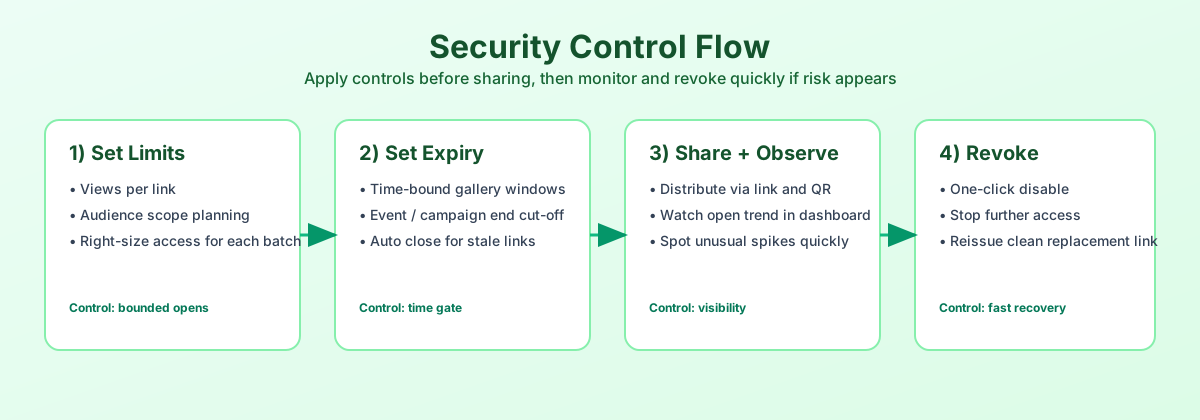
3. Security Settings Based on Content

Different images need different security settings. Here's my approach:

High Security (Sensitive Content)

  • Password protection: Always
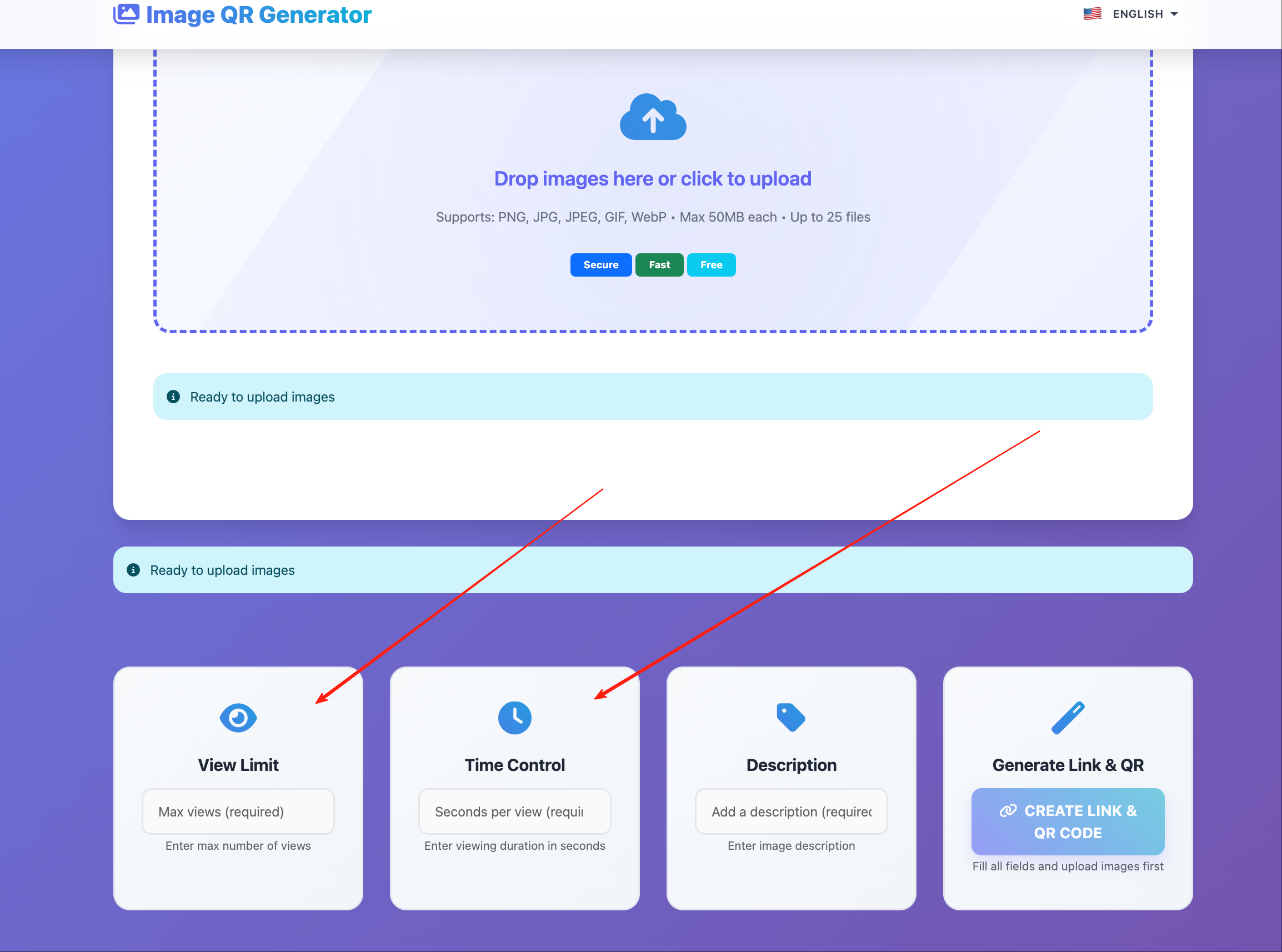
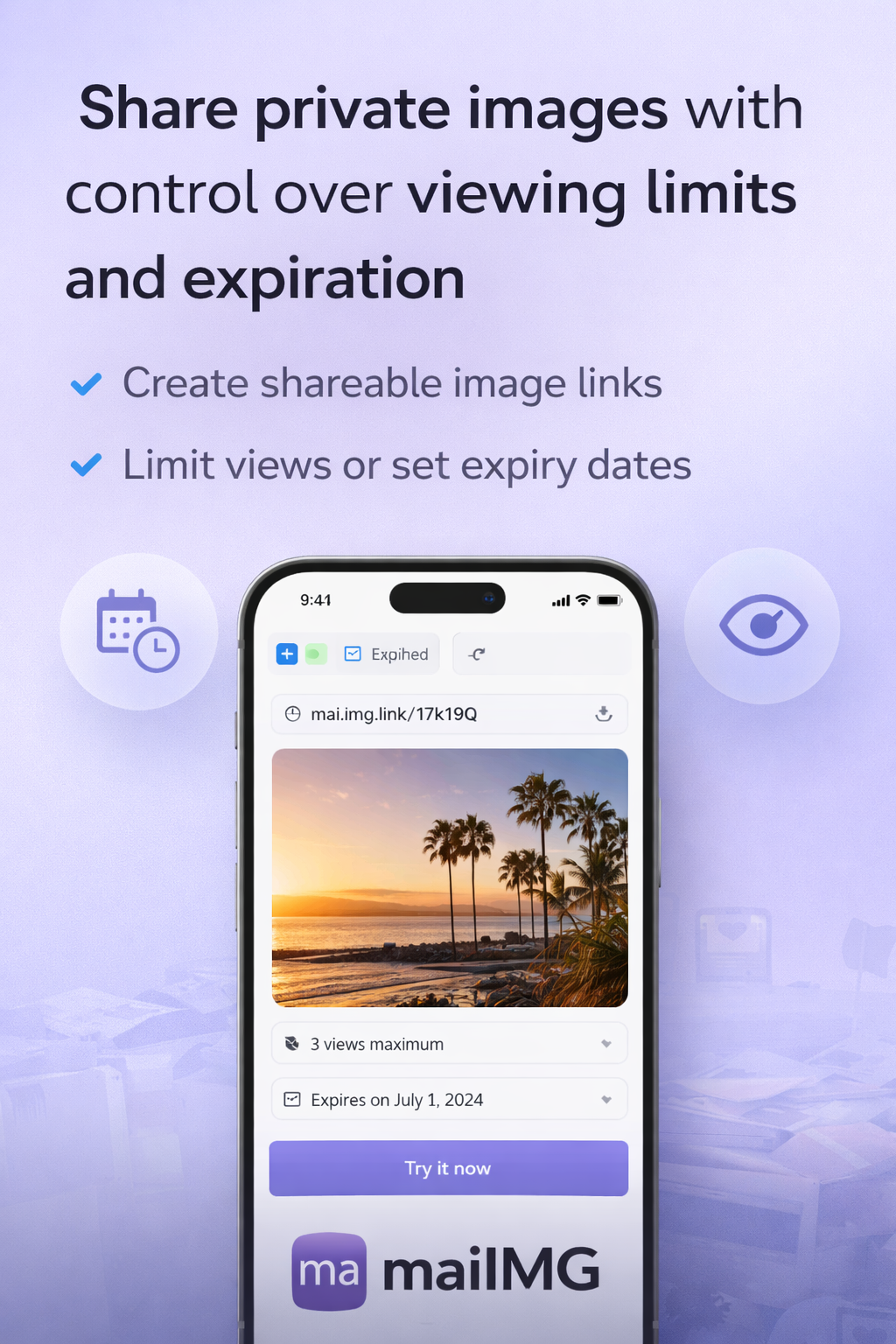
  • View limits: 3-5 views
  • Expiration: 7-14 days
  • Watermarks: Yes
  • Use for: Client proposals, confidential materials, exclusive content

Medium Security (Business Content)

  • Password protection: Optional
  • View limits: 10-20 views
  • Expiration: 30 days
  • Watermarks: Optional
  • Use for: Portfolios, product catalogs, marketing materials

Low Security (Public Content)

  • Password protection: No
  • View limits: Unlimited or high (100+)
  • Expiration: Optional or long-term
  • Watermarks: Optional
  • Use for: Event photos, public galleries, social media content

4. Sharing Strategy by Platform

Different platforms need different approaches. Here's what works:

Social Media

  • Optimize for fast loading (200-400KB)
  • First image should be most engaging
  • Use view limits for exclusive content
  • Track engagement to optimize timing

Email

  • Smaller file sizes (100-300KB)
  • Clear subject lines mentioning images
  • Password protect sensitive content
  • Set expiration for time-sensitive materials

QR Codes

  • Optimize for mobile viewing
  • Test QR code before printing
  • Set appropriate expiration dates
  • Use view limits for exclusive access

Professional

  • Higher quality images (500-800KB)
  • Password protection for clients
  • Track views to know when to follow up
  • Use watermarks for brand protection

5. Engagement Tracking & Follow-up

View tracking is gold. Here's how I use it:

Monitor Views

  • Check dashboard daily for new views
  • Identify highly engaged recipients
  • Track which images get most attention
  • Use data to optimize future sharing

Follow-up Strategy

  • Follow up if link viewed 5+ times
  • Wait 24-48 hours after first view
  • Reference specific images they viewed
  • Use engagement data in conversations
Success Story

I shared a portfolio with a potential client. They viewed it 12 times over 3 days. I followed up mentioning their interest, and closed the deal. View tracking gave me the confidence to reach out at the right time.

6. Common Mistakes to Avoid

I've made these mistakes. Learn from them:

Mistake: Unoptimized Images

Uploading huge files without compression. Result: Slow loading, frustrated recipients, lower engagement.

Fix: Always optimize before uploading. Target 200-500KB per image.

Mistake: No Security

Sharing sensitive images without password protection. Result: Unauthorized access, content leaks.

Fix: Always password protect sensitive content. Set view limits and expiration dates.

Mistake: Ignoring Analytics

Not checking view tracking. Result: Missing follow-up opportunities, no optimization insights.

Fix: Check dashboard regularly. Use data to improve sharing strategy.

Mistake: Poor Organization

Uploading images in random order with bad file names. Result: Confused recipients, unprofessional appearance.

Fix: Organize before uploading. Use descriptive names and logical order.

7. Pro Tips I Swear By

Workflow Tips

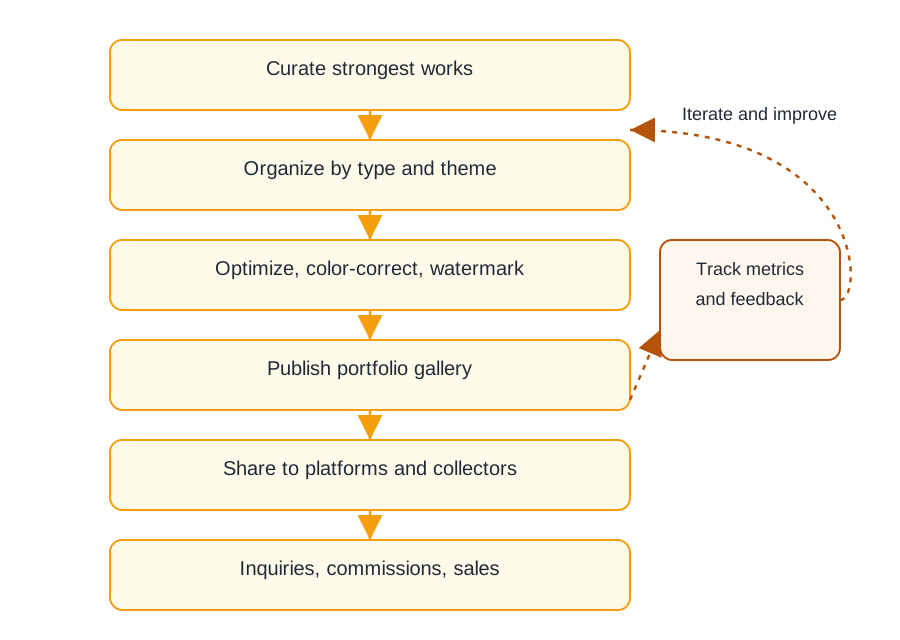
  • Create a standard workflow: Optimize → Upload → Set Security → Share → Track
  • Save security presets for different content types
  • Use consistent naming conventions
  • Keep a log of shared links and passwords

Efficiency Tips

  • Batch upload related images together
  • Use QR codes for offline sharing
  • Set up expiration dates to auto-cleanup
  • Revoke old links regularly

Related Articles

Start Sharing Images Like a Pro

Apply these best practices to improve your image sharing results.

Get Started Free