PDF View Limits Security Guide
Control how many times a file can be opened. Great for proposals, contracts, and timed materials. Combine with expiry and watermark for stronger control.
Try View Limits Set Expiry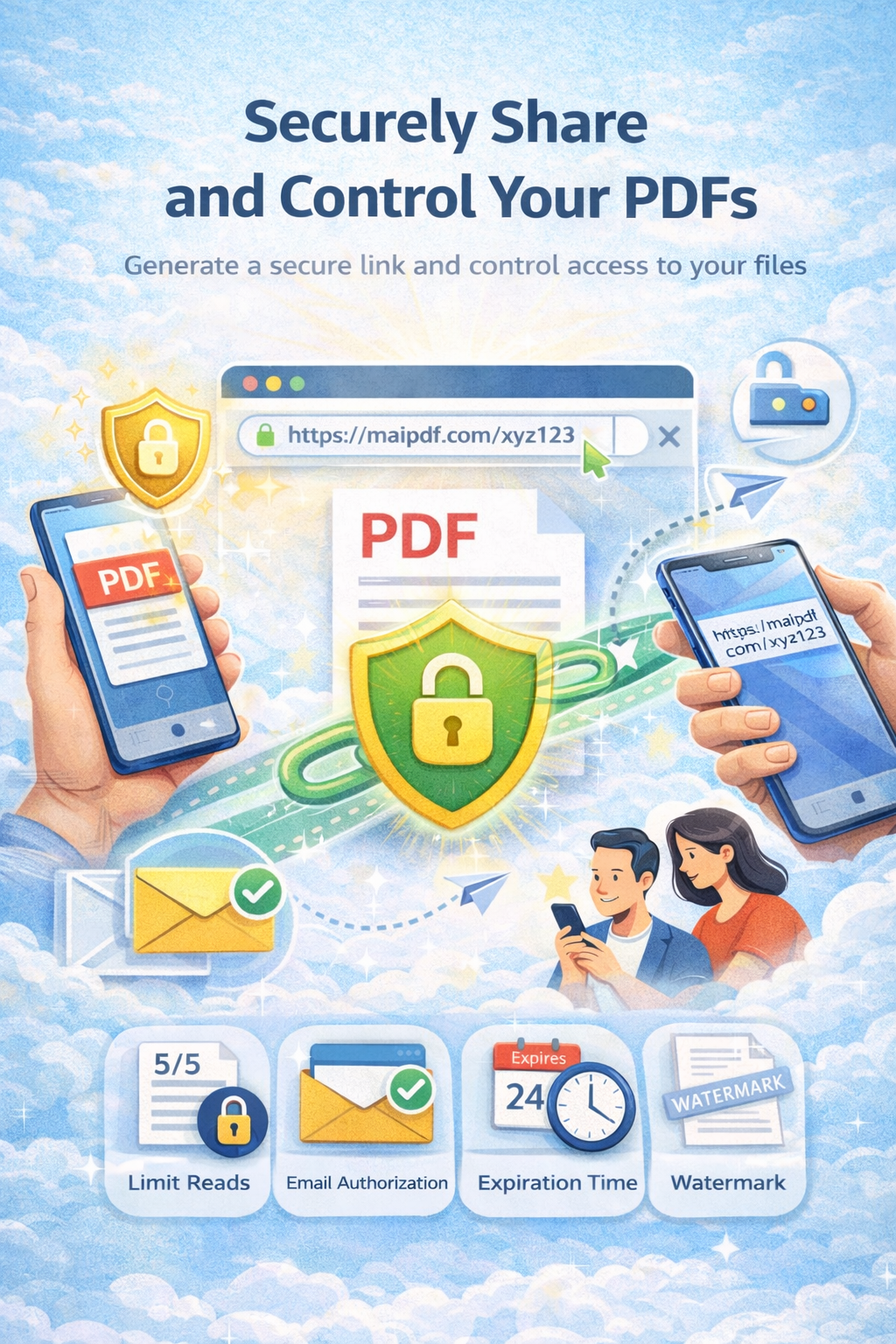
Control how many times a file can be opened. Great for proposals, contracts, and timed materials. Combine with expiry and watermark for stronger control.
Try View Limits Set ExpiryArticle
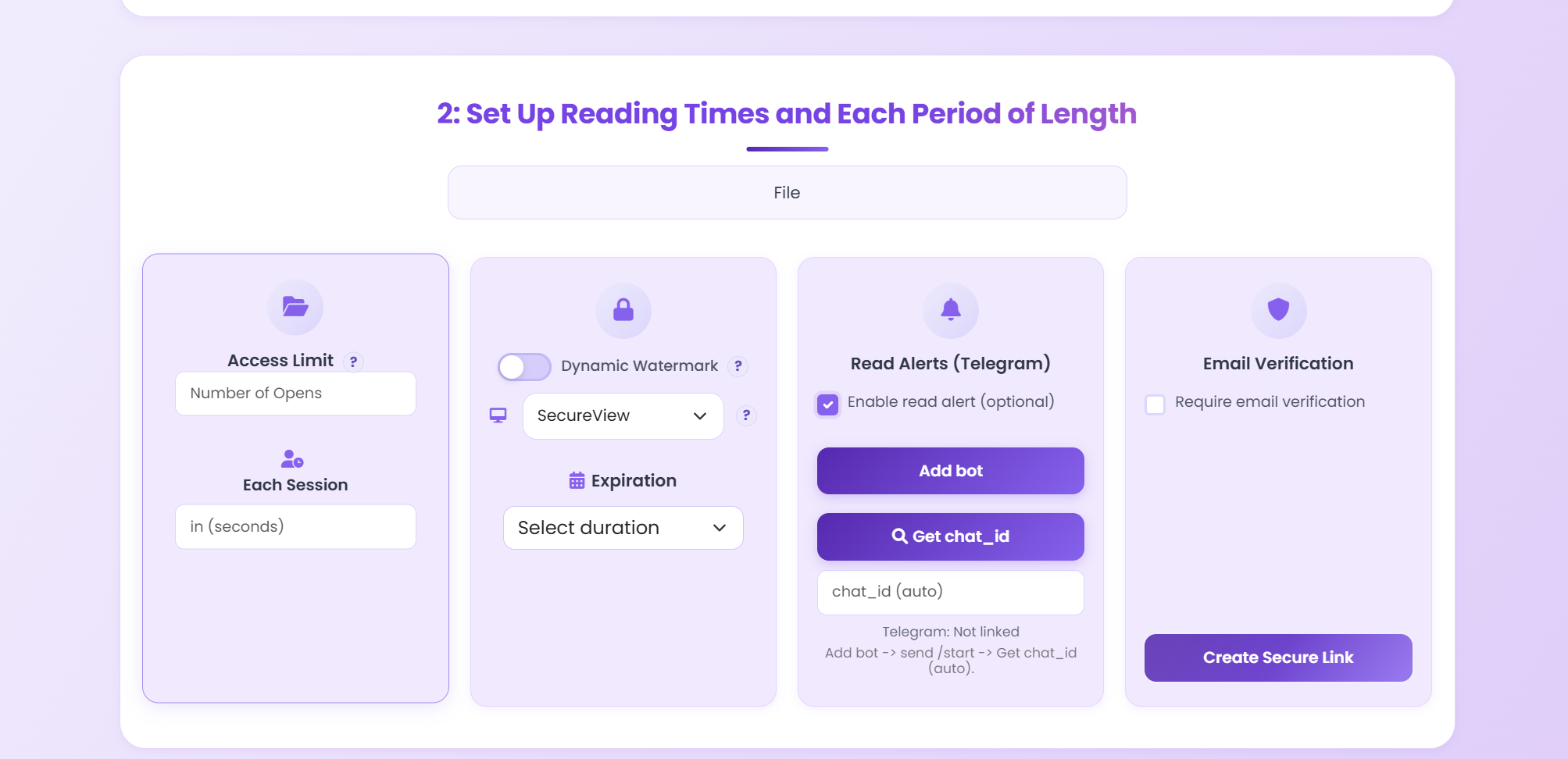
A shared link can be opened again and again or forwarded. View limits cap how many times the PDF can be opened. Pair them with an expiration date and optional watermark so the link stays under your control.
Setup
Best Practice
10 views + 7-day expiry + watermark.
Unlimited views + no-download.
3 views + email verification.
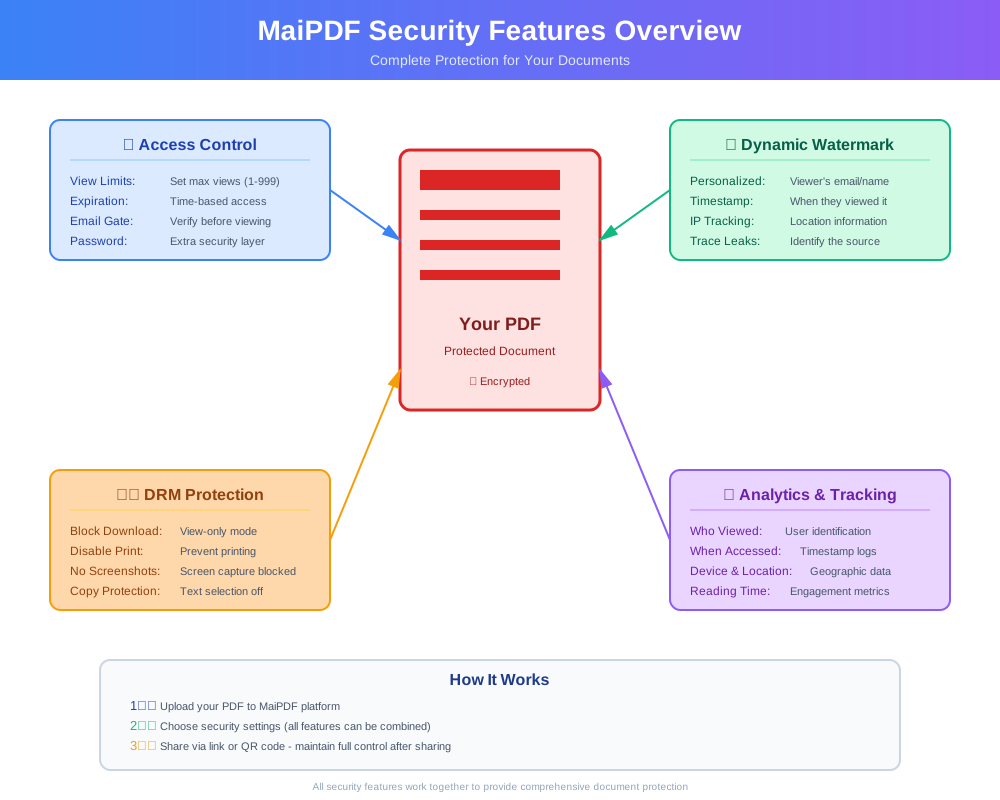
Flowchart
FAQ
The link stops opening the PDF. You can create a new link or replace the file with the same URL if you need to grant access again.
Yes. Use both: the link stops when either the view count is reached or the expiry date/time passes.
Read more
Cap opens and session length.
Full control and tracking.
Expiry and revoke.
Security options explained.
Free. No sign-up required.
Try View Limits