Secure PDF Sharing Guide
Share PDFs with control: view limits, expiration, watermarks, and tracking. Passwords and email verification when you need them. No sign-up required.
View limits Watermarks Access tracking
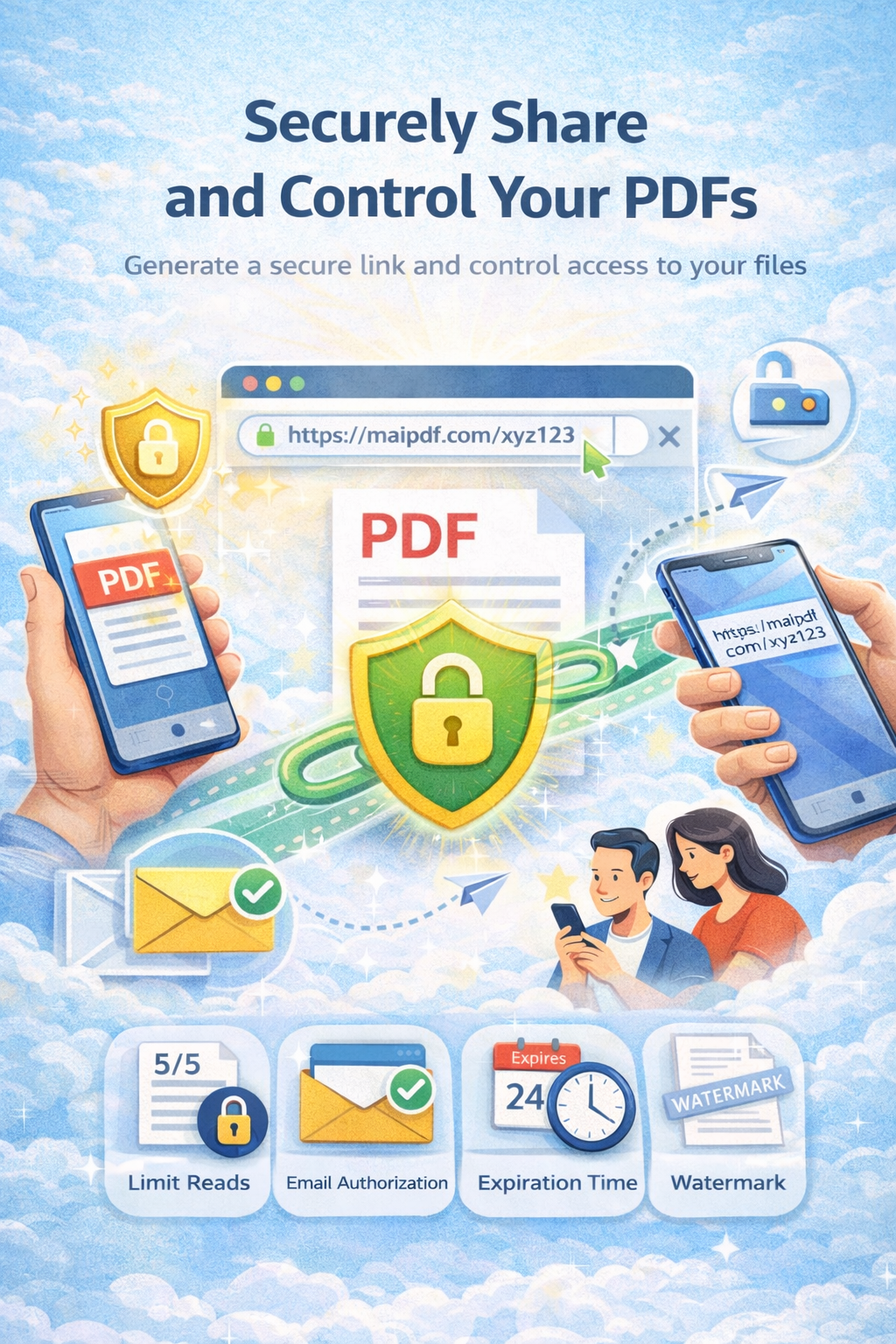
Share PDFs with control: view limits, expiration, watermarks, and tracking. Passwords and email verification when you need them. No sign-up required.
View limits Watermarks Access tracking
Article
Open links can be copied or forwarded. With MaiPDF you set view limits, expiration, watermarks, and optional password or email verification. You keep control and can track who opened the file.
How it works
Upload your PDF. No account required.
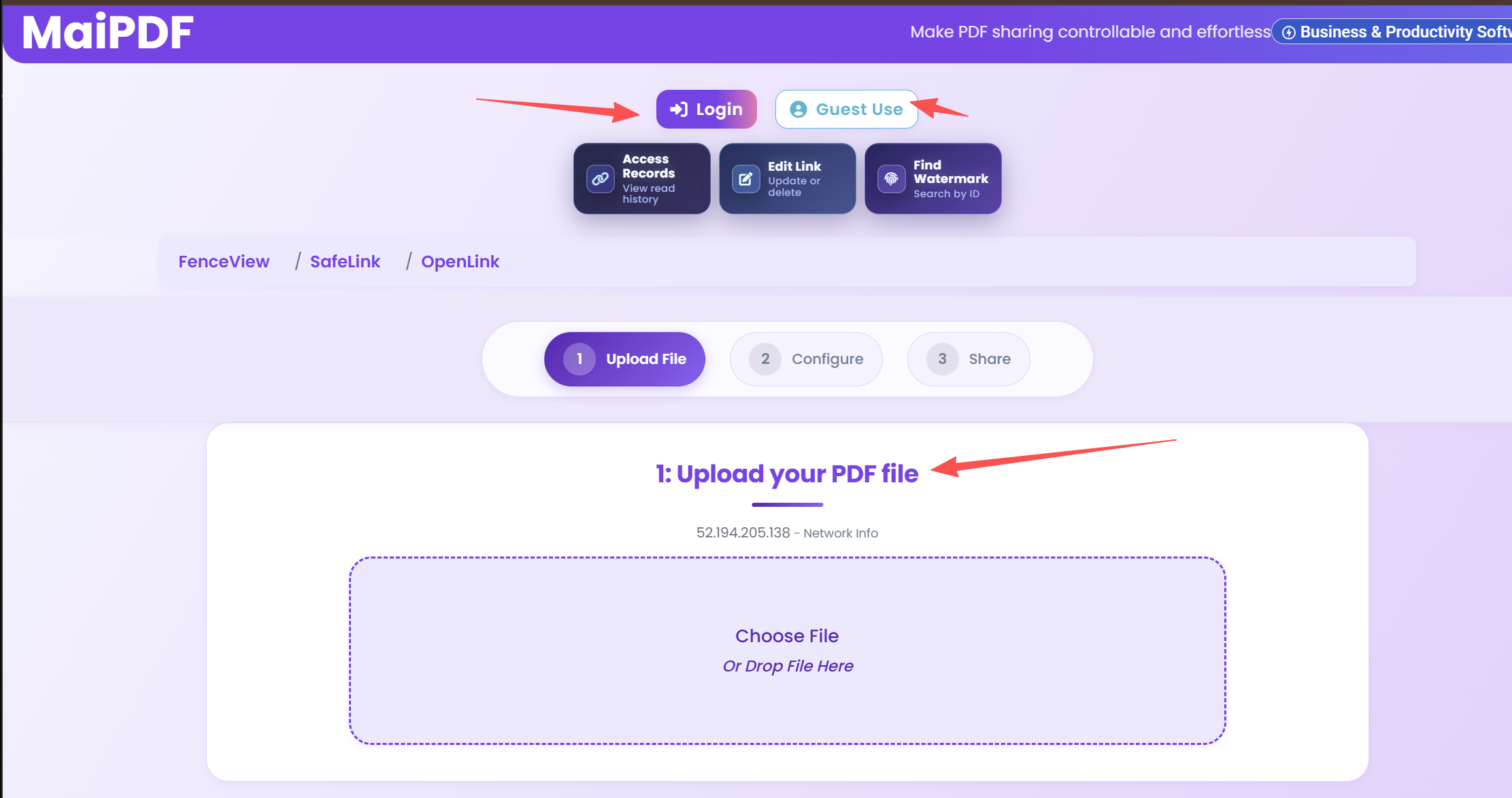
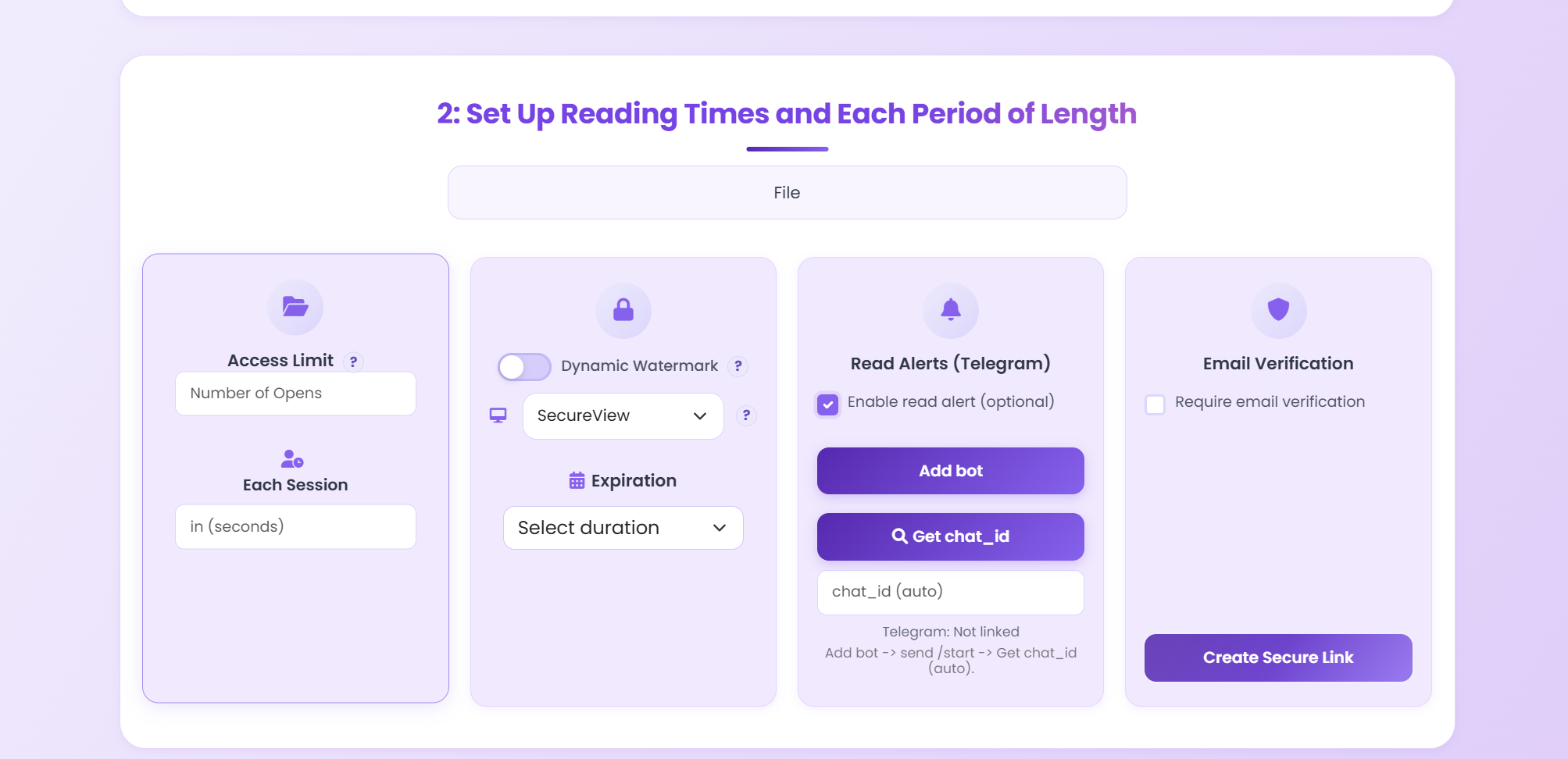
View limits, expiration, watermark, email verification.
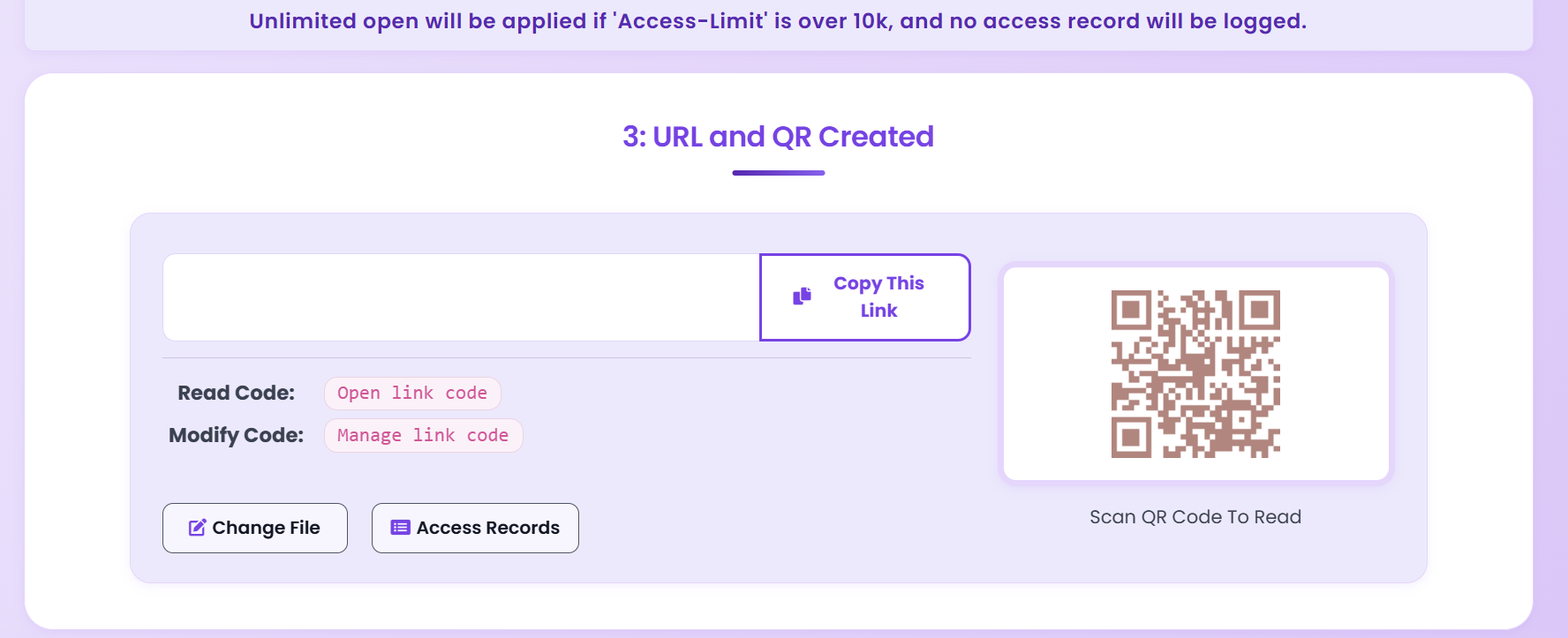
Copy link or QR. Send via email, chat, or print.
Security features
Cap how many times the link can be opened.
Link stops working after a date or view count.
Show viewer info on the PDF to deter leaks.
See when the link was opened (access records).
App DRM upgrade
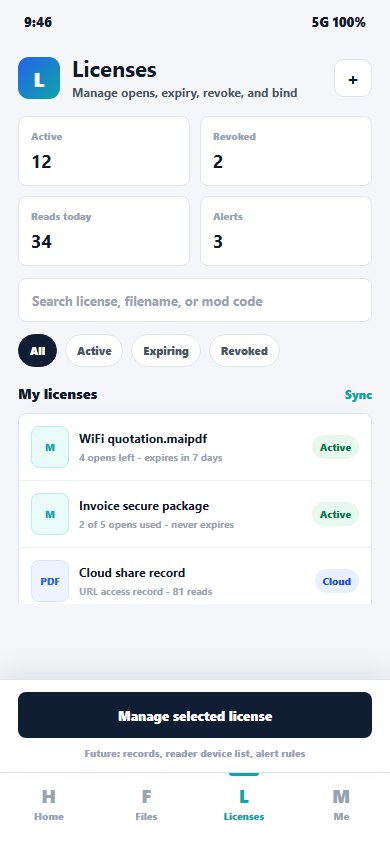
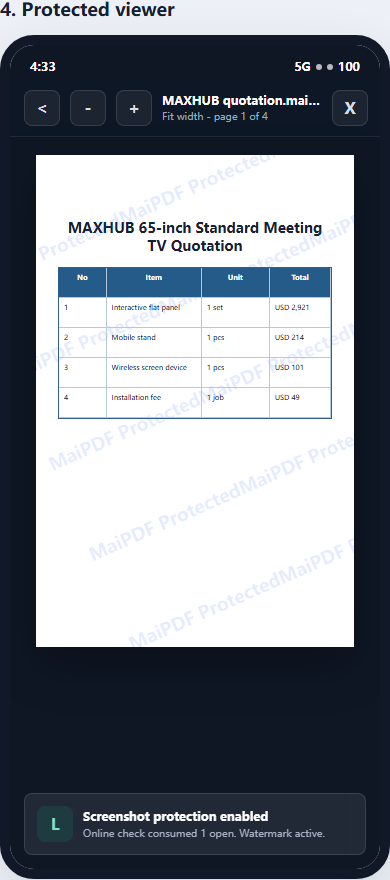
Online sharing is convenient, but a browser link cannot fully control operating-system screenshots or local copies. If the PDF is paid content, a confidential deck, a contract, or internal training material, move it to MaiPDF App DRM: package it as a protected .maipdf file and open it inside the app.
Open inside MaiPDF App instead of a generic browser or PDF viewer.
Control expiry, opens, recipients, and revocation after sending.
Make forwarded files less useful on unapproved devices.
Reduce casual screenshots where the platform supports secure display controls.
Tips
Execution
Playbook
| Scenario | Recommended controls | Follow-up action |
|---|---|---|
| Sales proposal | Password + 7-day expiry + watermark | Review open timeline before pricing follow-up |
| Investor update | Verified viewer + no-download + revoke switch | Disable access after board cycle ends |
| Training materials | QR sharing + view limits + printable allowed | Track completion and refresh old versions |
FAQ
Yes. You can revoke access, track views, set expiration, and prevent downloads. Email attachments don’t offer that.
MaiPDF uses SSL/TLS in transit and strong encryption at rest (e.g. AES-256).
Yes. Use view limits, expiration, email verification, watermarks, and no-download for contracts and proposals.
MaiPDF is designed with privacy in mind and supports data deletion and control. Check the latest policy for your use case.
Read more
Secure sharing with control.
Same URL, new file.
Limit how links are shared.
Who can view and how.
Practical guide
Use a browser link, QR code, and optional password so readers can open it with minimal friction.
Add expiry, view limits, watermarking, and access records before sending it outside your organization.
Use MaiPDF App DRM and distribute a .maipdf file when screenshots must be blocked and access must remain revocable.
App screenshots
The App DRM path is easier to understand with visuals: package a PDF into .maipdf, open it in the protected viewer, manage opens/expiry/revocation, and trace leaked screenshots by watermark code.
Free. No sign-up required.
Start Securing Free