Image Watermark Protection

Protect your shared images with watermarks. Add text watermarks, logo watermarks, or dynamic watermarks to prevent unauthorized use, establish copyright, and maintain brand identity. Essential for photographers, designers, and businesses.

Add Watermarks

Why I Always Use Watermarks

I learned the hard way - I shared portfolio images without watermarks, and found them being used on other websites without permission. Watermarks prevent this and protect your work.

Copyright Protection

Watermarks establish ownership and copyright. If someone uses your images without permission, watermarks prove they're yours. Essential for photographers and artists.

Deter Unauthorized Use

Visible watermarks discourage people from using your images without permission. Most people won't use watermarked images for commercial purposes.

Brand Identity

Add your logo or brand name as watermark. Every time your images are shared, your brand is visible. Great for marketing and brand recognition.

Track Usage

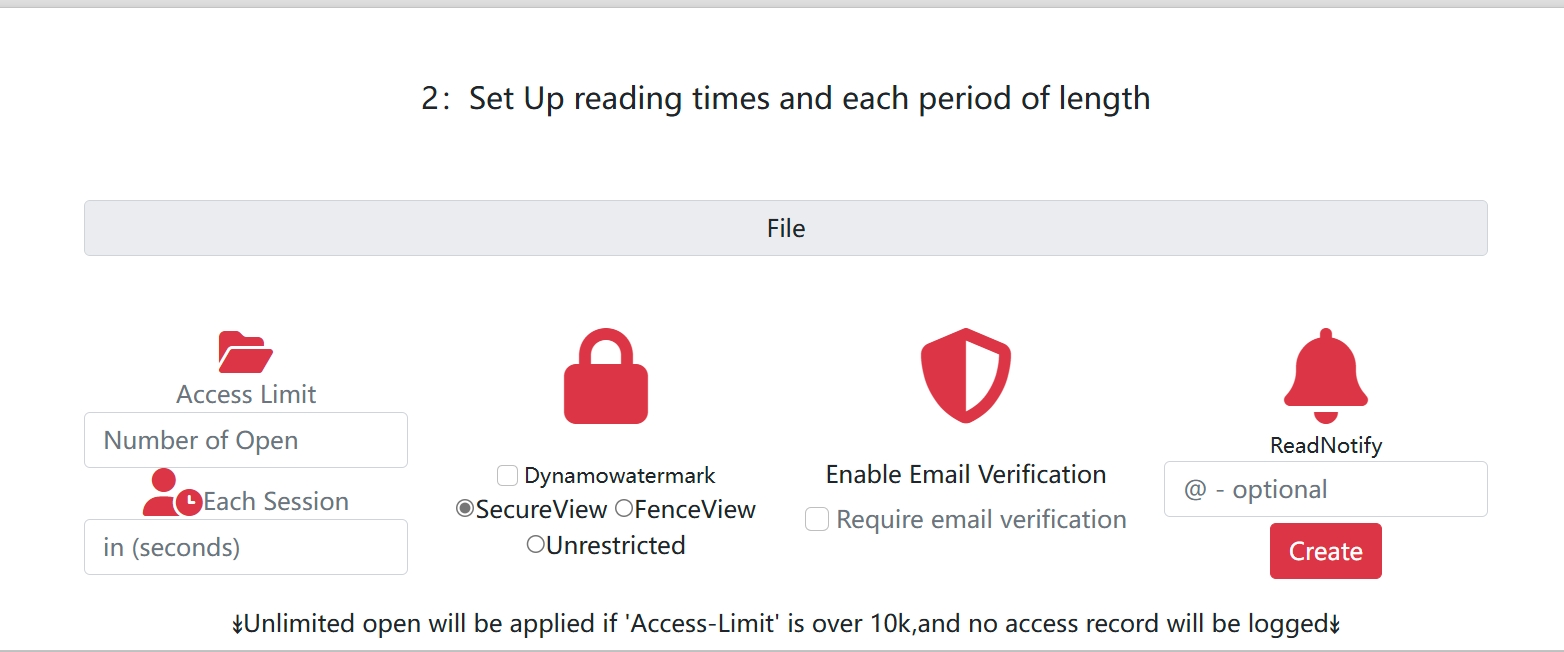
Dynamic watermarks can include viewer information. If someone screenshots and shares your images, you can identify who did it from the watermark.

Types of Watermarks

Text Watermarks

Add text watermarks with your name, website, or copyright notice. Simple, effective, and easy to customize.

  • Copyright notices
  • Website URLs
  • Photographer names
  • Company names
Text Watermark

Logo Watermarks

Add your logo as a watermark. Professional, branded, and maintains brand identity across all shared images.

  • Company logos
  • Brand marks
  • Professional signatures
  • Custom graphics
Logo Watermark

Watermark Placement Best Practices

Corner Placement

Place watermarks in corners (bottom-right is most common). Less intrusive but still visible. Easy to remove, but deters casual use.

Center Placement

Place watermarks in the center for maximum protection. Harder to remove, but more intrusive. Use for highly sensitive images.

Tiled Watermarks

Repeat watermarks across the entire image. Maximum protection, but very intrusive. Use for preview images or low-res versions.

Opacity Settings

Adjust watermark opacity (30-50% recommended). Visible enough to deter use, but not so intrusive it ruins the image.

Use Cases for Watermarks

Photography Portfolios

Photographers use watermarks to protect their work when sharing portfolios online. Prevents unauthorized use while still showcasing work.

Design Work

Designers add watermarks to design mockups and concepts. Protects work during client review process and prevents unauthorized use.

Product Images

E-commerce businesses watermark product images to prevent competitors from copying. Maintains brand identity and protects product photography.

Marketing Materials

Add watermarks to marketing images and promotional materials. Ensures brand visibility even when images are shared by others.

Related Articles

Start Protecting Your Images

Add watermarks to protect your images and establish copyright ownership.

Get Started Free