Online PDF Viewer Guide
Let recipients read PDFs in the browser instantly. No attachment confusion, no software install. Optional verification and view limits keep control with you.
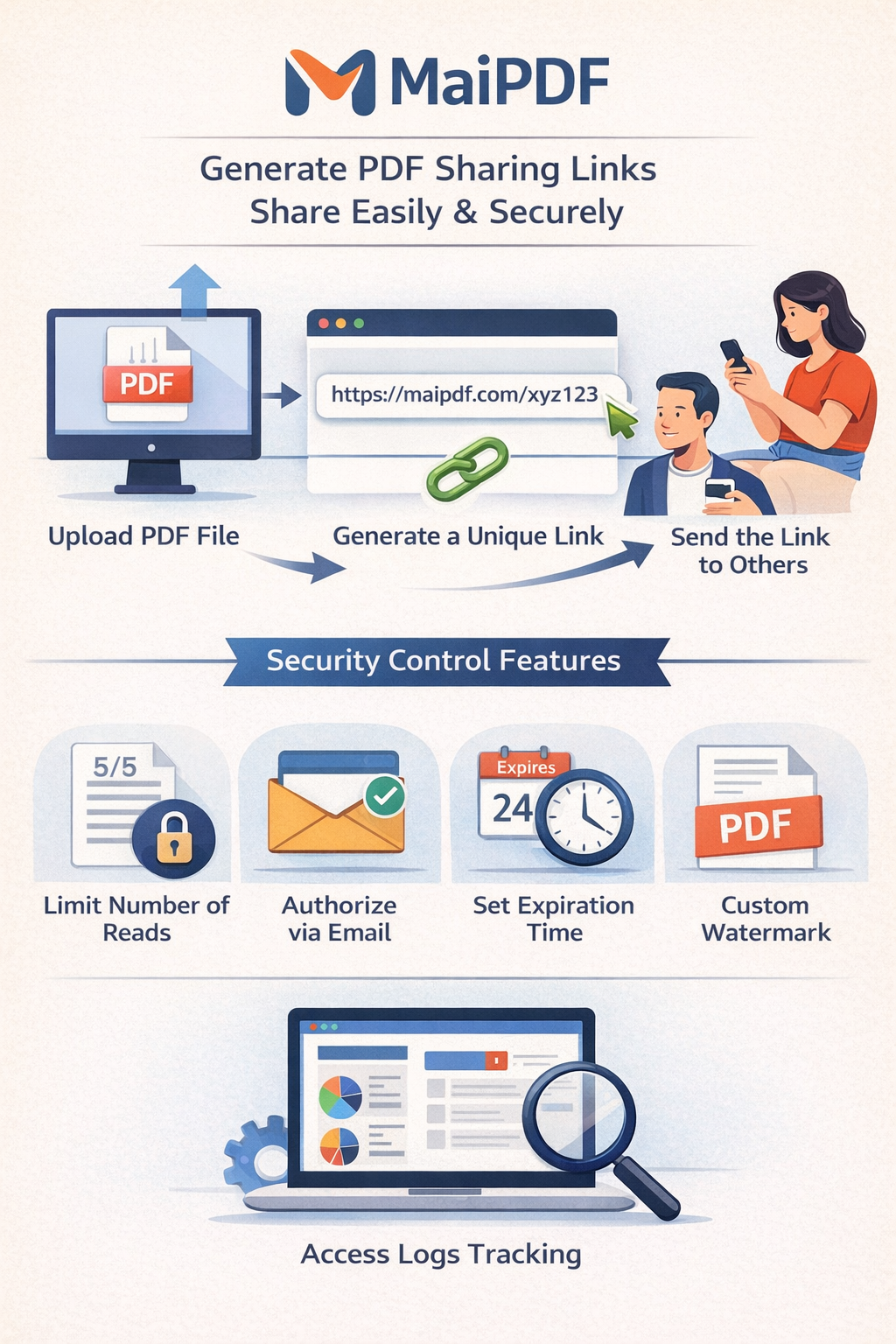
Let recipients read PDFs in the browser instantly. No attachment confusion, no software install. Optional verification and view limits keep control with you.
Article
Sending a link instead of an attachment means everyone sees the same version, you can update the file without resending, and you can add access controls. The viewer runs in the browser on desktop and mobile—no install, no plugin.
Features
No local app or plugin. Works in Chrome, Safari, Firefox, Edge, and mobile browsers.
Page controls, zoom in/out, and scroll. Same experience on phone and desktop.
Optional email verification, view limits, and expiry. Owner can track who opened.
Screenshot
The viewer supports a clean reading flow and works across desktop and mobile. You can require verification before the PDF loads so only intended recipients see the content.
Show PDF Online Guide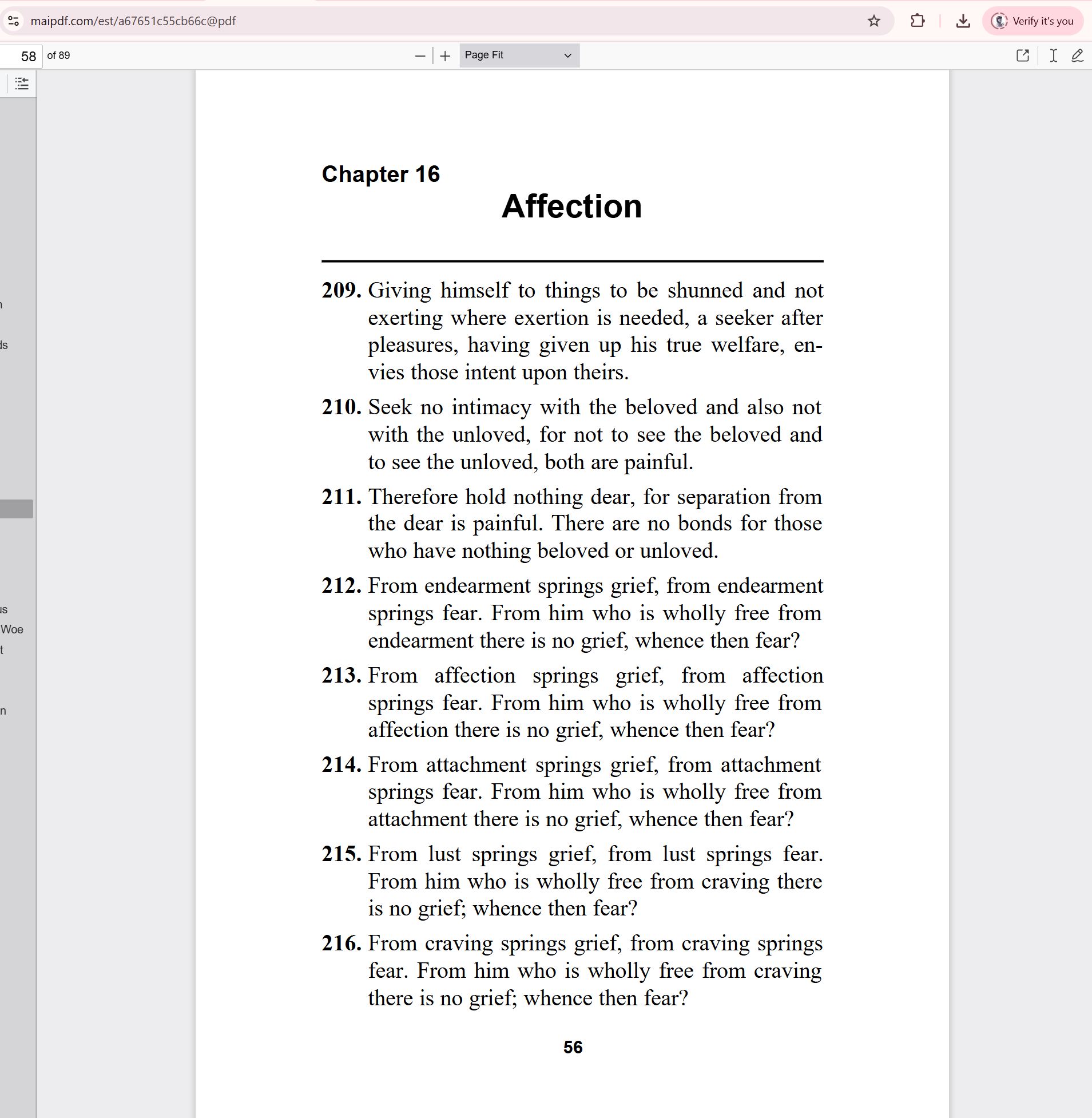
FAQ
No. The PDF opens in your browser. No app or plugin required on desktop or mobile.
Yes. When the link owner enables email verification, viewers must enter their email before the PDF opens. The owner can see who opened in access records.
Read more
Upload, share link or QR.
Secure sharing with control.
Full control and tracking.
Security options explained.
Updated MaiPDF protection path
SendPDFOnline pages now describe MaiPDF as a two-level product family: Online Cloud Sharing creates quick browser links and QR codes, while the MaiPDF App creates protected .maipdf packages for sensitive PDFs that need App DRM controls.
Upload a PDF, share a browser link or QR code, and keep read code / modify code management.
Package the PDF in the MaiPDF App with local encryption, license rules, expiry, open limits, and revoke control.
Use protected viewer, device binding, screenshot-aware controls, watermark trace, and license management where supported.
No web page can fully stop screenshots. MaiPDF App DRM is positioned as the stronger path: reduce casual copying, bind access to identity/devices, revoke licenses, and trace leaks with visible watermark information.
Free. No sign-up required.
Open Viewer