PDF Sharing Security: Complete Guide

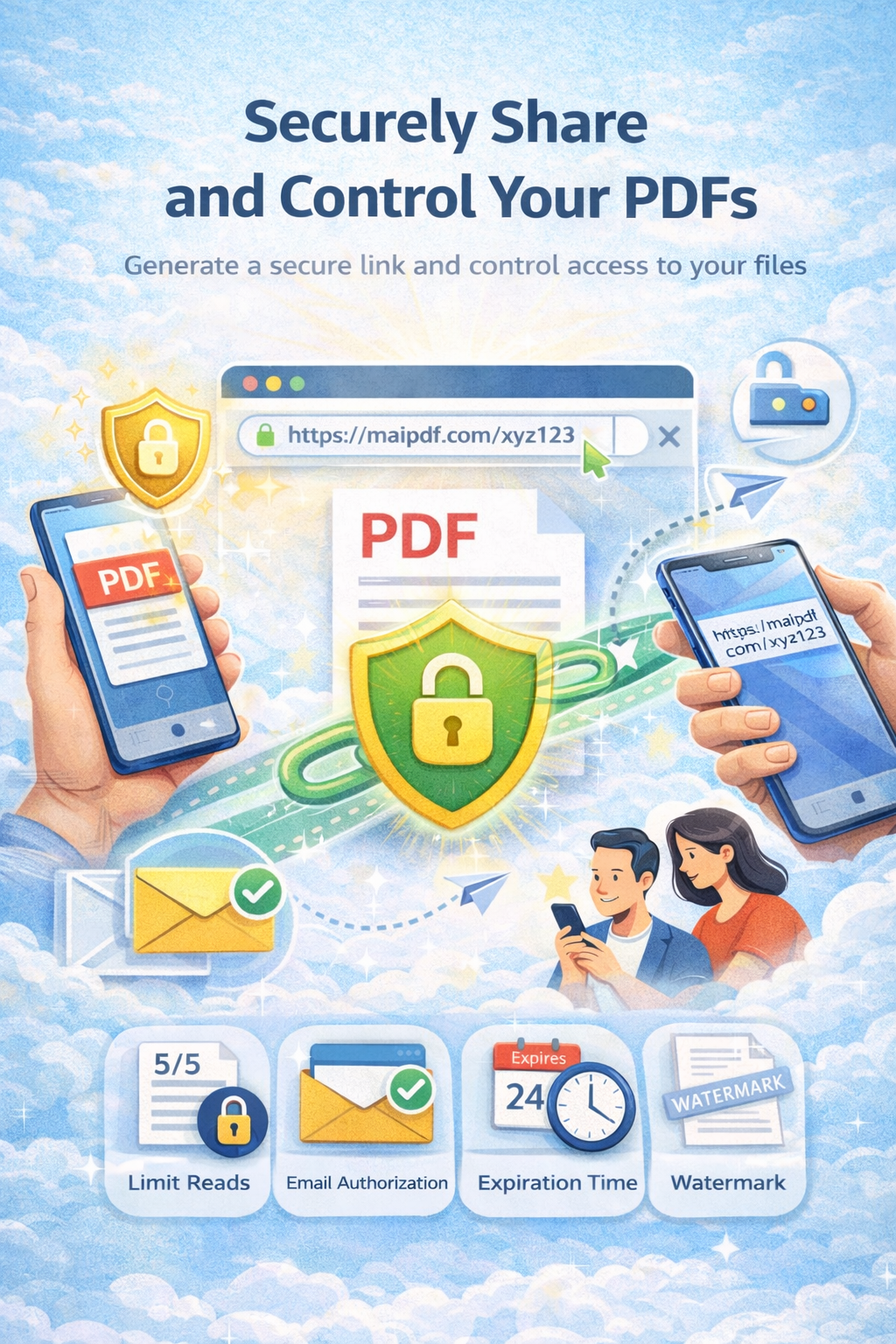
Protect PDFs when sharing: encryption, access control, watermarks, and time limits. See who opened the link and when.

DRM   Watermark   Analytics
PDF sharing security β€” control and track

Article

Why PDF Security Matters

Open links can be copied or forwarded. With MaiPDF you add encryption, access control, watermarks, and view limitsβ€”and see who accessed the file.

Security Layer Selection

graph TB A[πŸ“„ Your PDF Document] --> B{Security Layer Selection} B --> C[πŸ” Encryption] B --> D[πŸ”’ Access Control] B --> E[πŸ’§ Watermark] B --> F[⏰ Time Limits] C --> G[Password Protection] C --> H[DRM Security] D --> I[Email Verification] D --> J[IP Whitelisting] D --> K[View Limits] E --> L[Dynamic Watermark] E --> M[User Access analytics] F --> N[πŸ”’ View Count Limits] F --> O[Access Window] G --> P[πŸ”— Secure Sharing Link] H --> P I --> P J --> P K --> P L --> P M --> P N --> P O --> P P --> Q{Recipient Access} Q -->|Authorized| R[βœ… View Document] Q -->|Unauthorized| S[❌ Access Denied] R --> T[πŸ“Š Review Analytics] style A fill:#dbeafe,stroke:#3b82f6 style P fill:#d1fae5,stroke:#10b981 style R fill:#d1fae5,stroke:#10b981 style S fill:#fee2e2,stroke:#dc2626 style T fill:#e0e7ff,stroke:#6366f1

Security Features Comparison

Security Features Comparison Traditional Sharing β€’ No access control β€’ Unlimited copies β€’ No access analytics β€’ Easy forwarding β€’ No view limits MaiPDF Secure Sharing β€’ Advanced access control β€’ Copy protection β€’ Real-time access analytics β€’ Prevent forwarding β€’ View count control Upgrade

Share Securely in 3 Steps

1

Upload

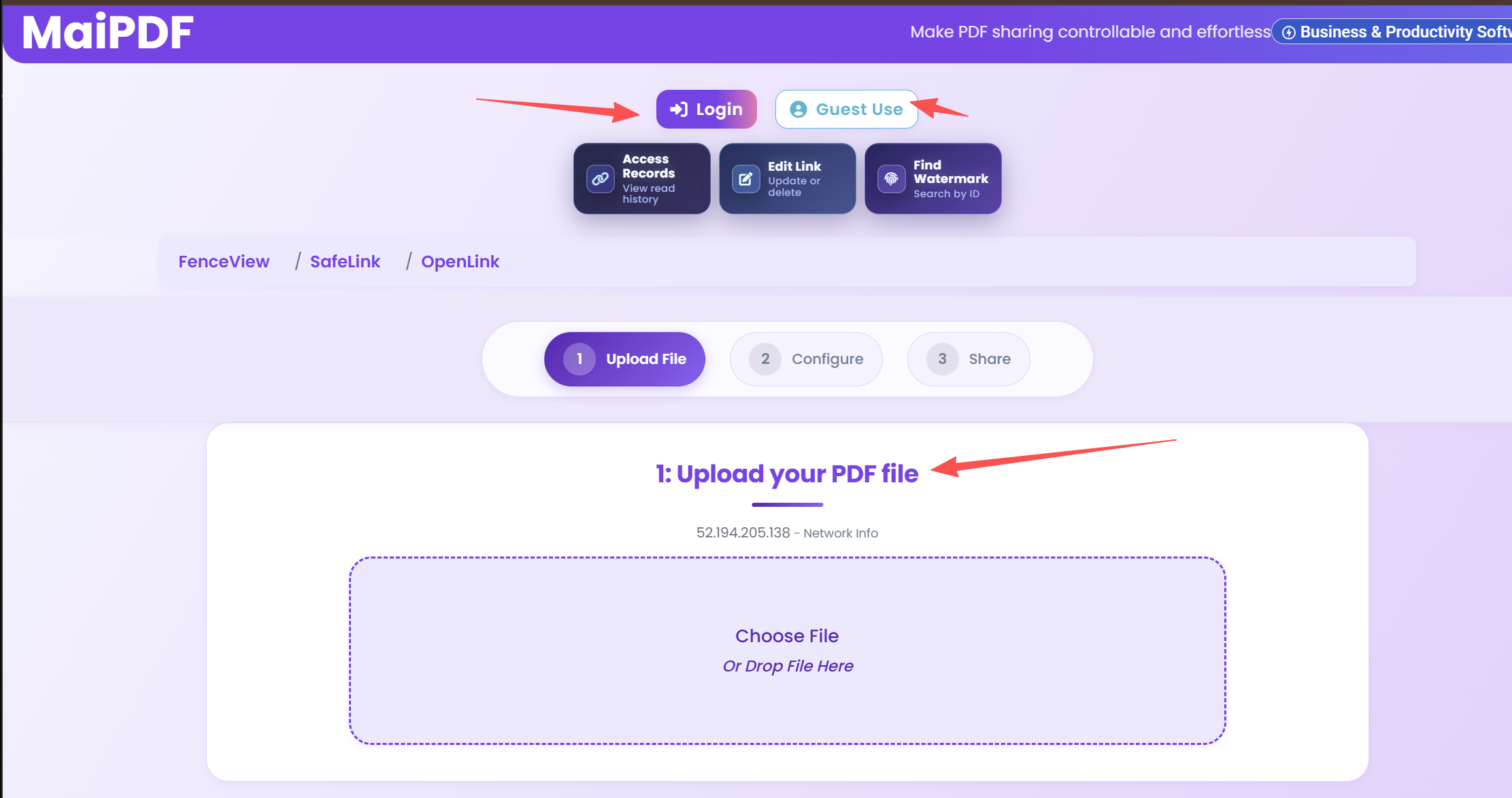
Upload your PDF. No account required.

Upload PDF
2

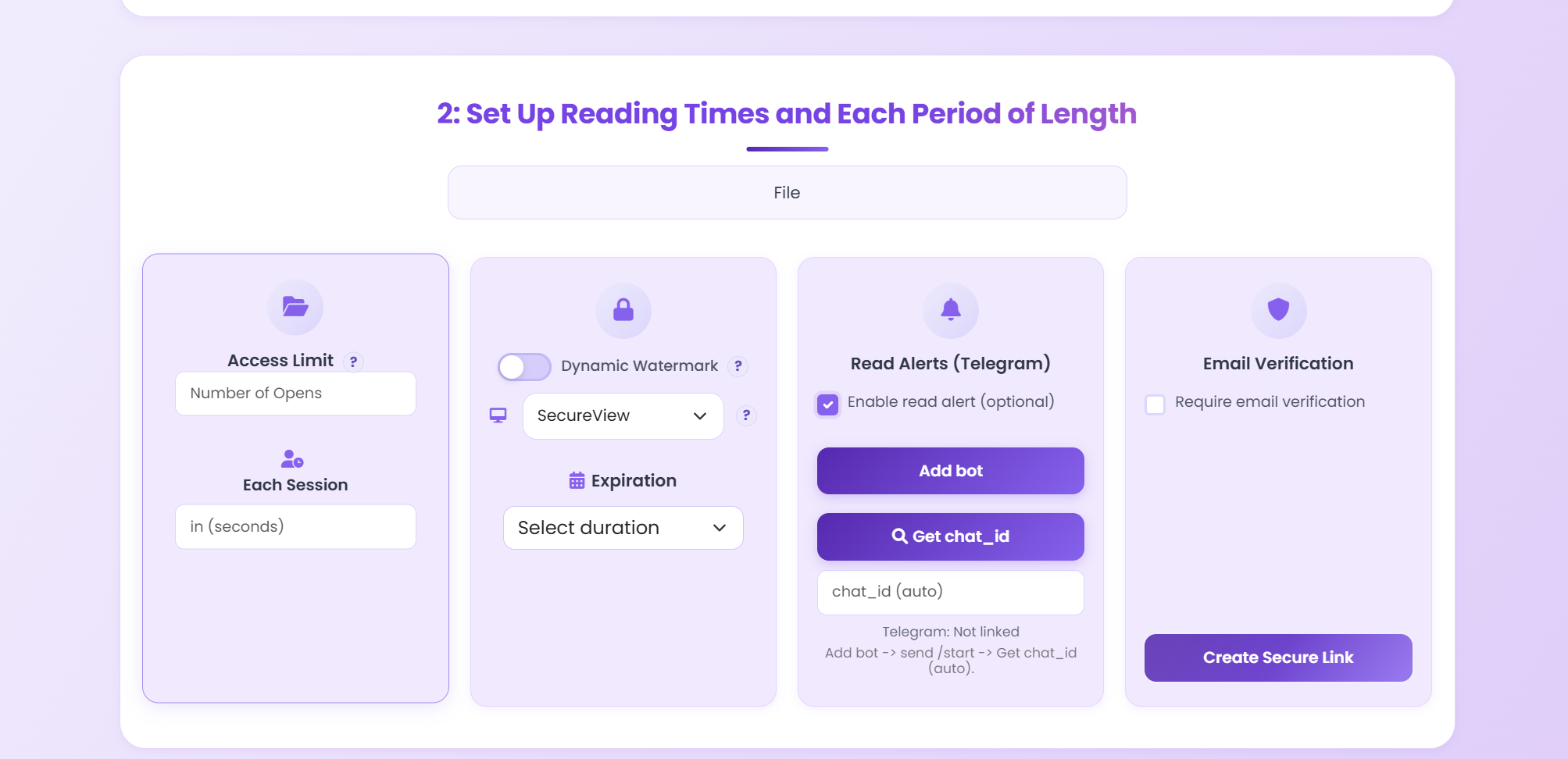
Set security

Password, view limits, watermark, expiration.
Configure security
3

Share

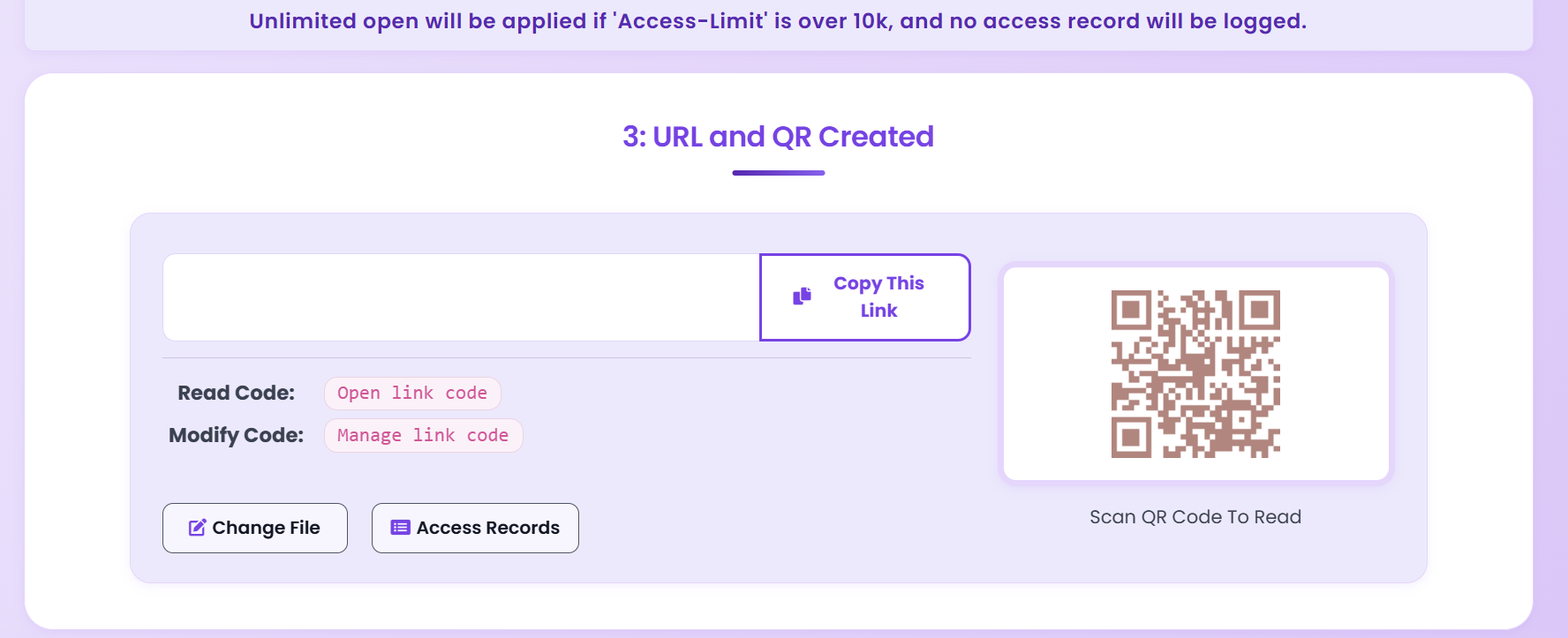
Copy link or QR; track access in dashboard.
Link and QR

What you get

Access control

Password, email verify, IP whitelist.

Watermark

Dynamic watermark; deter sharing.

Time limits

View count and expiration.

Analytics

Who opened, when, how long.

Best practices

Quick answers

Yes. You can revoke the link, set view limits, expiration, and prevent downloads. Email attachments don’t offer that.

SSL/TLS in transit and strong encryption at rest (e.g. AES-256).

Yes. Use view limits, expiration, email verification, watermarks, and no-download for contracts and proposals.

Related

Secure PDF Sharing Guide

Password, watermark, tracking.

Control PDF Access

View limits and access control.

Share PDF Online

Share with control.

Send PDF Online

Secure sending options.

Ready to secure your PDF sharing?

Free. No sign-up required.

Start Securing Free