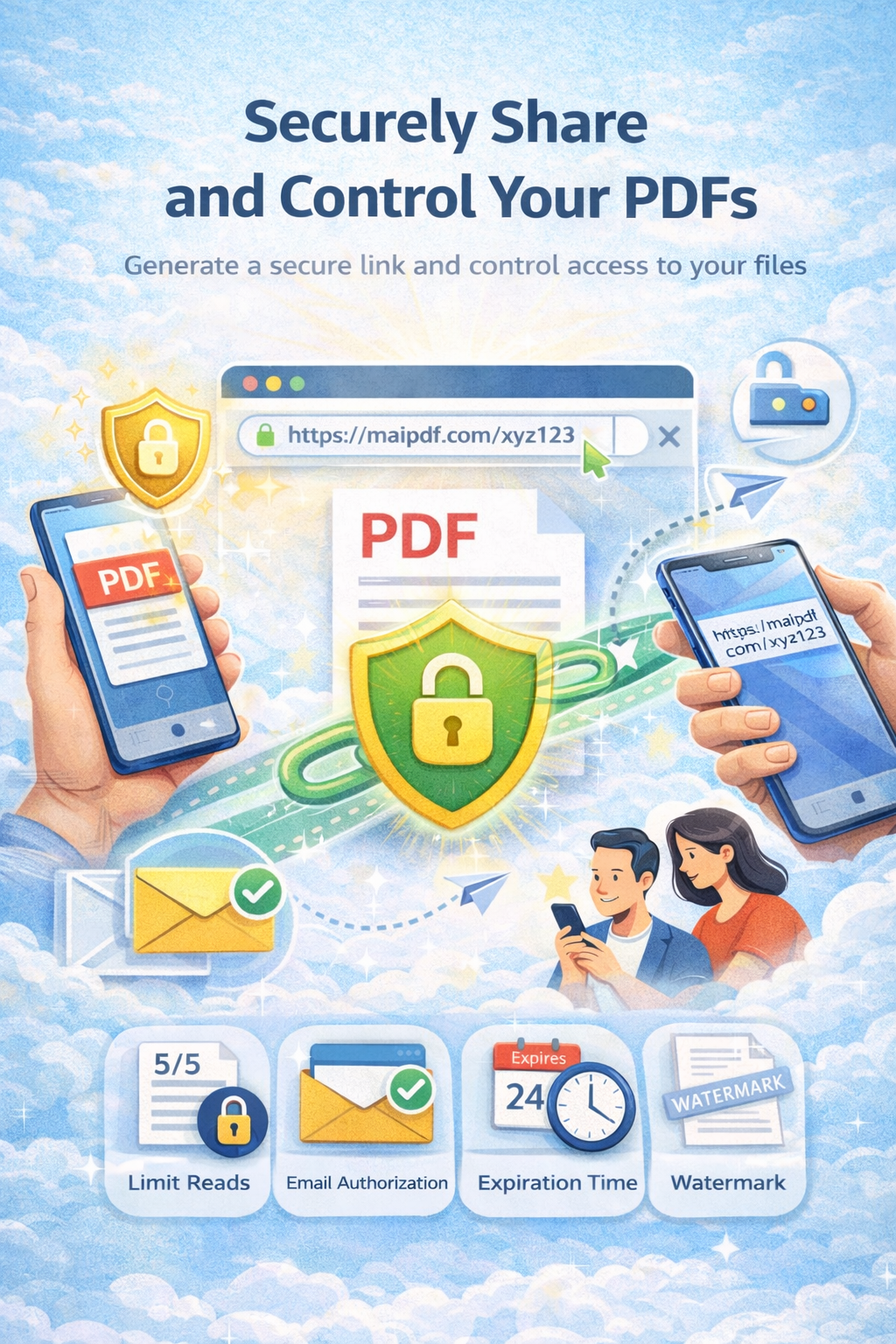
Learn how to securely distribute training materials, course content, and educational PDFs with password protection, view limits, expiration dates, tracking, and access control. Best practices for training material distribution in corporate, educational, and professional development settings.
Get Started FreeTraining materials are valuable assets containing proprietary content, course curricula, instructional materials, and educational resources. Ensuring these materials are distributed securely is essential to protect intellectual property, maintain course integrity, and control access to educational content.
of organizations report unauthorized sharing of training materials
of trainers prefer secure training material distribution platforms
increase in training completion rates with secure access controls
Organizations and educators face several critical challenges when distributing training materials:
Training materials can be easily shared, forwarded, or distributed without authorization. Course content may be shared with non-participants, competitors, or posted publicly, compromising course value and intellectual property.
Recipients can download and store training materials permanently, making it impossible to update content or revoke access. Outdated materials may continue to circulate, causing confusion and reducing training effectiveness.
Traditional distribution methods provide no visibility into who accessed materials, when they viewed them, or how engaged they were. This makes it impossible to verify completion, measure effectiveness, or identify participants who need additional support.
Once distributed, training materials cannot be updated or revised. Outdated versions may continue to circulate, causing confusion and reducing training effectiveness. There's no way to ensure participants are viewing the latest content.
MaiPDF provides comprehensive security features designed specifically for training material distribution:
Add an extra layer of security with password protection. Control who can access your training materials by requiring a password. Share passwords through course enrollment, email, or learning management systems to ensure only authorized participants can access content.
Enable view-only mode to prevent downloads completely. Training materials can only be viewed online through the secure viewer, ensuring content cannot be saved, downloaded, or distributed offline. This maintains course integrity and protects intellectual property.
Control how many times participants can view training materials. Set maximum view counts (e.g., 3-5 views) to limit access while still allowing multiple study sessions. This prevents excessive access and maintains course exclusivity.
Set automatic expiration dates for training material access. Links automatically become invalid after course completion, training period ends, or specified timeframes. This ensures materials are only accessible during relevant periods.
Track detailed analytics on who accessed training materials, when they viewed them, how long they spent studying, which pages they viewed most, and their engagement patterns. Use insights to verify completion, measure effectiveness, and identify participants needing support.
Revoke training material access instantly at any time through your dashboard. Even if a link has been shared, you can disable it immediately, preventing further access. Perfect for when courses end, participants drop out, or content needs to be updated.
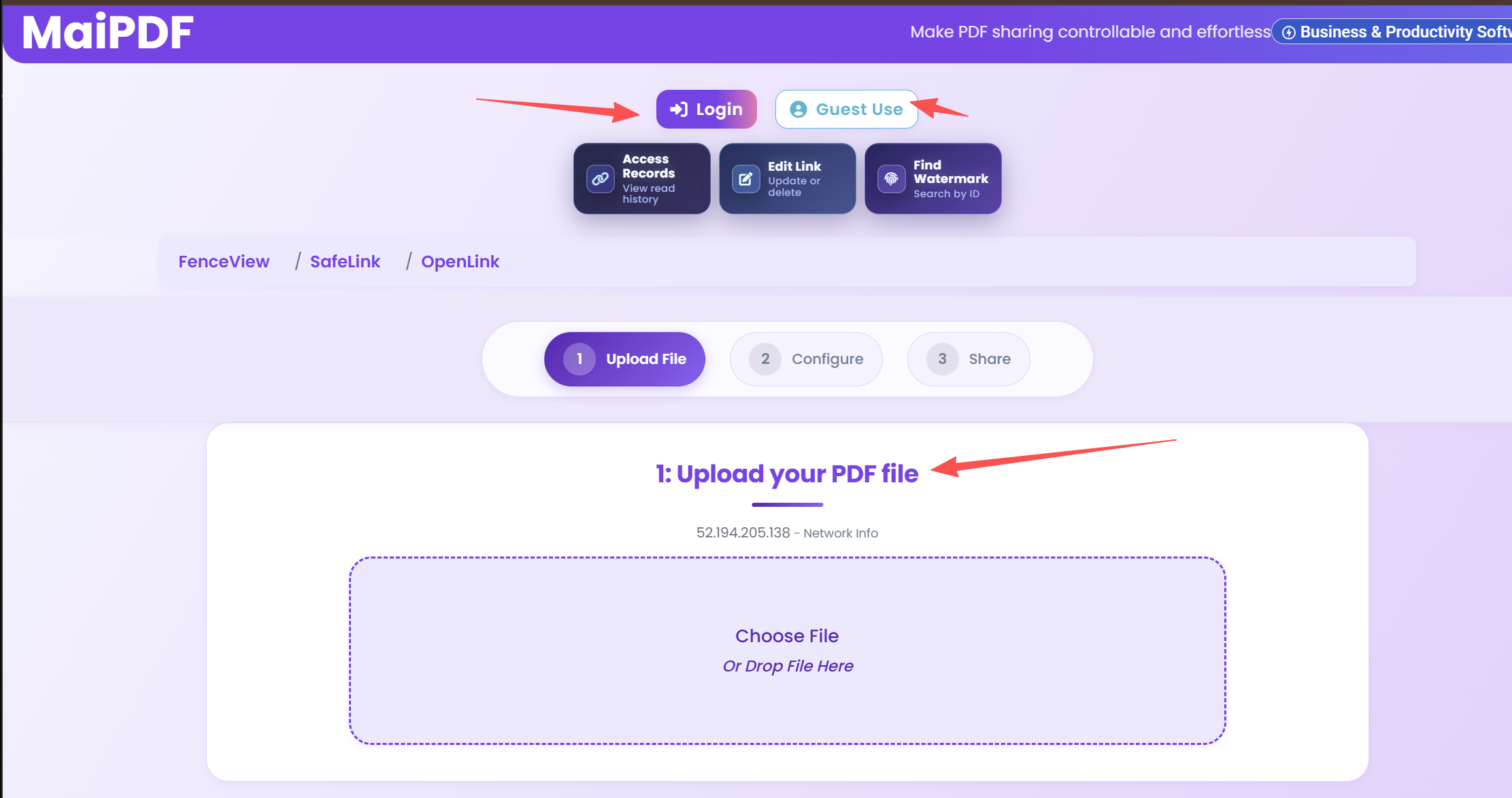
Visit MaiPDF.com and upload your training material PDFs. The platform supports files up to 50MB and uses secure encryption during upload and storage. Your training content is protected with enterprise-grade security from the moment it's uploaded.
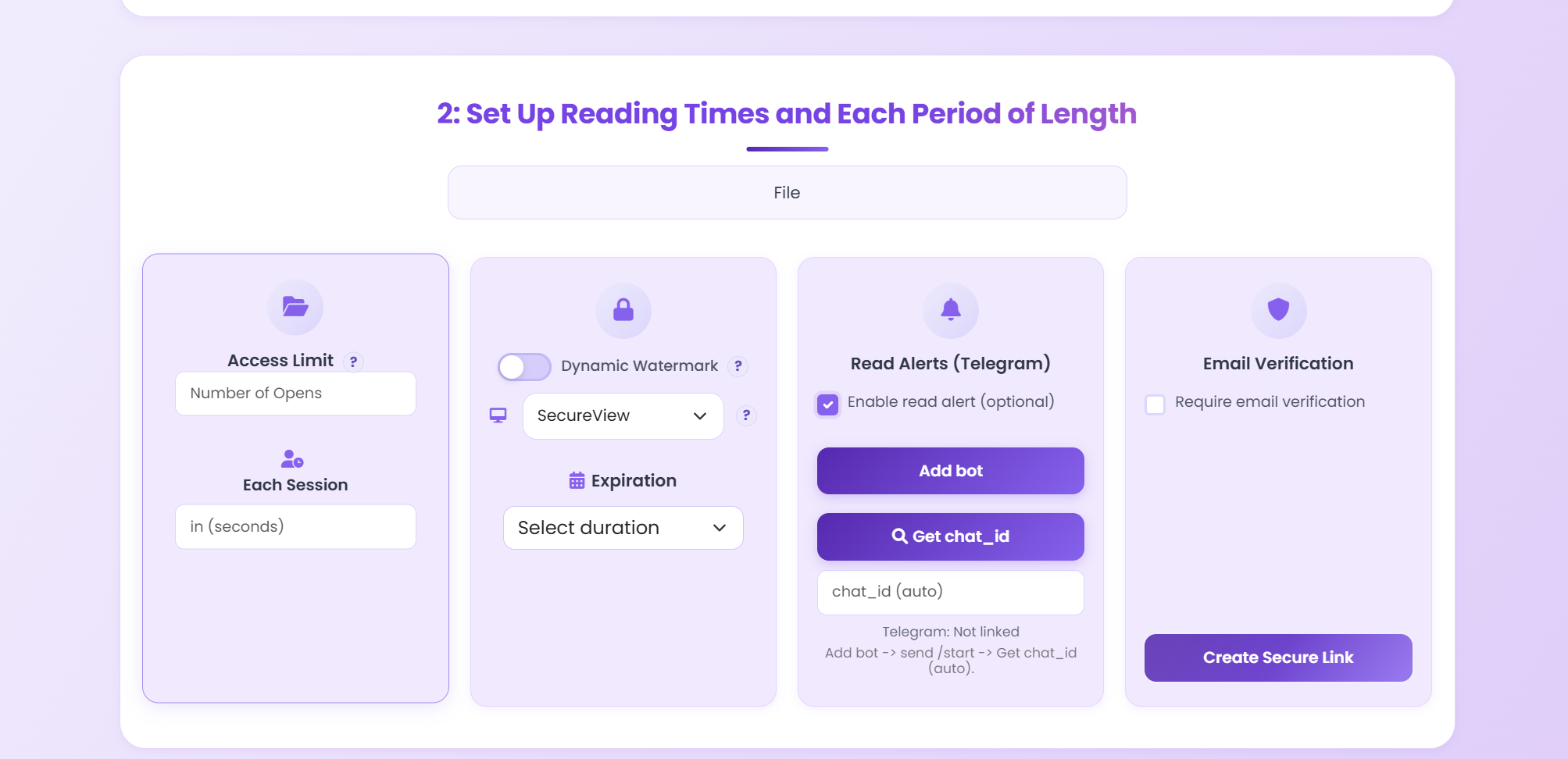
Set up comprehensive security controls for your training materials:
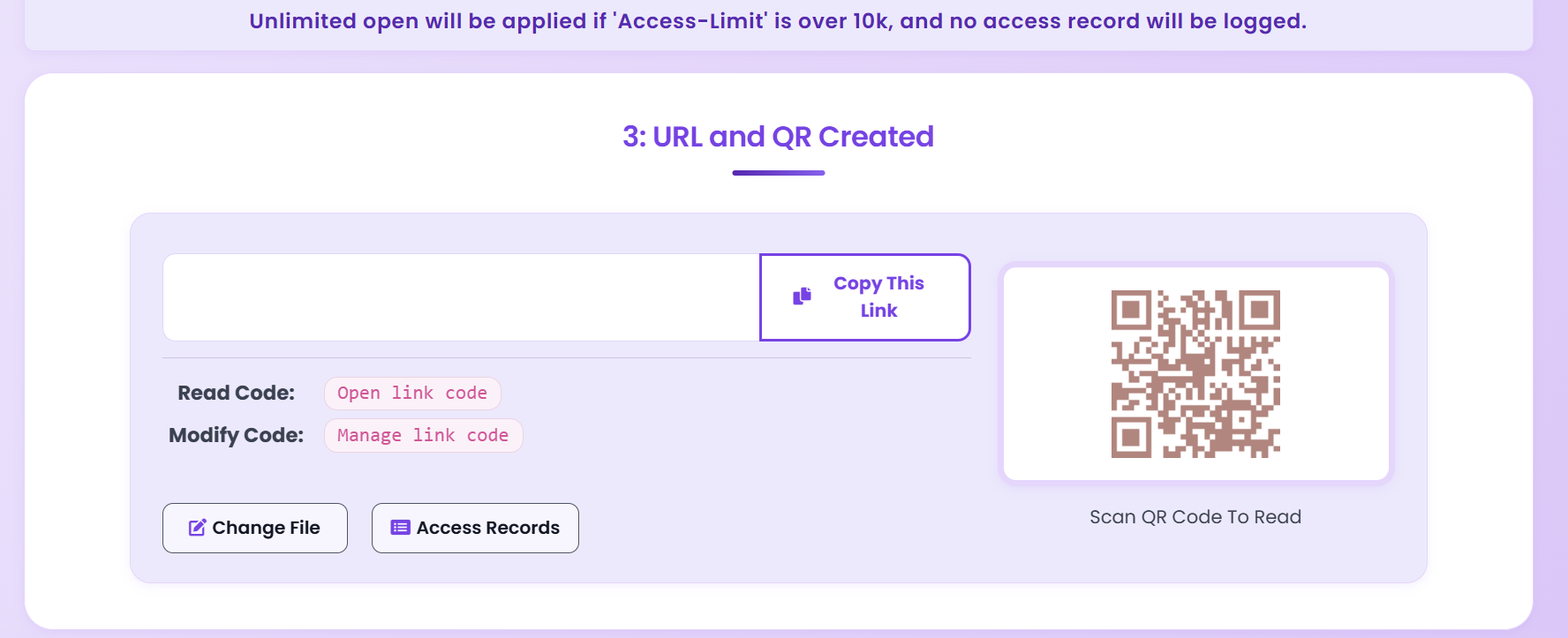
After configuring your settings, MaiPDF generates unique, secure sharing links protected by all your security settings. Links can be shared via email, learning management systems, course platforms, or training portals.
Share the secure links and passwords (if enabled) with authorized participants through:
Track training material access through MaiPDF's analytics dashboard. Monitor:
Update training materials as needed and revoke access when courses end or participants drop out. Access can be revoked instantly through your dashboard, ensuring only current participants have access.
Distribute employee training materials, onboarding guides, and professional development content. Use password protection and view limits to ensure only authorized employees can access materials. Track completion and engagement to measure training effectiveness.
Share course materials, lecture notes, and educational resources with students. Use expiration dates to align with semester timelines. Enable tracking to verify student engagement and identify those needing additional support.
Distribute certification course materials, continuing education content, and professional training resources. Use password protection for exclusive access and tracking to verify completion and measure effectiveness.
Share workshop materials, handouts, and resources with participants. Use QR codes for instant access during in-person sessions. Set expiration dates to ensure materials are only accessible during and shortly after workshops.
No, with MaiPDF's view-only mode enabled, participants cannot download, save, or print training materials. Materials can only be viewed online through the secure viewer, maintaining course integrity and protecting intellectual property.
MaiPDF provides comprehensive analytics including access times, viewing duration, and pages viewed. Use these insights to verify completion and measure engagement with training materials.
When the expiration date is reached, the sharing link automatically becomes invalid. Participants will see an expiration message and cannot access the content anymore. You can generate new links if needed.
Yes, you can update training materials and generate new links. Revoke old links to ensure participants access the latest version. This ensures everyone is viewing current, accurate content.
You control this setting. Set view limits from 1 to unlimited views per participant. Most trainers find 3-5 views optimal, allowing study sessions while maintaining exclusivity.
Protect your training content and maintain course integrity with MaiPDF's comprehensive security features.
Get Started FreeExplore in-depth articles, tutorials, and best practices on our professional blog:
Visit MaiPDF Expert Blog