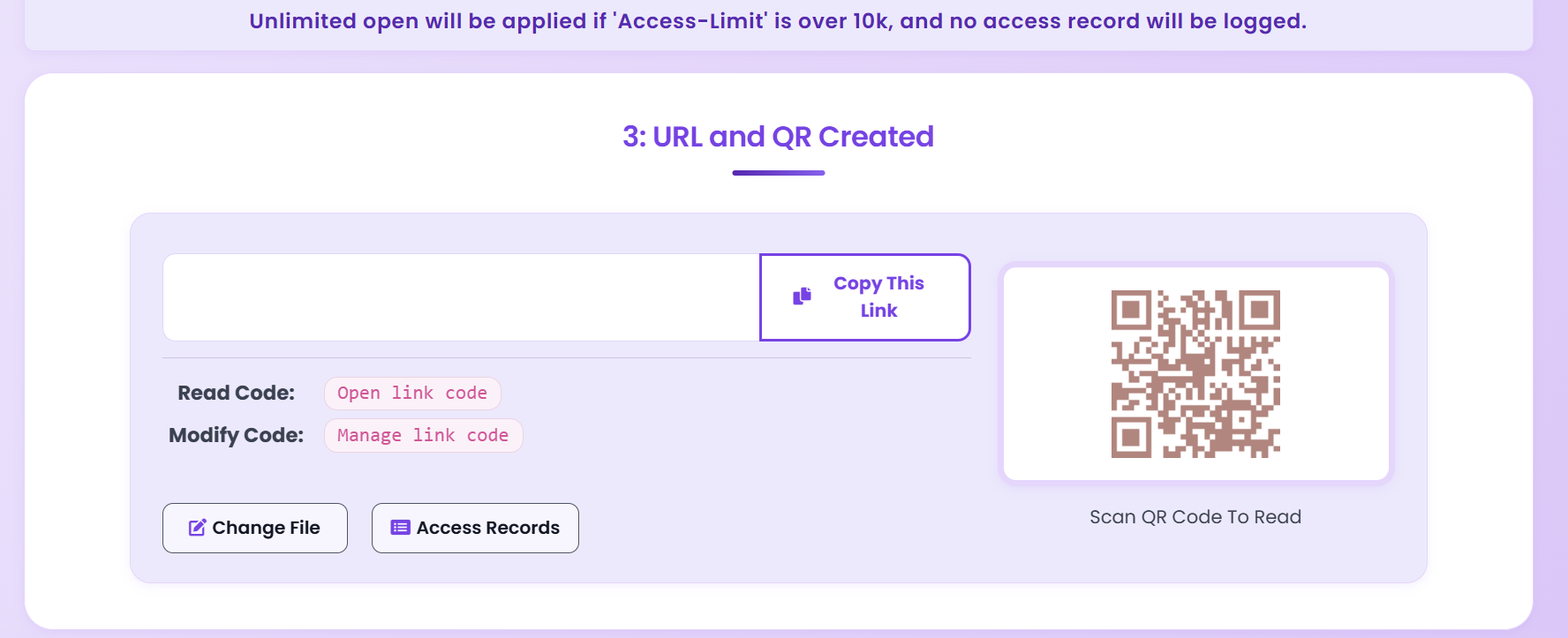
Transform any PDF into a secure, scannable QR code in seconds. Add password protection, set view limits, and track every scan — all for free, no registration required.
From upload to scan tracking — the complete flow
Three simple steps — no account needed
Visit MaiPDF and drag your PDF file onto the upload area. All PDF formats and sizes are supported.
Set password protection, view count limits, download restrictions, and email notification preferences.
Download the generated QR code image and share it anywhere — print, email, or embed in presentations.
Eight advantages that make QR code sharing superior to traditional methods
Recipients access PDFs by scanning with any smartphone camera — no app download required.
Print QR codes on business cards, flyers, or presentations for seamless offline document sharing.
Protect QR-linked PDFs with passwords, view count limits, and download restrictions.
Monitor when and where your QR codes are scanned with detailed analytics dashboards.
Eliminate printing costs for large documents — share digital PDFs via compact QR codes instead.
Update the PDF content without reprinting — the QR code link remains the same automatically.
QR codes add a modern, professional element to printed materials and business presentations.
Perfect for modern business environments — share documents without physical contact or email.
Real-world scenarios where QR-coded PDFs deliver the most value
Share slide decks and proposals during meetings via QR codes. Attendees scan and access materials instantly without email exchanges or USB drives.
Distribute course handouts, reading lists, and study guides via QR codes. Students access content on their own devices immediately in class.
Include QR codes on brochures, posters, and business cards to share product catalogs, menus, or promotional PDFs. Track engagement in real time.
Distribute event programs, speaker bios, and session materials. Attendees scan QR codes at the venue and access documents on their phones.
Share contracts, policies, or compliance documents with view tracking. Know exactly who accessed the document and when for audit trails.
Place QR codes on property listings and flyers. Potential buyers scan to access detailed property PDFs including floor plans and documentation.
Multiple layers of protection for your shared documents
Require a password before viewers can access the PDF through the QR code.
Set maximum number of times the PDF can be accessed. The QR code automatically expires after the limit is reached.
Prevent recipients from downloading the PDF, forcing online-only viewing to maintain document control.
Add watermarks that display viewer information to deter screenshots and unauthorized redistribution.
Monitor all QR code scans with detailed analytics — timestamps, device types, and approximate locations.
Tips for effective PDF QR code sharing
Everything you need to know about PDF to QR code conversion
Yes. MaiPDF provides detailed scan analytics including timestamp, device type, approximate location, and total scan count. This data helps you understand engagement and follow up with the most interested recipients.
QR codes remain active indefinitely unless you revoke access or a view count limit is reached. You can also set expiration dates for time-sensitive documents. Full control is always in your hands.
Yes. When you update the PDF on MaiPDF, the QR code automatically points to the new version. This is ideal for printed materials — no reprinting needed when your content changes.
No. Modern smartphones (iPhone and Android) have QR scanners built into their camera apps. Recipients simply point their camera at the QR code to access the PDF — no app download required.
Yes. MaiPDF's PDF to QR code conversion is completely free with no registration, no credit card, and no trial limitations. You can create unlimited QR codes with full security and tracking features.
Upload your PDF, configure security settings, and generate a scannable QR code — all free, in under 30 seconds.
Generate QR Code Free