How to Track a PDF File
See who opened your PDF, when, and how often. Use built-in access records—no extra tools or sign-up.
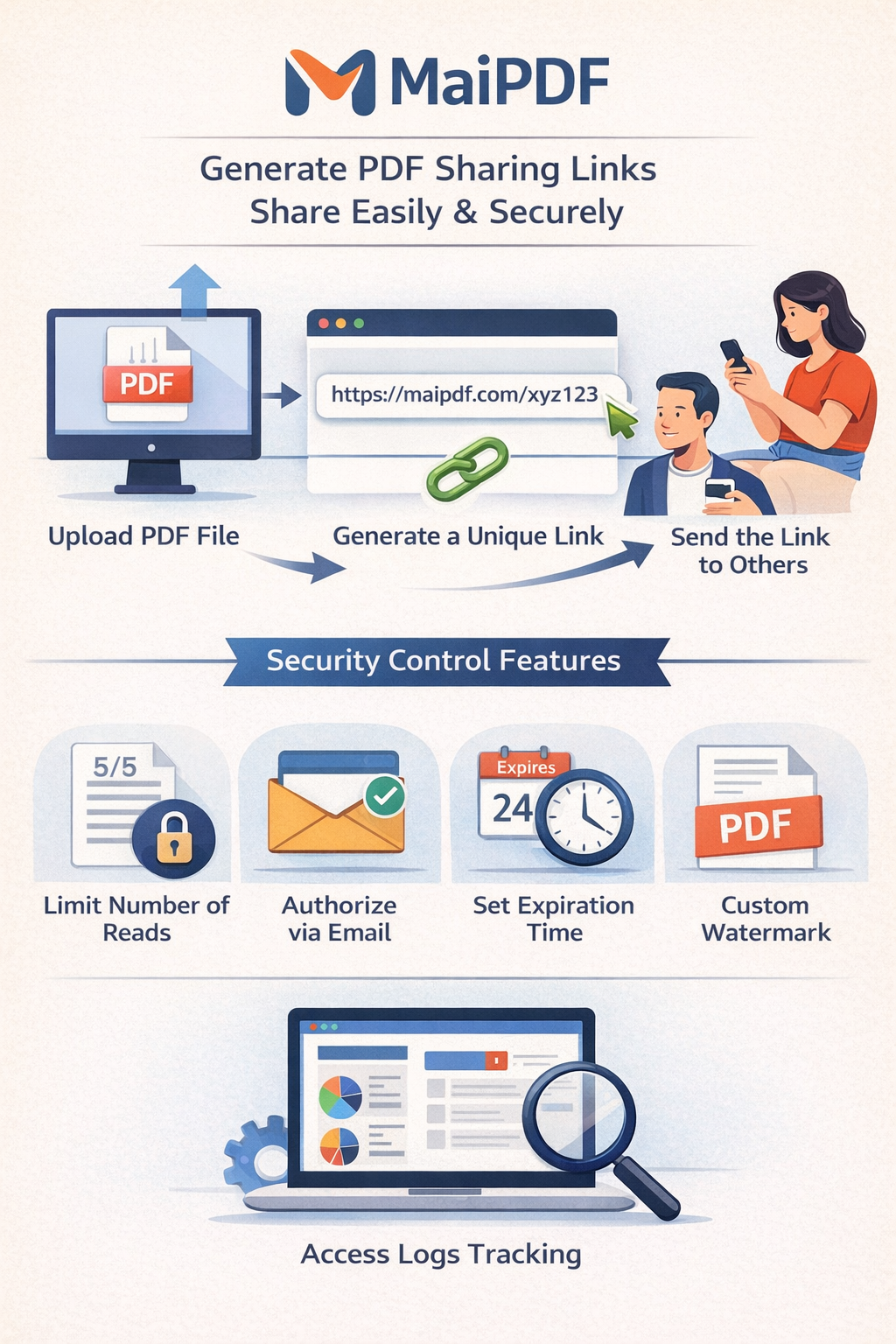
See who opened your PDF, when, and how often. Use built-in access records—no extra tools or sign-up.
Article
Knowing when and how often a link was opened helps you follow up on proposals, confirm that investors saw updates, and spot unexpected sharing. MaiPDF keeps access records tied to your Read Code and Modification Code so you can query history anytime.
Steps
Upload, get the link, and save your Read Code (and Modification Code if you use it).
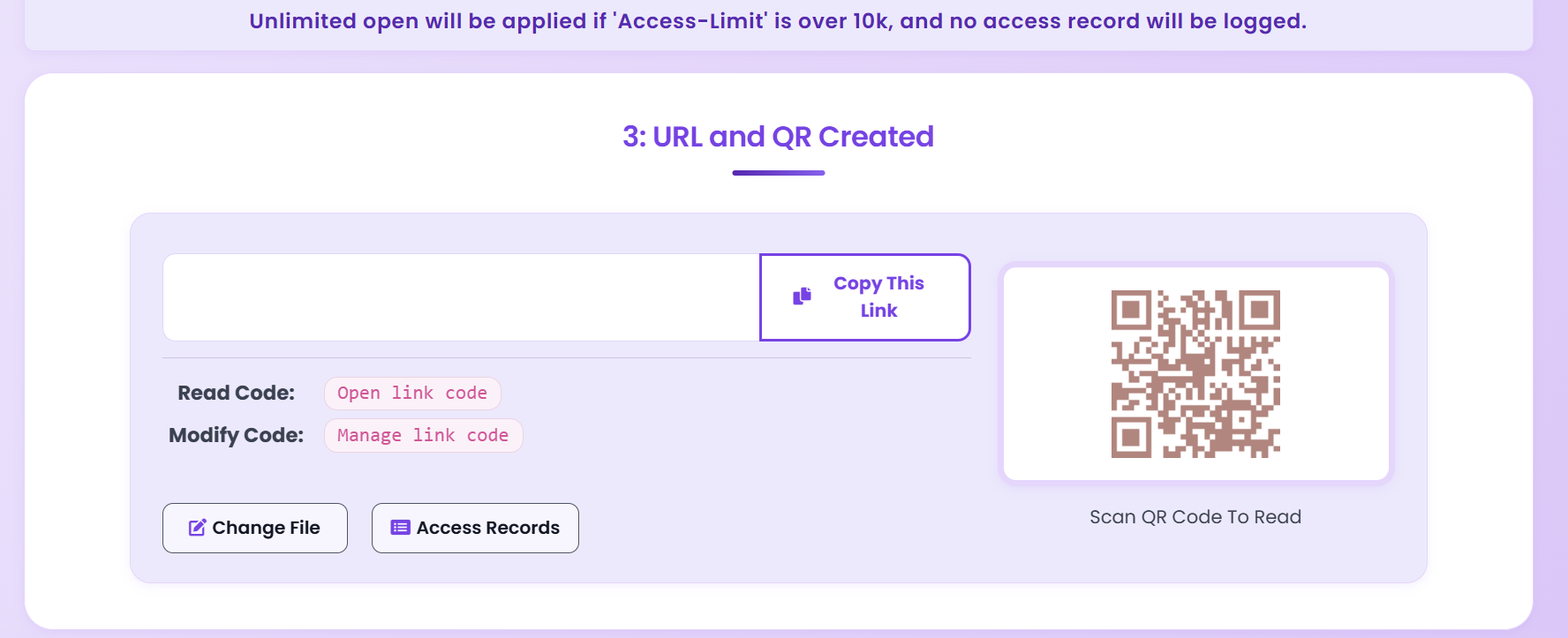
Go to the Access Records page from the main site or your link result.
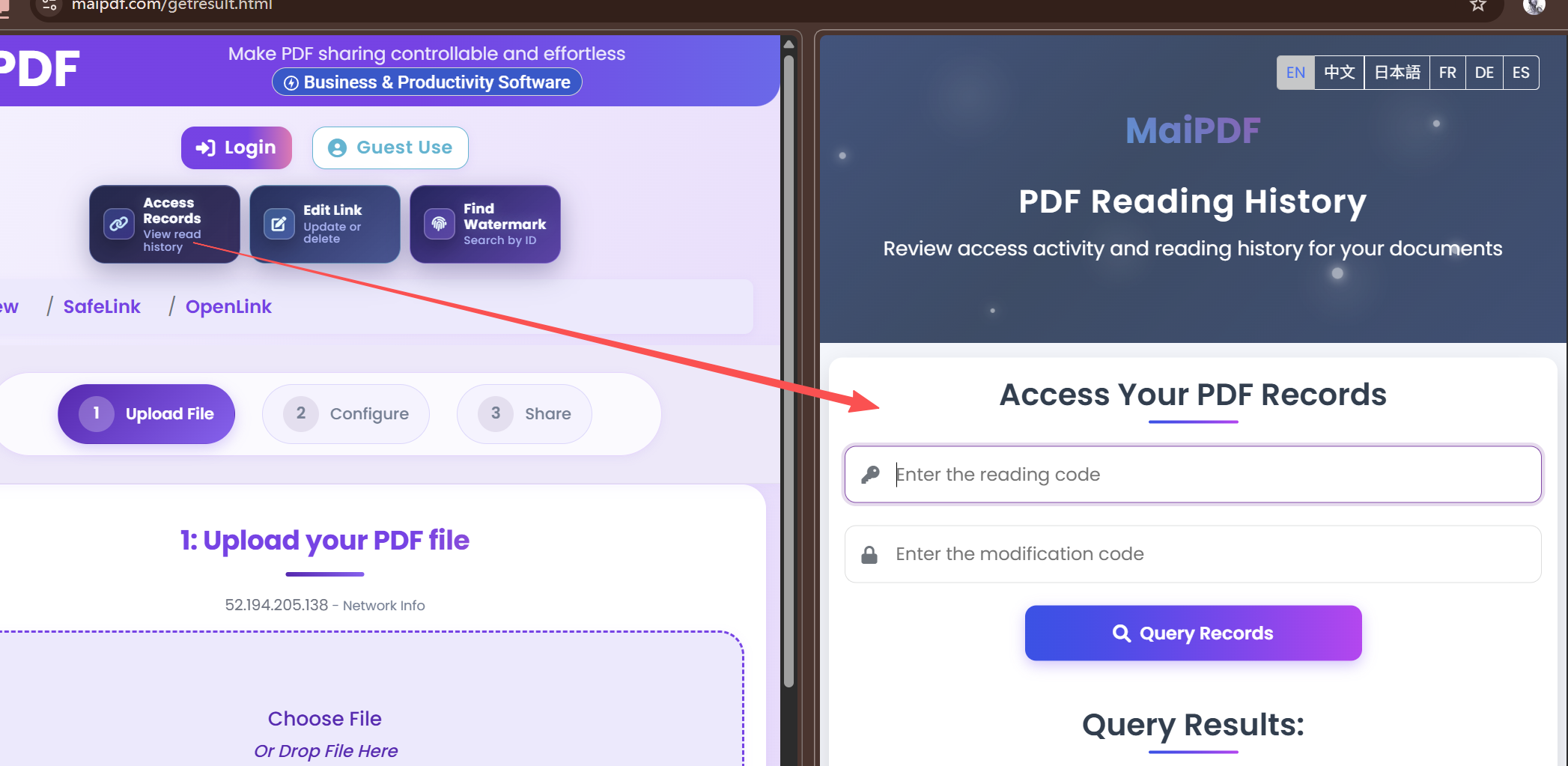
Paste Read Code (and Modification Code). Review who opened and when.
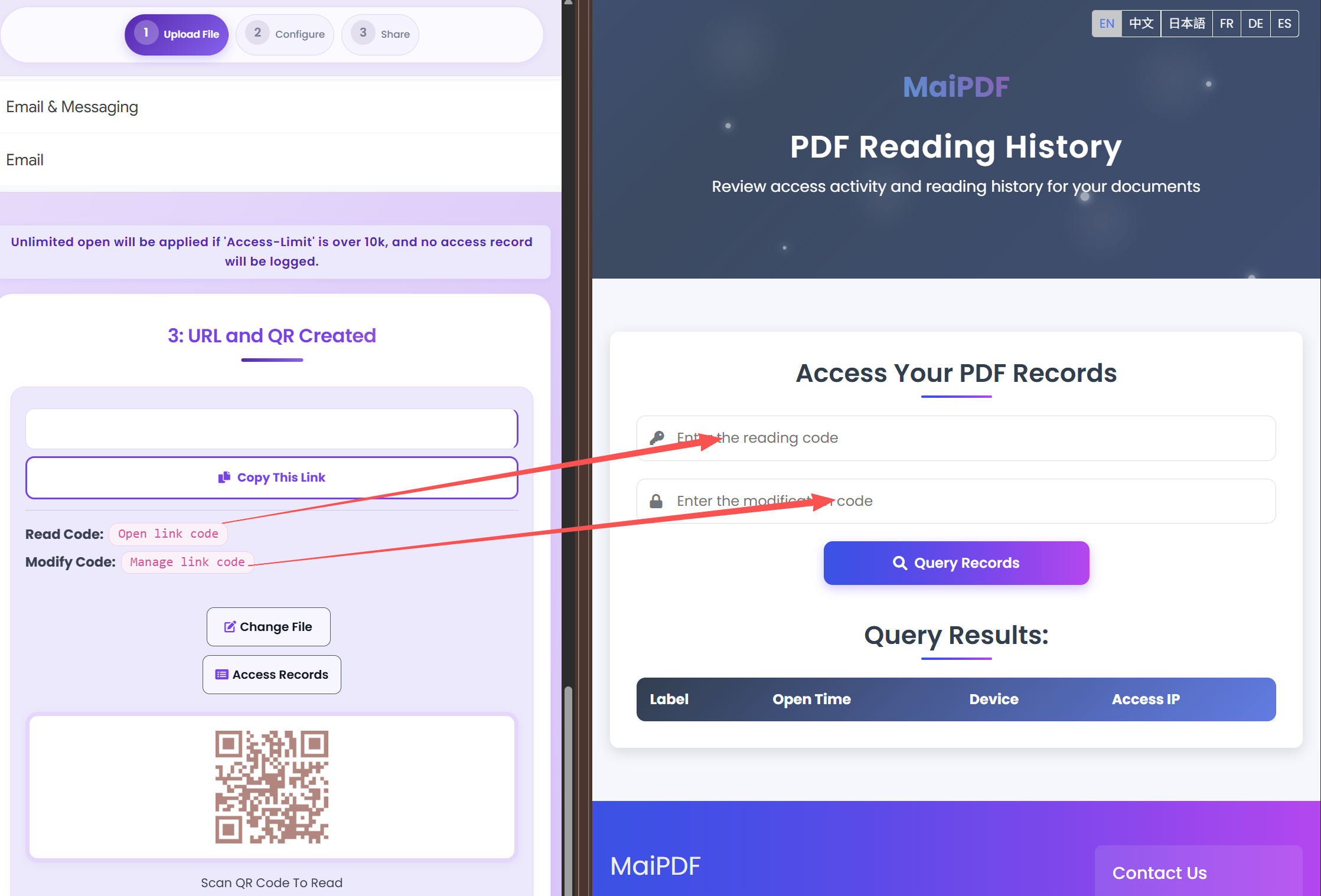
Tips
Execution
Playbook
| Scenario | Recommended controls | Follow-up action |
|---|---|---|
| Sales proposal | Password + 7-day expiry + watermark | Review open timeline before pricing follow-up |
| Investor update | Verified viewer + no-download + revoke switch | Disable access after board cycle ends |
| Training materials | QR sharing + view limits + printable allowed | Track completion and refresh old versions |
FAQ
Yes. Use Access Records with your Read Code and Modification Code to review opens.
No. You can replace the PDF without changing the link.
Tracking is built in. After you share a link, open the Access Records page and enter your codes to see open history.
Read more
Who can view and how.
Same URL, new file.
Expiry and revoke.
Full control and tracking.
Updated MaiPDF protection path
SendPDFOnline pages now describe MaiPDF as a two-level product family: Online Cloud Sharing creates quick browser links and QR codes, while the MaiPDF App creates protected .maipdf packages for sensitive PDFs that need App DRM controls.
Upload a PDF, share a browser link or QR code, and keep read code / modify code management.
Package the PDF in the MaiPDF App with local encryption, license rules, expiry, open limits, and revoke control.
Use protected viewer, device binding, screenshot-aware controls, watermark trace, and license management where supported.
No web page can fully stop screenshots. MaiPDF App DRM is positioned as the stronger path: reduce casual copying, bind access to identity/devices, revoke licenses, and trace leaks with visible watermark information.
Free. No sign-up required.
Start Tracking