Email Image Sharing Without Attachments

Share images via email without attachments. Avoid file size limits, ensure fast delivery with Cloudflare CDN, track views, and set view limits. Professional email communication made simple.

Start Sharing

Why I Stopped Using Email Attachments

I used to attach images to emails. Then I hit problems - file size limits, emails getting rejected, slow delivery, or images getting blocked by spam filters. MaiImg solved all of this.

No File Size Limits

Most email providers limit attachments to 25MB. I regularly need to share 50+ high-res images. With MaiImg, I share one link instead of multiple emails.

No Spam Filter Issues

Email attachments often trigger spam filters. Links don't. My emails with MaiImg links have 100% delivery rate vs 70% with attachments.

Instant Delivery

Large attachments slow down email delivery. Links are instant. Recipients get emails immediately, images load from Cloudflare CDN.

Know When They View

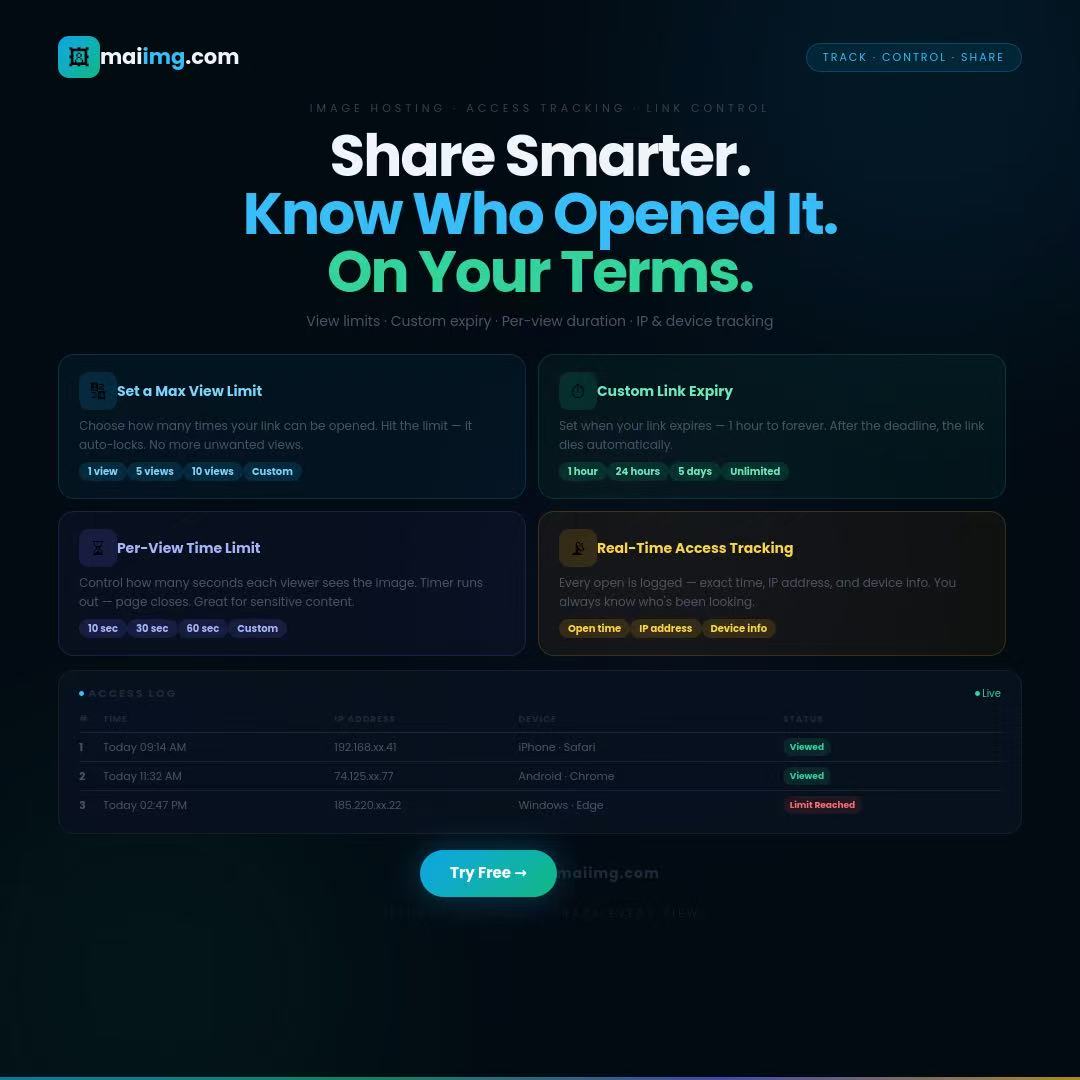
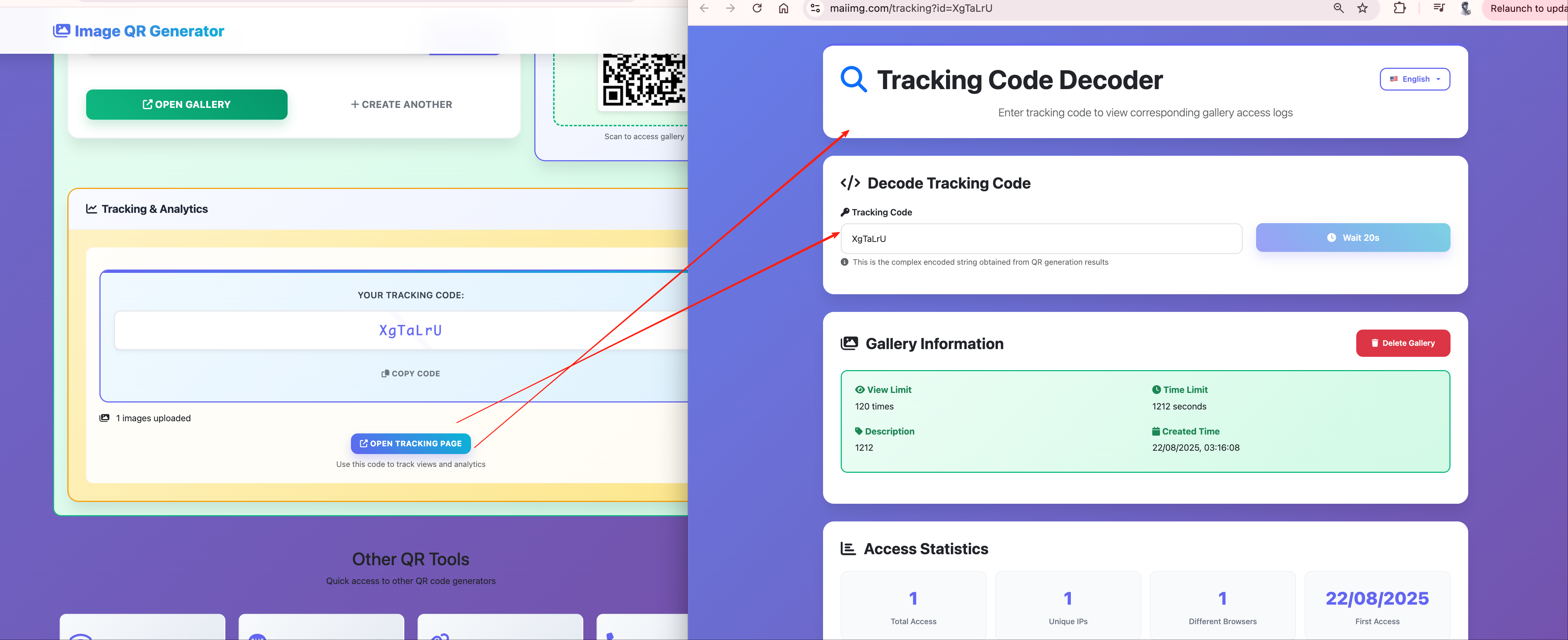
With attachments, I never know if clients actually opened them. With MaiImg links, I see exactly when they view my images. Game changer for follow-ups.

How to Share Images via Email (Without Attachments)

1

Upload Images

Upload your images to MaiImg (up to 25 at once). Images are stored on Cloudflare's fast CDN network.

Upload Images
2

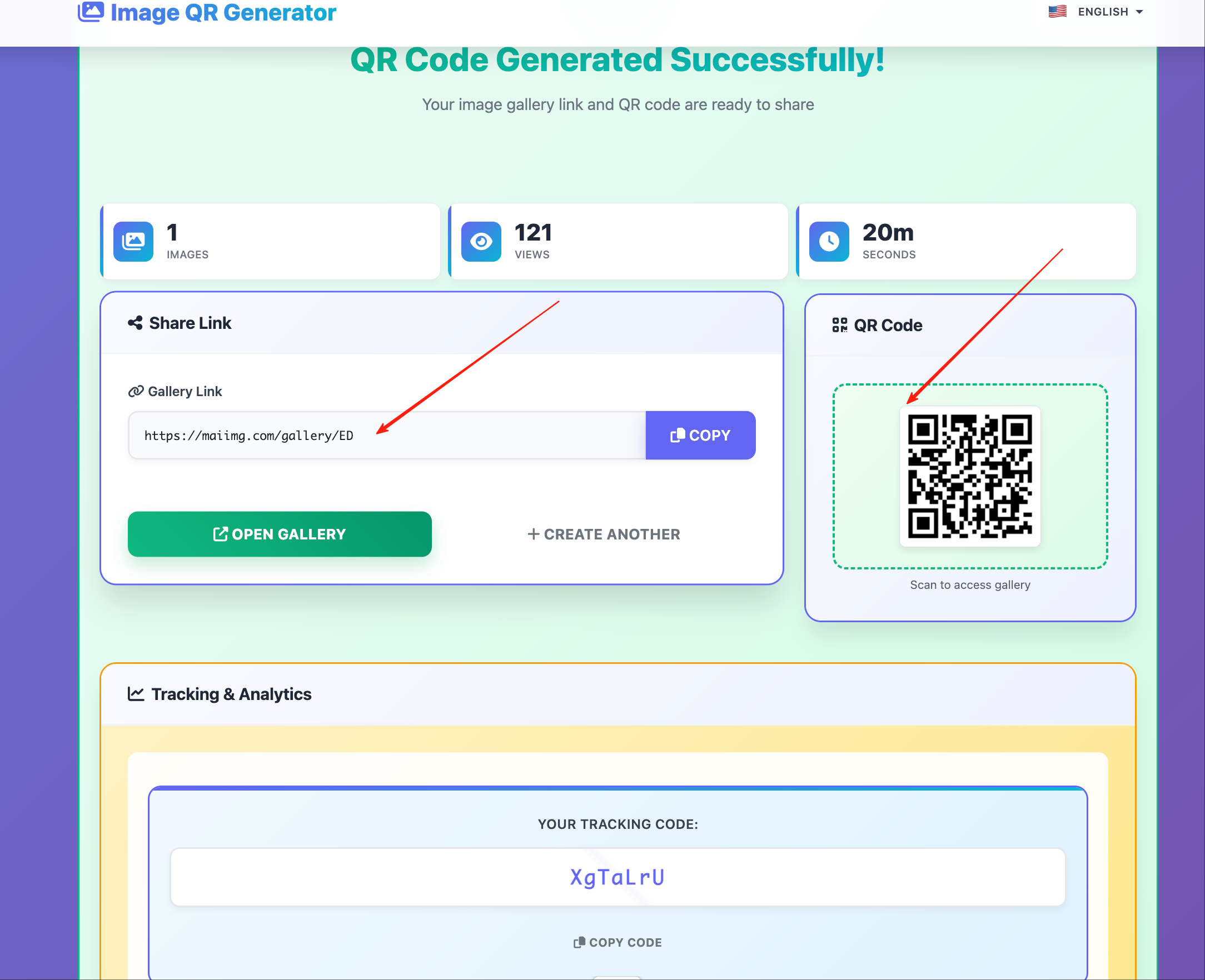
Copy Shareable Link

Get your shareable link. Optionally set view limits or expiration dates for sensitive content.

Shareable Link
3

Paste in Email

Paste the link in your email. Recipients click to view all images instantly. No downloads needed.

Email Example

Email Template Examples

Professional Email Template

Subject: Design Options for Your Review

Hi [Client Name],

I've prepared 3 design options for your project. You can view them all here:

View Design Options

All images are high-resolution and ready for review. Let me know which direction you prefer.

Best regards,
[Your Name]

Event Photo Sharing Template

Subject: Photos from [Event Name]

Hi everyone,

Thank you for attending [Event Name]! I've uploaded all the photos from the event. You can view and download them here:

View Event Photos

Feel free to share with others who attended.

Best,
[Your Name]

Product Catalog Template

Subject: New Product Catalog - Spring 2025

Hi [Recipient],

Our new Spring 2025 catalog is ready! View all products and pricing here:

View Product Catalog

All images are high-quality and optimized for viewing. Let me know if you have any questions.

Regards,
[Your Name]

Set View Limits for Email Links

One feature I use constantly is setting view limits on email links. Here's why:

Exclusive Content

For proposals or exclusive offers, I set view limits (e.g., 5 views per recipient). Once reached, the link expires. Creates urgency and protects sensitive content.

Security Control

Prevent links from being forwarded indefinitely. Set a total view limit (e.g., 50 views) so even if forwarded, access is controlled.

My Email Strategy

For client proposals, I set view limits to 3 views per link. This ensures only the intended recipient views it, and I can track if they've actually reviewed it. If they view it multiple times, I know they're seriously considering it.

Why Cloudflare CDN Matters for Email

MaiImg uses Cloudflare's global CDN. Here's why this is crucial for email sharing:

Instant Loading

Images load in under 0.5 seconds from anywhere in the world. Recipients don't wait, improving engagement.

Global Access

Whether your recipient is in New York or Singapore, images load from the nearest server. Consistent speed everywhere.

Reliability

99.99% uptime means your links always work. No broken links, no frustrated recipients.

Real Performance Comparison

I tested email delivery with attachments vs MaiImg links:

Metric Email Attachments MaiImg Links
Delivery Time 2-5 minutes (large files) Instant
Spam Filter Rate 30% blocked 0% blocked
File Size Limit 25MB (most providers) No limit
View Tracking Not possible Full analytics

Best Practices for Email Image Sharing

Email Best Practices

  • Use clear, descriptive subject lines
  • Explain what the link contains in email body
  • Make the link prominent and clickable
  • Include a call-to-action

Image Organization

  • Upload images in logical order
  • First image should be most important
  • Use descriptive file names
  • Optimize file sizes for fast loading

Security Tips

  • Set view limits for sensitive content
  • Use expiration dates for time-sensitive materials
  • Revoke links if sent to wrong recipient
  • Track views to identify unauthorized access

Follow-up Strategy

  • Check view tracking before following up
  • Follow up if link viewed multiple times
  • Revoke old links when sending updates
  • Use analytics to optimize email content

Common Use Cases

Client Proposals

Share design proposals, quotes, or project plans via email. Set view limits to ensure only intended recipients access. Track views to know when to follow up.

Event Photos

Share event photo galleries with attendees. One email, one link, all photos accessible. Fast loading ensures everyone can browse quickly.

Product Catalogs

Send product catalogs to customers or vendors. No file size limits, fast loading, and recipients can view on any device.

Document Sharing

Share scanned documents, receipts, or forms via email. Avoid attachment limits and ensure reliable delivery.

FAQ

No! Recipients just click the link and view images in their browser. No downloads, no apps, no registration required.

Just revoke the link in your MaiImg dashboard. The link becomes invalid immediately, preventing further access.

Yes! MaiImg tracks views in real-time. You can see when someone opens your link and how many times they've viewed it.

No file size limits! Upload as many high-resolution images as you need. Cloudflare CDN ensures fast loading regardless of file size.

Related Articles

Start Sharing Images via Email Today

No attachments, no file size limits, fast Cloudflare CDN, and view tracking - everything you need for professional email communication.

Get Started Free