6 min read
Security
PDF Password Protection
Gate PDF access with passwords, email verification, or both. Only authorized recipients can view your documents.
March 23, 2026
Gate PDF access with passwords, email verification, or both. Only authorized recipients can view your documents.
March 23, 2026
How It Works
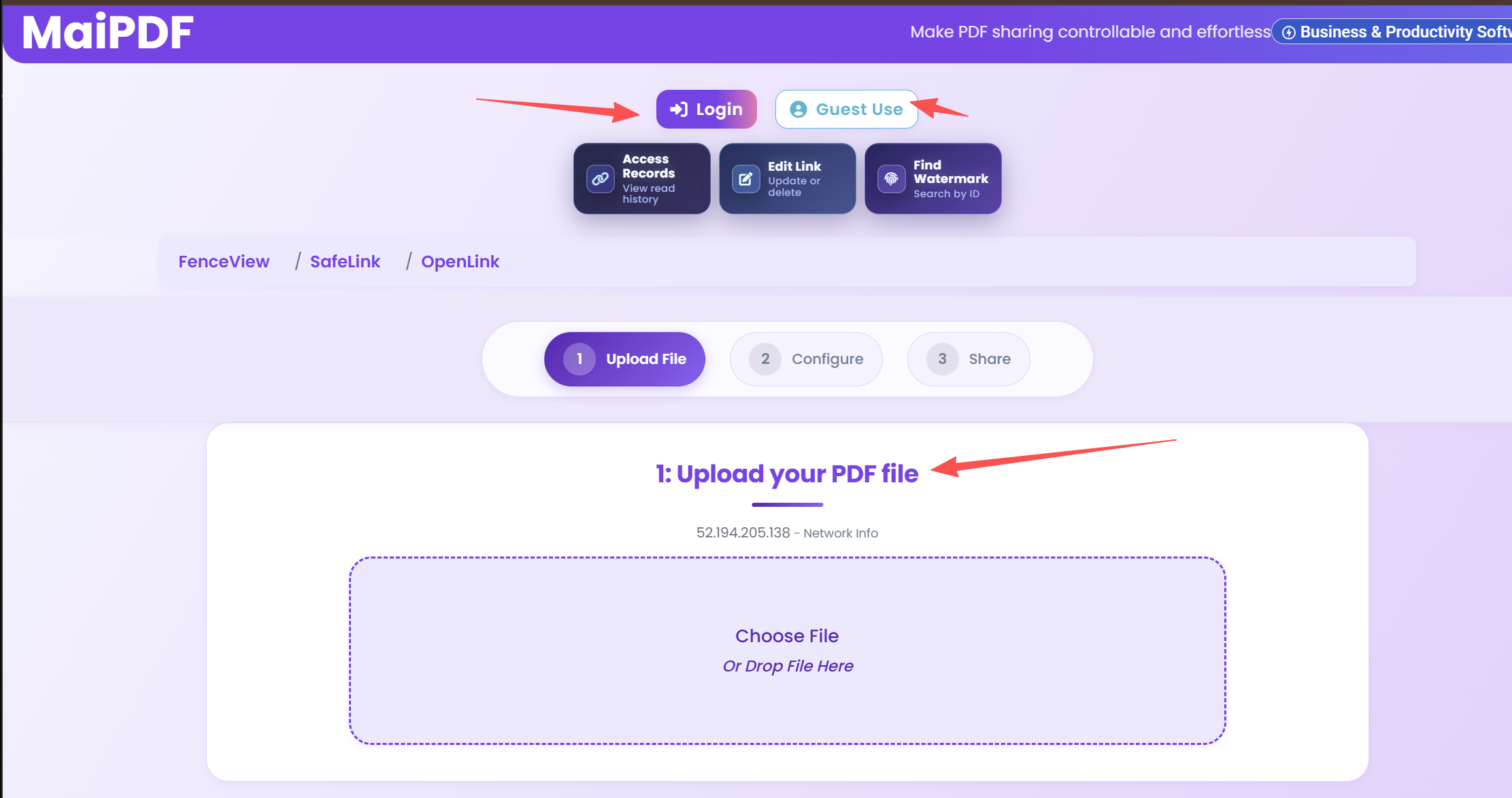
Drag and drop or click to upload. Your file is stored securely in the cloud.
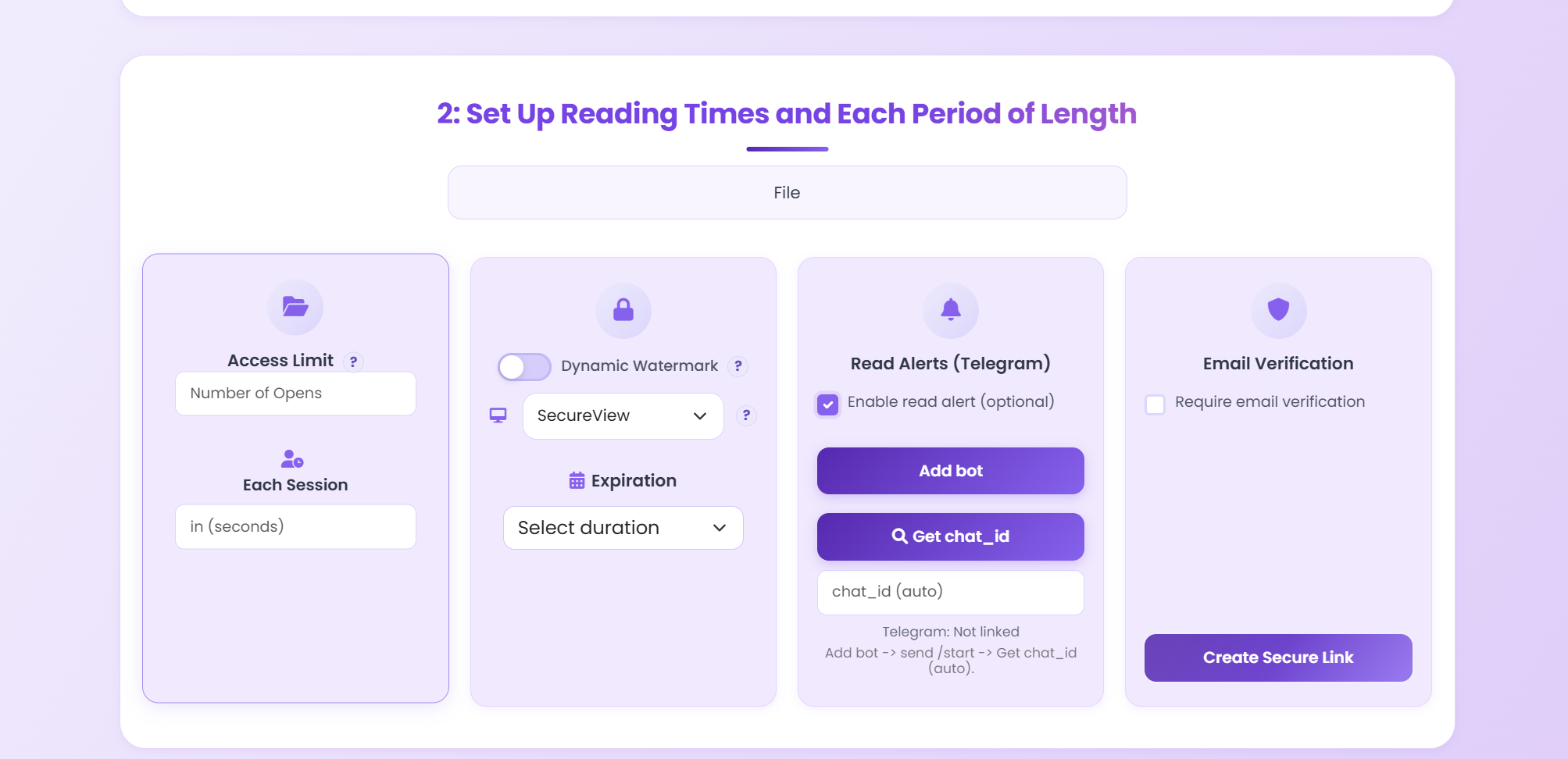
Enable a password gate, email verification code, view limits, expiration, and more.
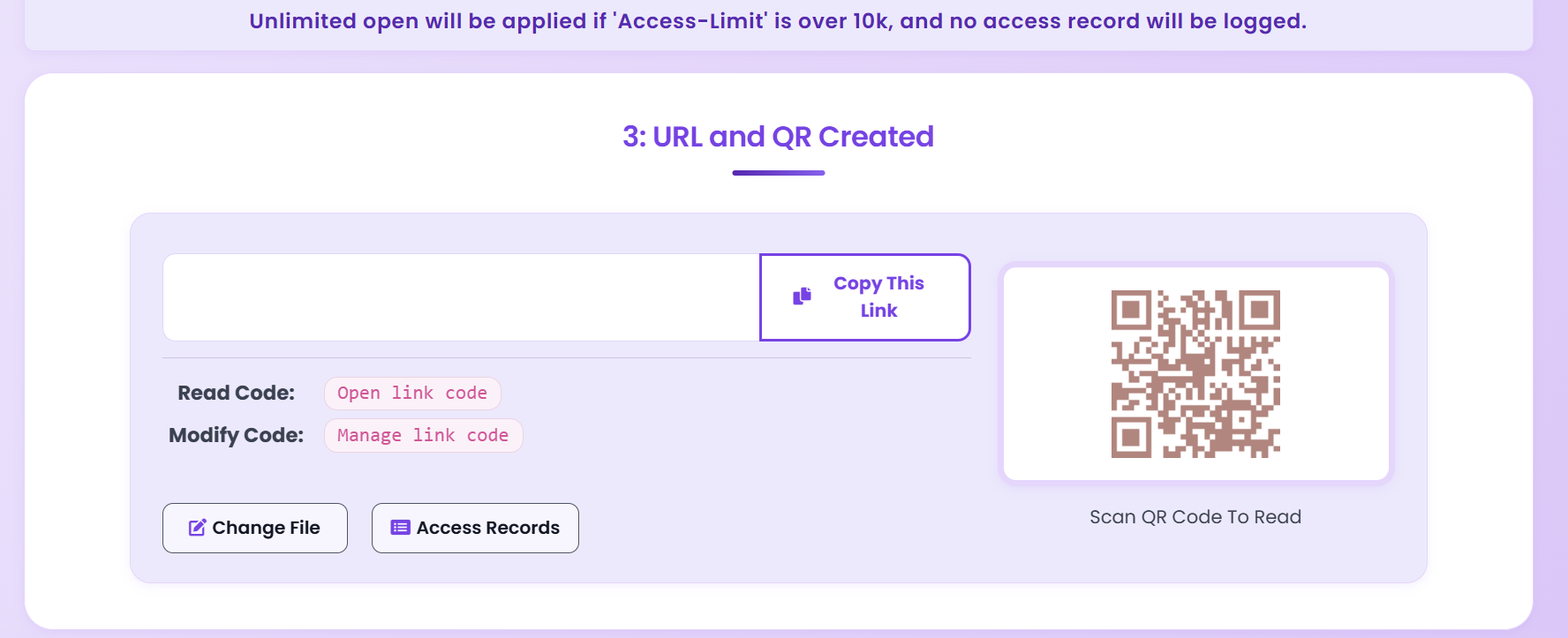
Get a link and QR code. Recipients must authenticate before viewing.
Key Features
Set a custom password that recipients must enter before they can open your PDF. Change it any time from your dashboard.
Require a one-time code sent to the viewer's email. Know exactly who opened your document with verified identity.
Set the maximum number of times your PDF can be opened. Once exhausted, the link automatically deactivates.
Make your PDF link expire on a specific date. Perfect for time-sensitive proposals, contracts, and offers.
Disable the download and print buttons so recipients can only view your document online — never save a copy.
Overlay viewer-specific watermarks showing email, IP, and timestamp. Deter screenshots and trace leaks.
See a full audit trail of every view — who opened, when, from where, and on which device.
Get instant Telegram notifications the moment someone opens your protected PDF. Stay informed in real time.
Email Verification in Action
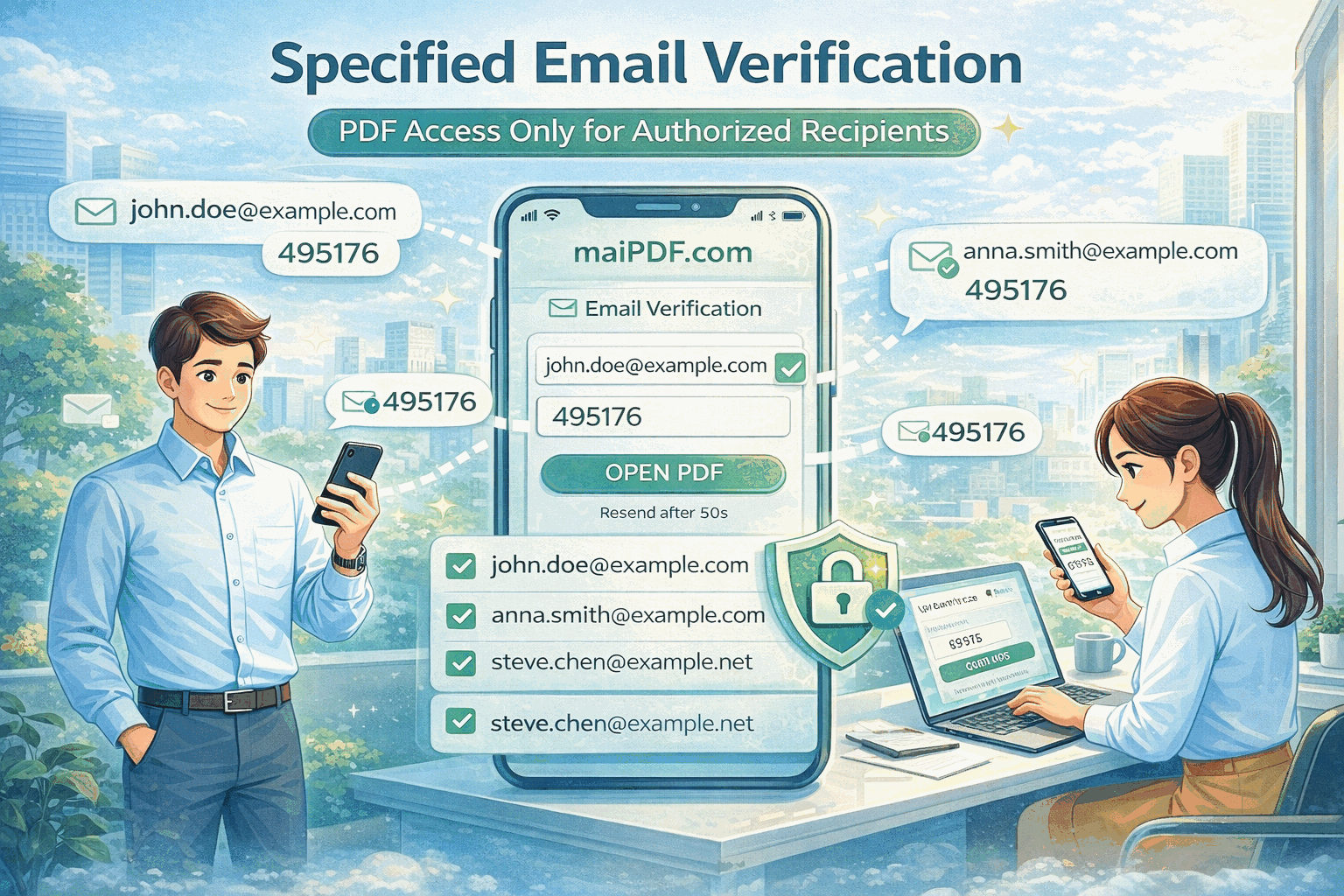
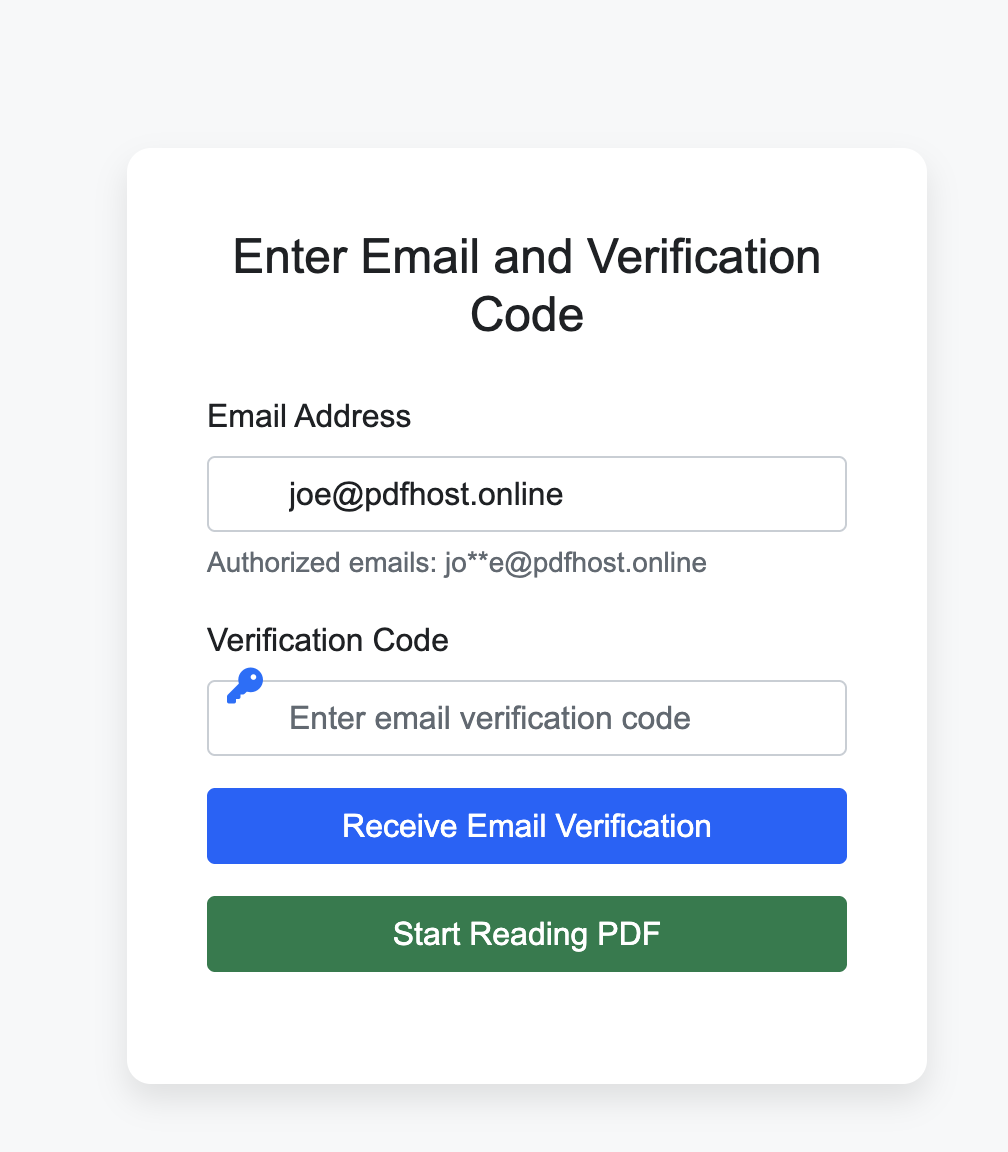
When email verification is enabled, the viewer sees a gate screen asking for their email. A one-time code is sent instantly. Only after entering the correct code can they access the PDF — and their identity is logged.
Comparison
FAQ
Related
A complete security toolkit combining passwords, watermarks, encryption, and access control.
Add dynamic watermarks with viewer identity, IP, and timestamp to deter leaks.
Set view limits, expiration dates, and IP restrictions for granular access control.
Upload a PDF, add a password or email verification, and share the secure link — it takes less than a minute.
Updated MaiPDF protection path
SendPDFOnline pages now describe MaiPDF as a two-level product family: Online Cloud Sharing creates quick browser links and QR codes, while the MaiPDF App creates protected .maipdf packages for sensitive PDFs that need App DRM controls.
Upload a PDF, share a browser link or QR code, and keep read code / modify code management.
Package the PDF in the MaiPDF App with local encryption, license rules, expiry, open limits, and revoke control.
Use protected viewer, device binding, screenshot-aware controls, watermark trace, and license management where supported.
No web page can fully stop screenshots. MaiPDF App DRM is positioned as the stronger path: reduce casual copying, bind access to identity/devices, revoke licenses, and trace leaks with visible watermark information.