Ebook Preview Security Guide
Share ebook previews without allowing downloads. Use view limits, watermarks, and access analytics to protect your work and drive sales.
View-only View limits Analytics
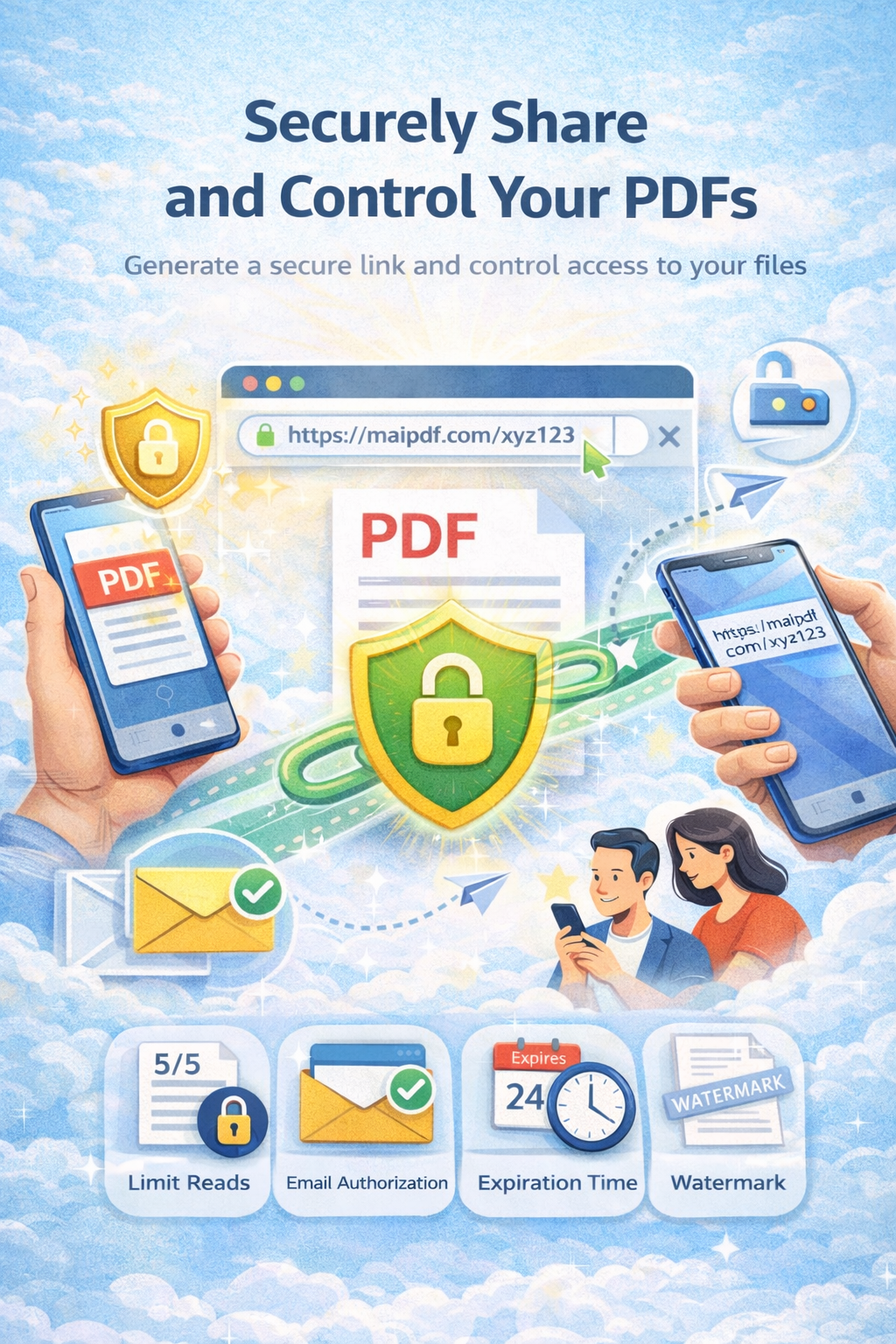
Share ebook previews without allowing downloads. Use view limits, watermarks, and access analytics to protect your work and drive sales.
View-only View limits Analytics
Article
Previews help sell ebooks, but open links can be downloaded or shared. With MaiPDF you keep view-only mode, set view limits, add watermarks, and see who viewed—so you protect IP and still hook readers.
Strategy
Journey
How it works
First chapter or sample. Up to 50MB.
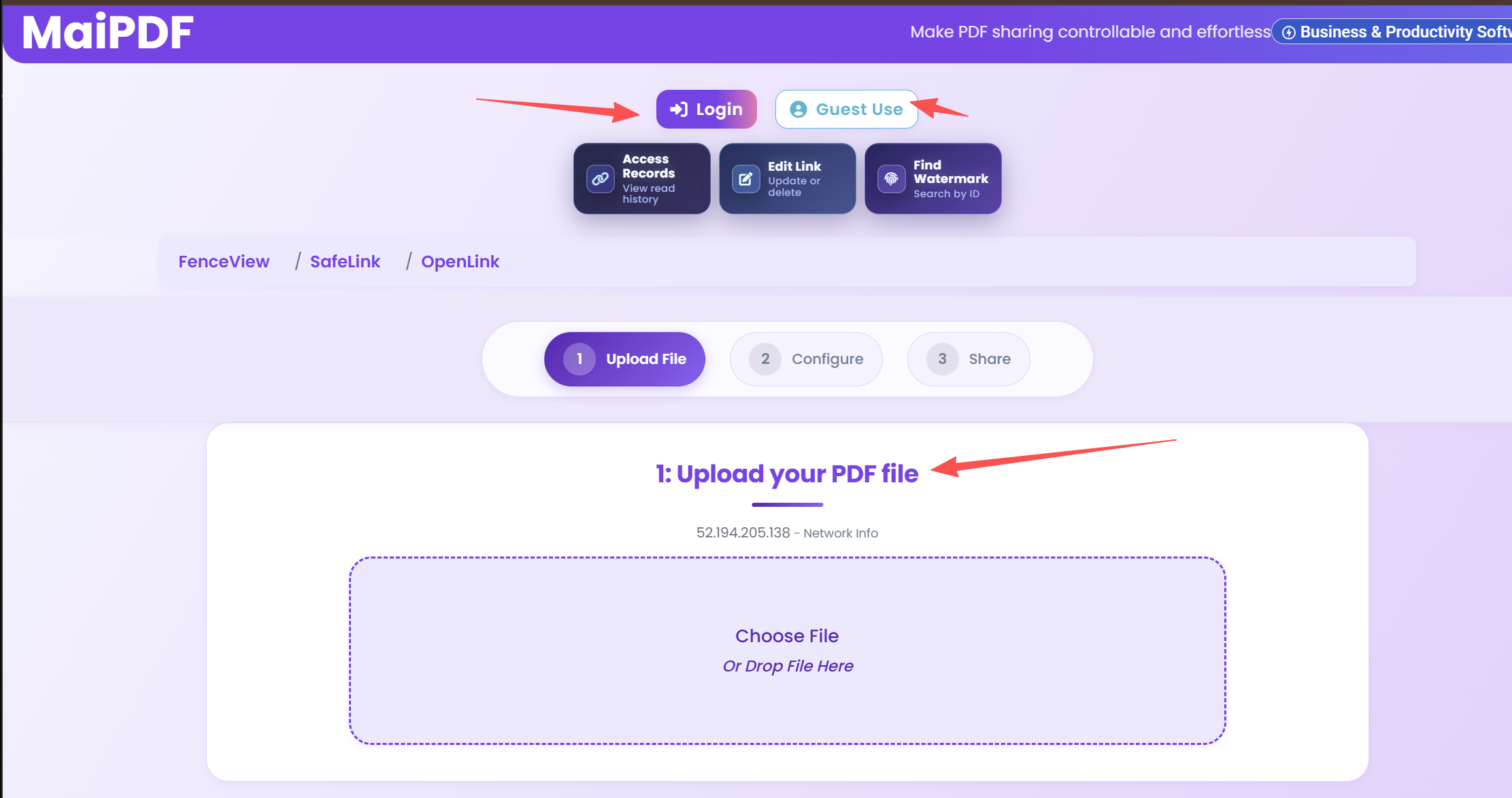
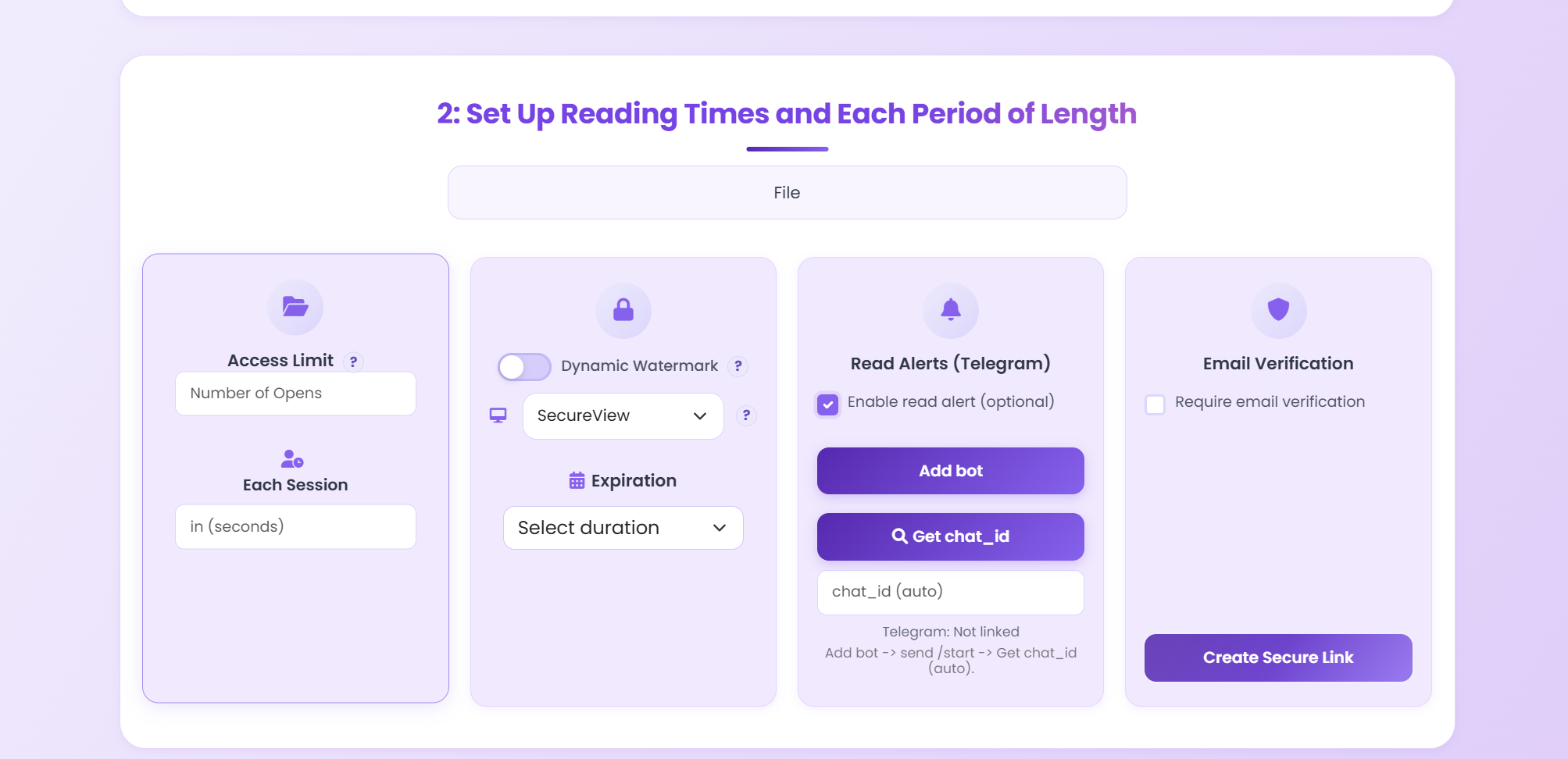
View-only, view limits, watermark, optional password.
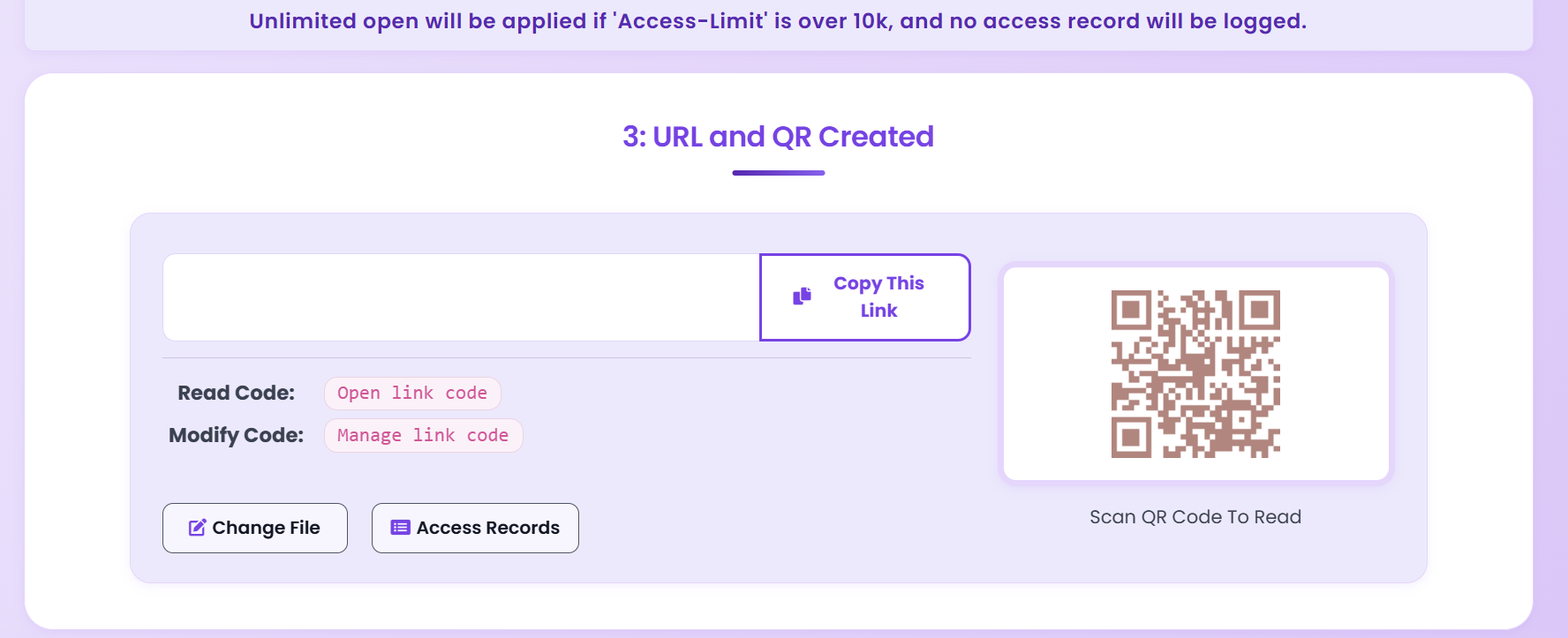
Send link; review analytics in dashboard.
Features
No download, save, or print.
Cap views per user (e.g. 3–5).
Deter sharing; identify leaks.
Who viewed, how long, which pages.
Tips
Execution
Playbook
| Scenario | Recommended controls | Follow-up action |
|---|---|---|
| Sales proposal | Password + 7-day expiry + watermark | Review open timeline before pricing follow-up |
| Investor update | Verified viewer + no-download + revoke switch | Disable access after board cycle ends |
| Training materials | QR sharing + view limits + printable allowed | Track completion and refresh old versions |
FAQ
No. With view-only mode, they can only read in the browser—no save, download, or print.
You set it: 1 to unlimited. Many authors use 3–5 views so readers can re-read before buying.
Yes. MaiPDF shows views, duration, pages viewed, and access times in the dashboard.
They see a message that access is exhausted; they need to buy the full ebook to continue.
Yes. Revoke any link from the MaiPDF dashboard; the link stops working immediately.
Read more
Control deck access.
View count limits.
Password, watermark, tracking.
Share with control.
Updated MaiPDF protection path
SendPDFOnline pages now describe MaiPDF as a two-level product family: Online Cloud Sharing creates quick browser links and QR codes, while the MaiPDF App creates protected .maipdf packages for sensitive PDFs that need App DRM controls.
Upload a PDF, share a browser link or QR code, and keep read code / modify code management.
Package the PDF in the MaiPDF App with local encryption, license rules, expiry, open limits, and revoke control.
Use protected viewer, device binding, screenshot-aware controls, watermark trace, and license management where supported.
No web page can fully stop screenshots. MaiPDF App DRM is positioned as the stronger path: reduce casual copying, bind access to identity/devices, revoke licenses, and trace leaks with visible watermark information.
Free. No sign-up required.
Get Started Free