Share PDF Online
Upload your PDF and instantly get a shareable link and QR code. No email attachments, no file size worries — just fast, secure PDF sharing.
5 min read March 23, 2026 Sharing
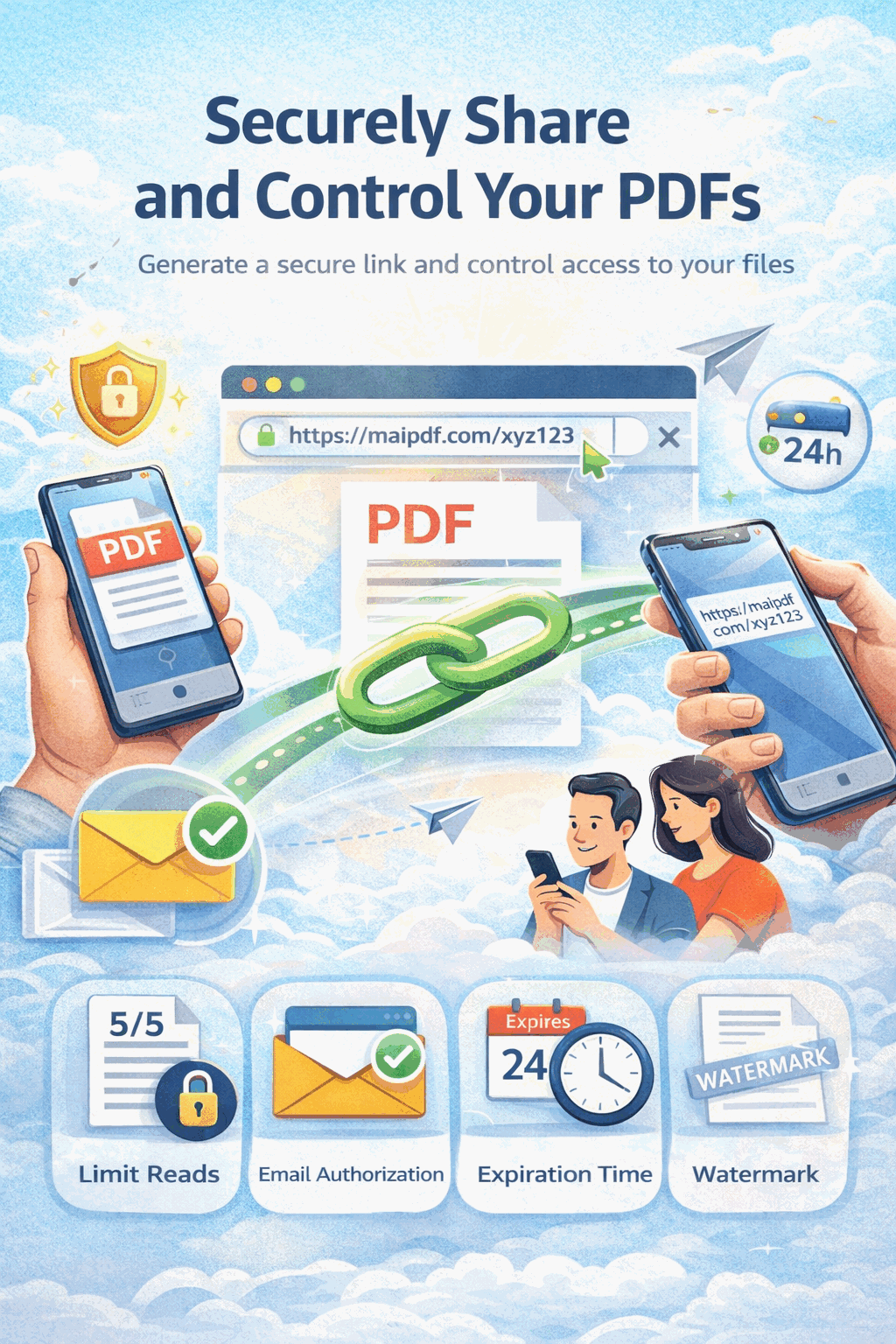
Upload your PDF and instantly get a shareable link and QR code. No email attachments, no file size worries — just fast, secure PDF sharing.
5 min read March 23, 2026 Sharing
Email attachments bounce at 25 MB. Cloud drive links force recipients to log in. Printing and scanning wastes time. MaiPDF solves every friction point: upload any PDF up to 100 MB, get a permanent link and QR code in seconds, and let recipients view it instantly in any browser — on desktop, tablet, or phone — with zero sign-up required.
How It Works
Go to maipdf.com. No account creation needed — start sharing your PDF immediately without registration.
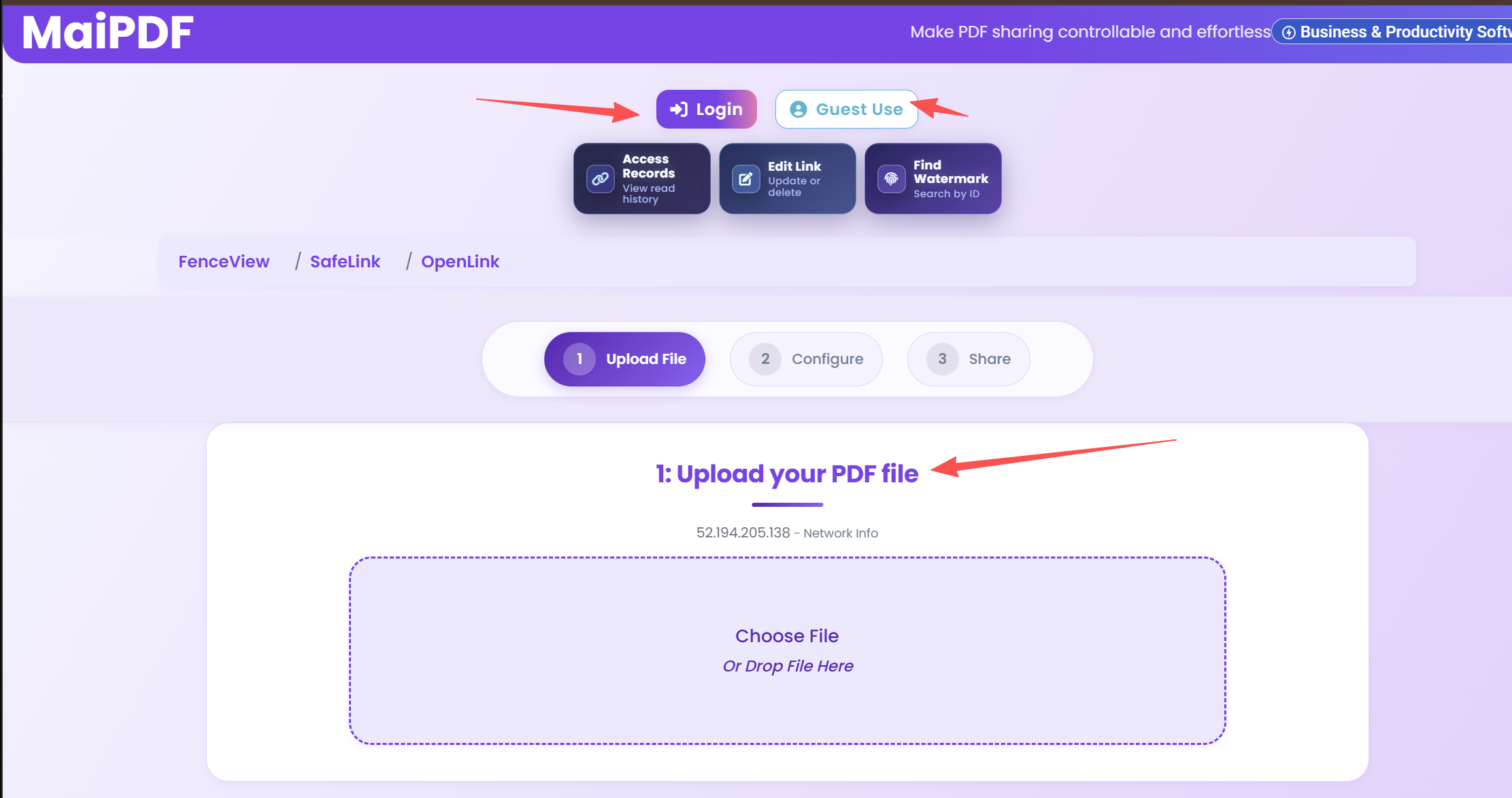
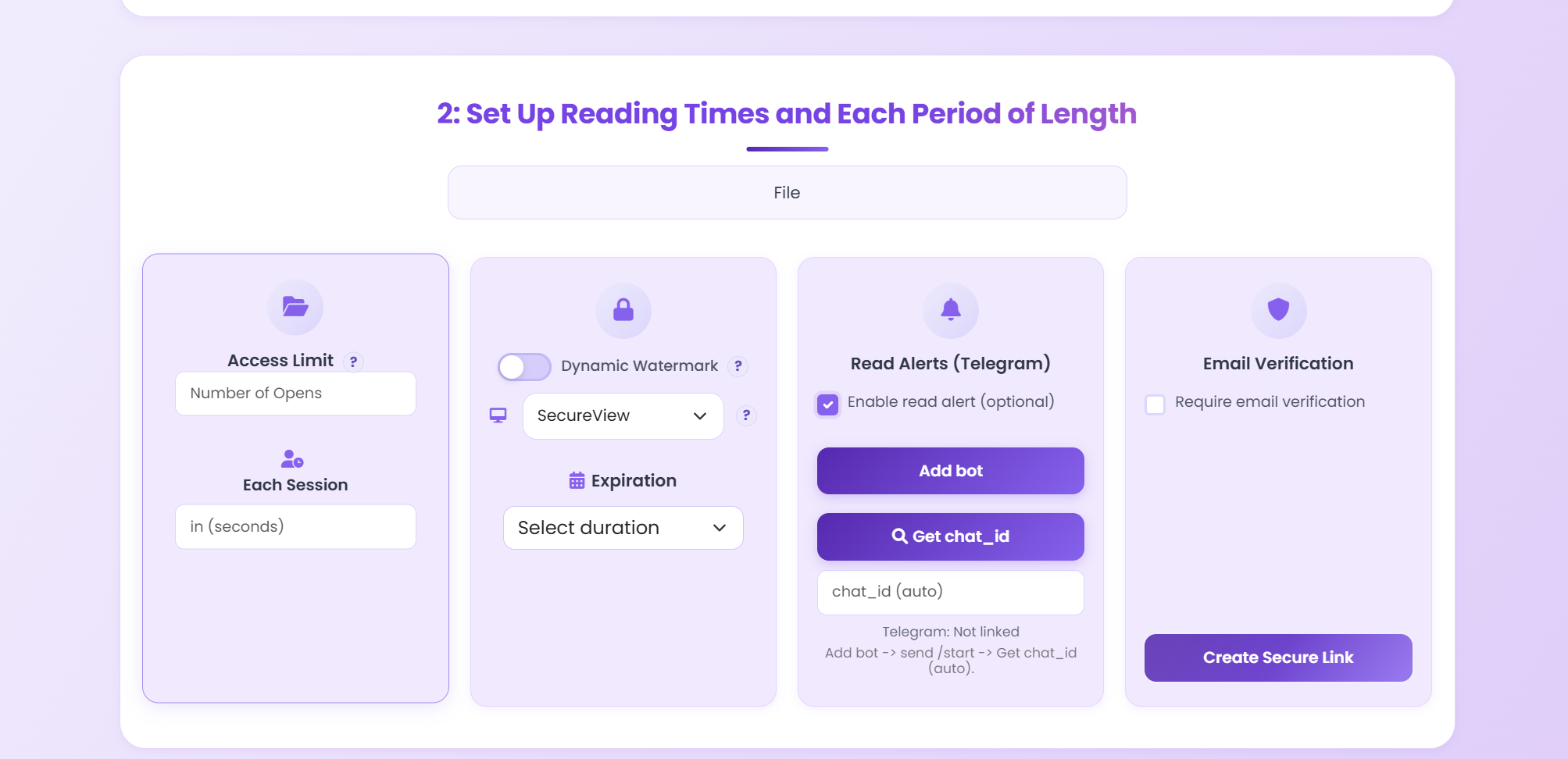
Drag and drop your PDF (up to 100 MB). Optionally set a password, view limit, expiration date, or watermark.
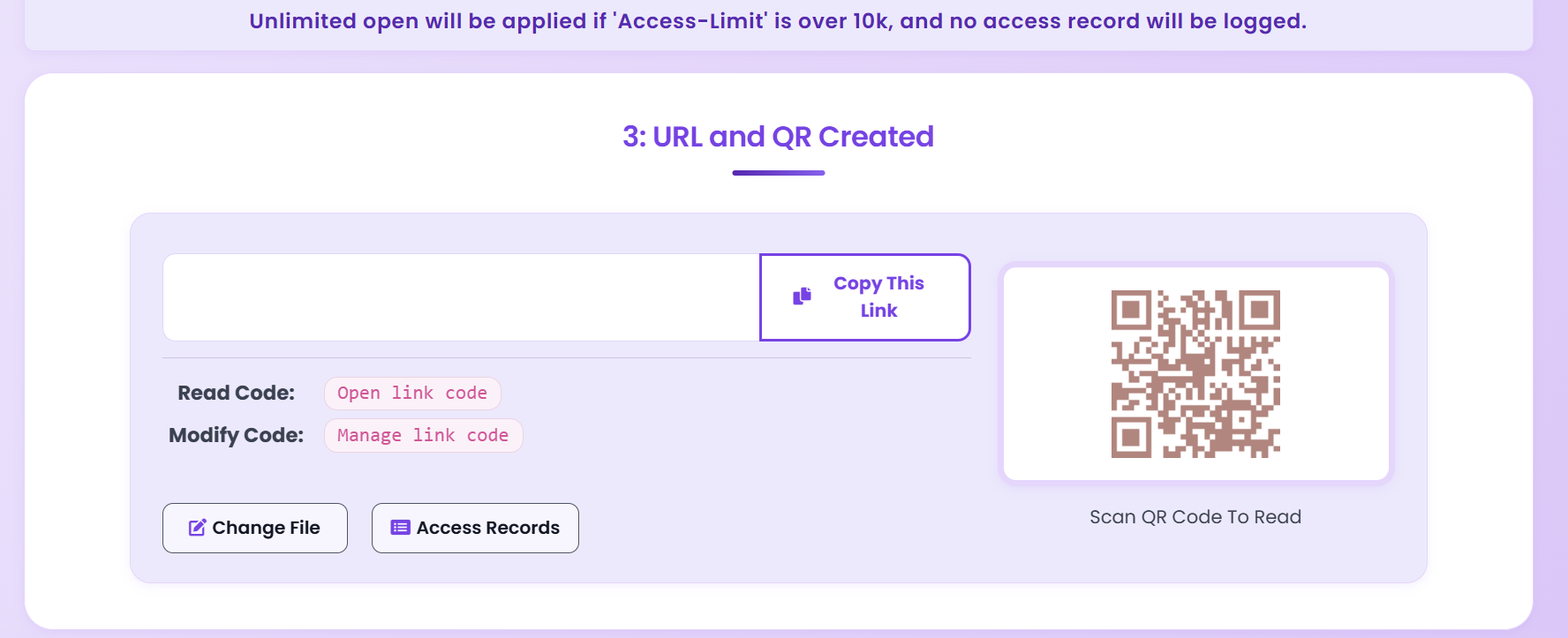
Instantly receive a shareable link and QR code. Copy and send via email, chat, SMS, or social media — done.
Features
Upload finishes and you immediately get a permanent shareable link plus a scannable QR code. One click to copy, one tap to share.
Neither you nor your recipients need an account. Visit the site, upload, share — zero friction from start to finish.
Password protection, view count limits, expiration dates, and download restrictions keep your documents safe.
Track how many times your PDF was opened, when each view occurred, and what device was used — all from your dashboard.
Recipients view PDFs in a responsive, mobile-optimized viewer. No app downloads, no pinch-to-zoom struggles.
Update the PDF behind a shared link without changing the URL. Recipients always see the latest version — no redistribution needed.
Require a password before anyone can view your PDF. Only authorized recipients with the correct password gain access.
Set your link to expire after a specific date or number of views. Perfect for time-sensitive proposals and contracts.
Comparison
FAQ
Related Reading
Share PDFs instantly at zero cost with no sign-up and no subscriptions.
Monitor who views your PDFs with real-time analytics and audit trails.
Password-protect, set view limits, and control exactly who can access your PDFs.
Upload your PDF, get a shareable link and QR code in seconds. No registration, no cost — just instant sharing.
Updated MaiPDF protection path
SendPDFOnline pages now describe MaiPDF as a two-level product family: Online Cloud Sharing creates quick browser links and QR codes, while the MaiPDF App creates protected .maipdf packages when the main job is to block screenshots.
Upload a PDF, share a browser link or QR code, and keep read code / modify code management.
Package the PDF in the MaiPDF App with local encryption, license rules, expiry, open limits, and revoke control.
Use App screenshot blocking where supported, plus protected viewer, device binding, watermark trace, and license management.
No web page can fully stop screenshots. MaiPDF App DRM is the direct answer when screenshots matter: block capture where supported, bind access to identity/devices, revoke licenses, and trace leaks with visible watermark information.
Create protected .maipdf documents with MaiPDF App DRM.