PDF to Image Converter
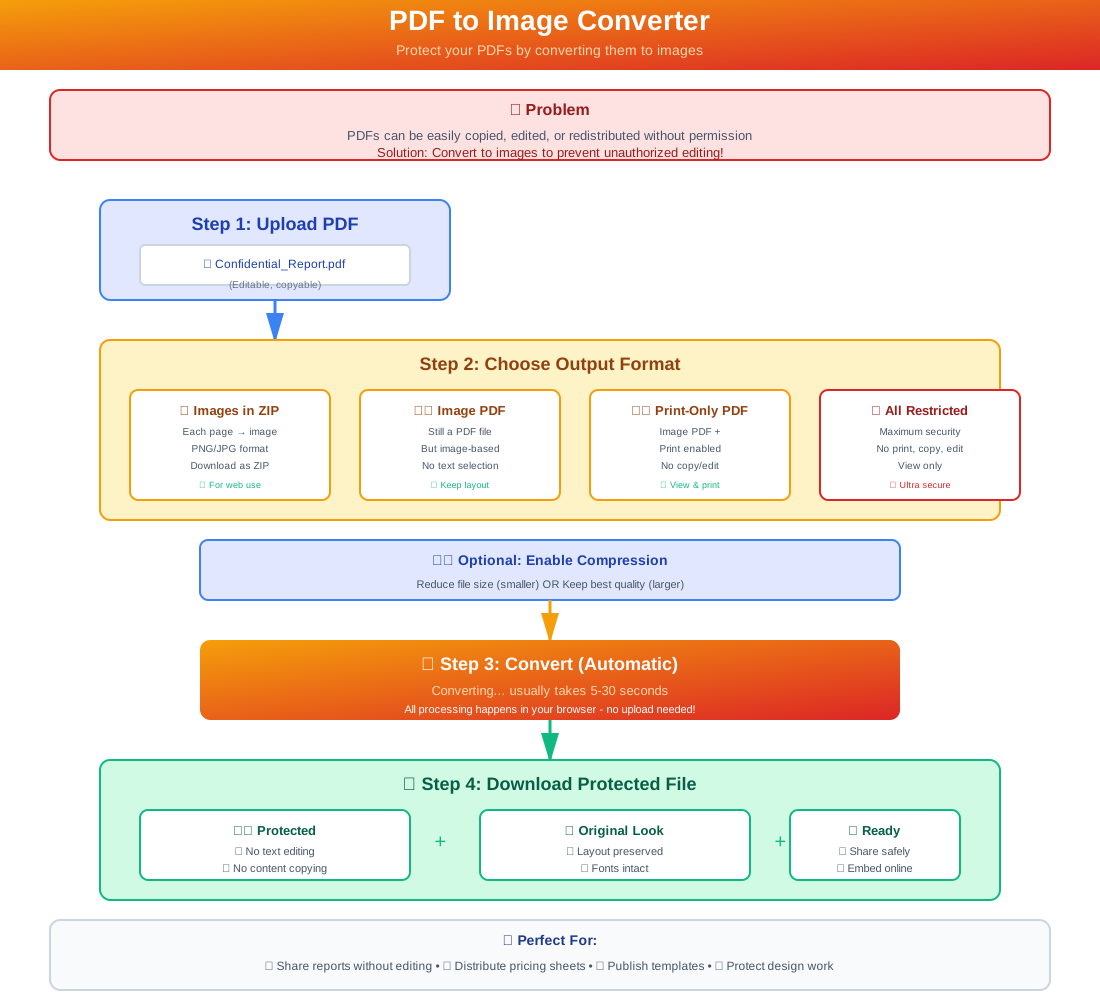
Convert PDF pages to images online. Prevent editing, copying, and tampering while preserving layout — four output formats for every use case.
5 min read March 23, 2026 Tools
Convert PDF pages to images online. Prevent editing, copying, and tampering while preserving layout — four output formats for every use case.
5 min read March 23, 2026 Tools
Sharing a PDF means sharing editable content — recipients can copy text, extract data, or modify the file entirely. MaiPDF's PDF to Image converter solves this by turning each page into a rasterized image, locking down the content while preserving every detail of the original layout.
Choose from four output formats depending on your needs: a ZIP of individual images for web embedding, an image-based PDF that blocks editing, a print-only PDF, or a fully restricted PDF with all operations disabled. Everything runs in your browser — no software to install, no account required.
How It Works
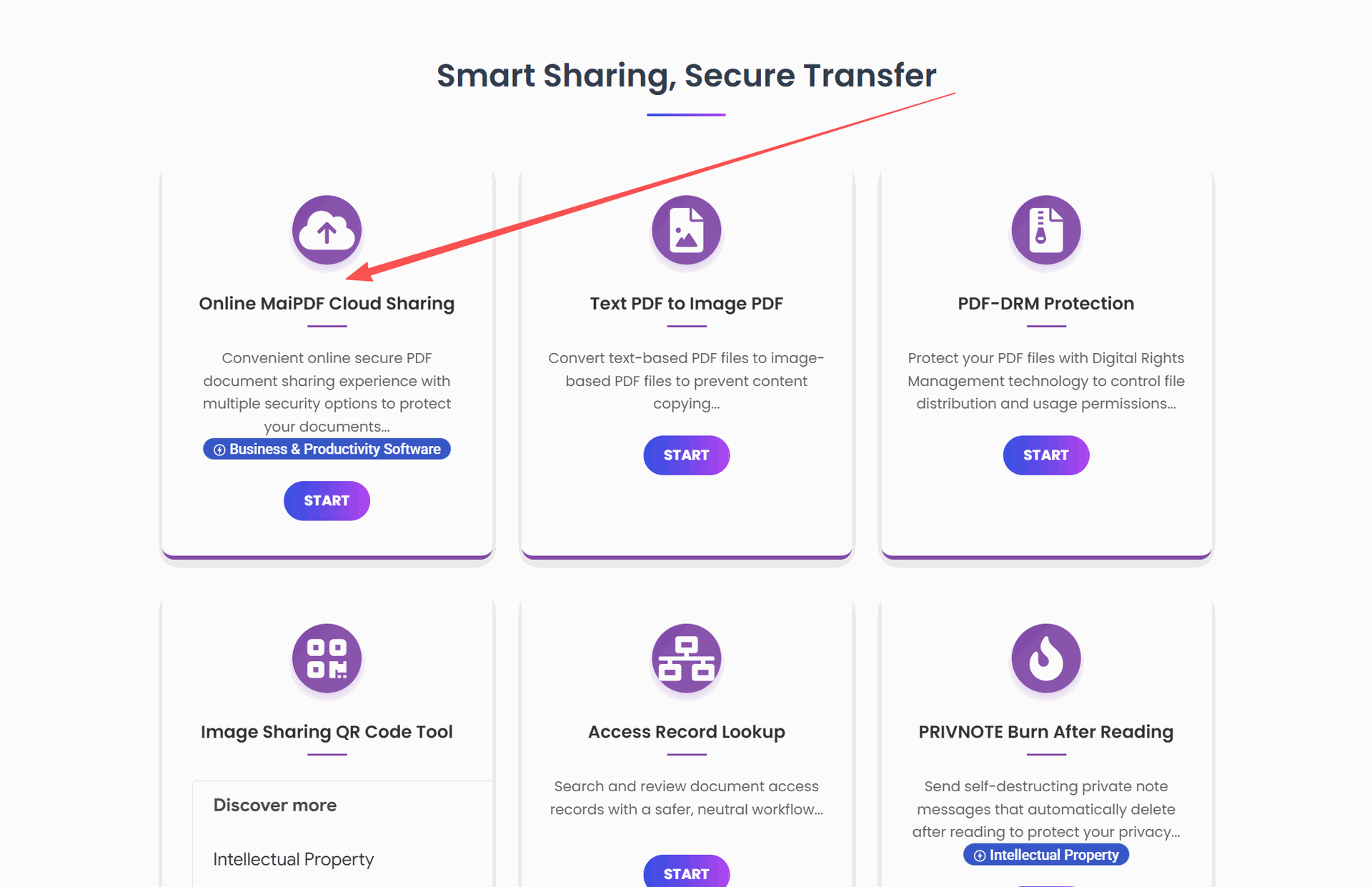
Drag and drop or click to upload any PDF file. Processing happens entirely in your browser.
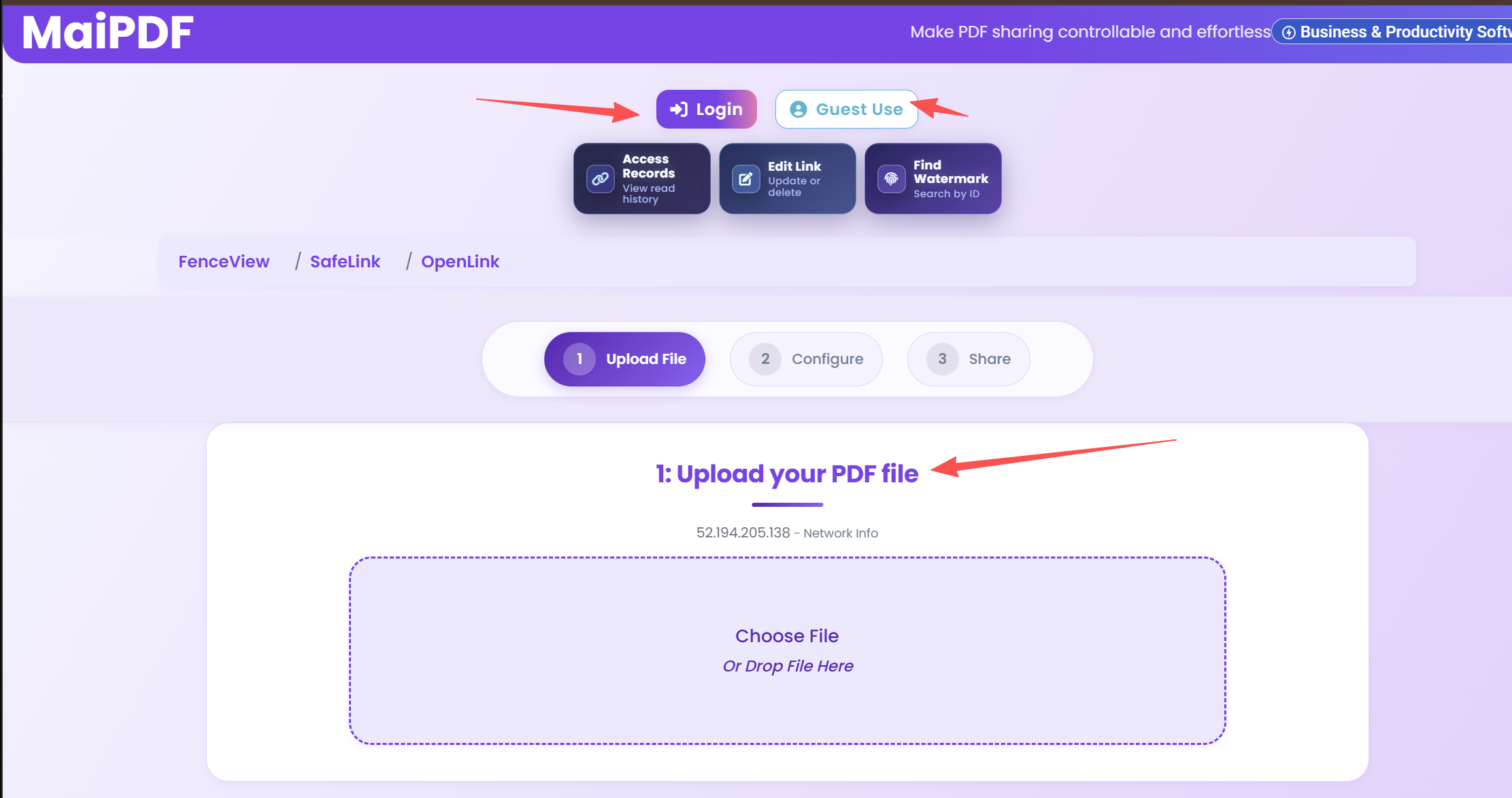
Select from ZIP images, image-based PDF, print-only PDF, or fully restricted PDF. Toggle compression on or off.
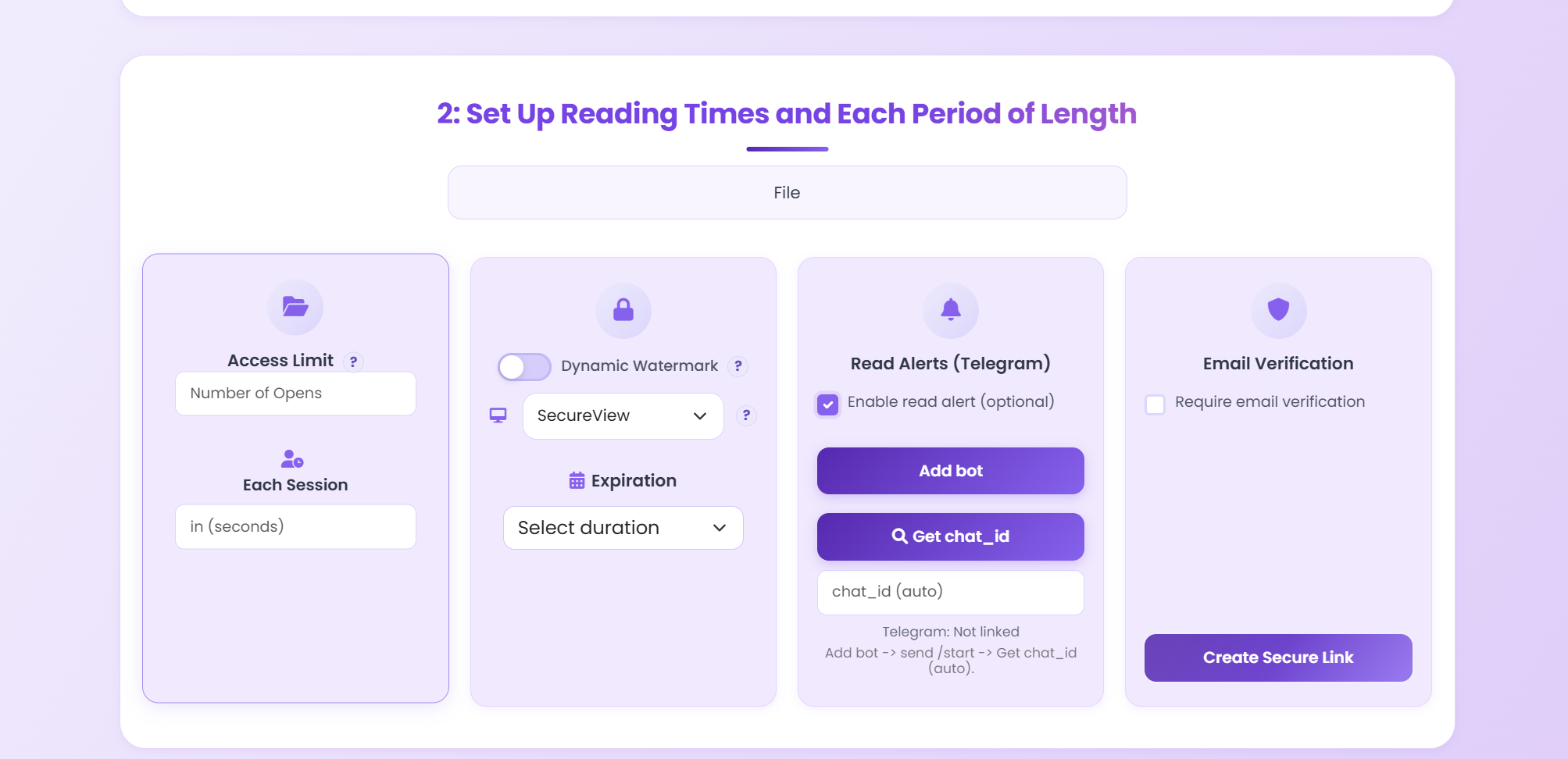
Download the converted file instantly or share it via a secure MaiPDF link with additional access controls.
Features
Each page becomes a separate image, packaged in a ZIP. Ideal for embedding in websites, slides, or social media.
The entire file is re-rendered as an image-based PDF. Layout preserved, but text selection and editing are disabled.
Same image-based protection, but printing is allowed. Perfect for client materials that need a hard copy.
All operations — copy, print, edit — are disabled. The strongest protection for confidential specifications.
Enable compression for smaller file sizes or disable it for maximum image clarity. You control the trade-off.
No software to install, no account required. Upload, convert, and download — all within your web browser.
Fonts, spacing, and visual details are retained exactly as they appear in the original PDF document.
Rasterized pages cannot be modified, ensuring the content viewers see is exactly what you intended.
Use Cases
FAQ
Related Articles
Guide
Learn how to add dynamic watermarks to your PDFs for traceability and leak prevention.
Security
Stop unauthorized forwarding of your PDF files with access controls and email verification.
Comparison
Compare MaiPDF and Smallpdf for secure document conversion, sharing, and access control.
Upload a PDF, choose your output format, and download the result — free, instant, and browser-based.
Updated MaiPDF protection path
SendPDFOnline pages now describe MaiPDF as a two-level product family: Online Cloud Sharing creates quick browser links and QR codes, while the MaiPDF App creates protected .maipdf packages for sensitive PDFs that need App DRM controls.
Upload a PDF, share a browser link or QR code, and keep read code / modify code management.
Package the PDF in the MaiPDF App with local encryption, license rules, expiry, open limits, and revoke control.
Use protected viewer, device binding, screenshot-aware controls, watermark trace, and license management where supported.
No web page can fully stop screenshots. MaiPDF App DRM is positioned as the stronger path: reduce casual copying, bind access to identity/devices, revoke licenses, and trace leaks with visible watermark information.