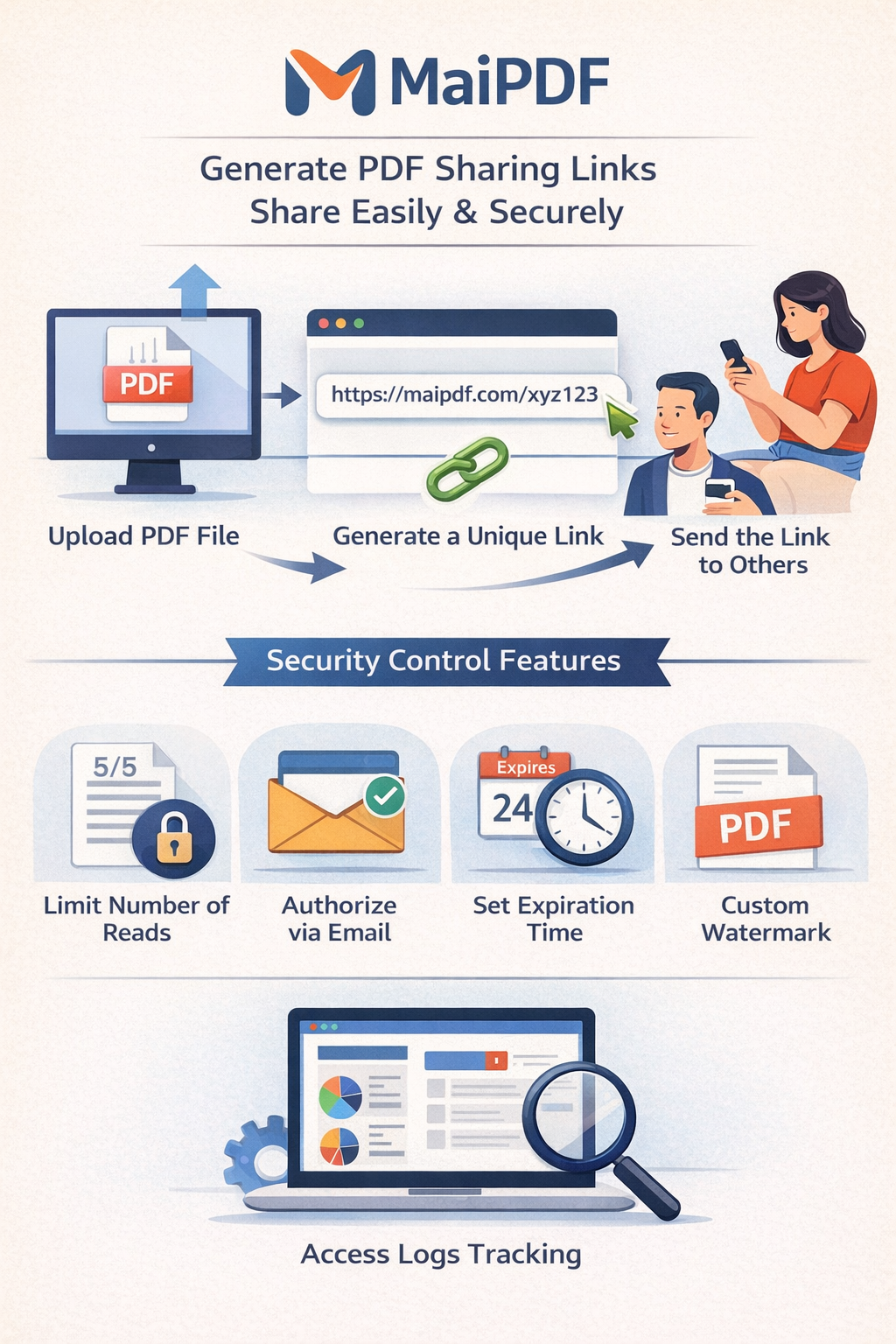
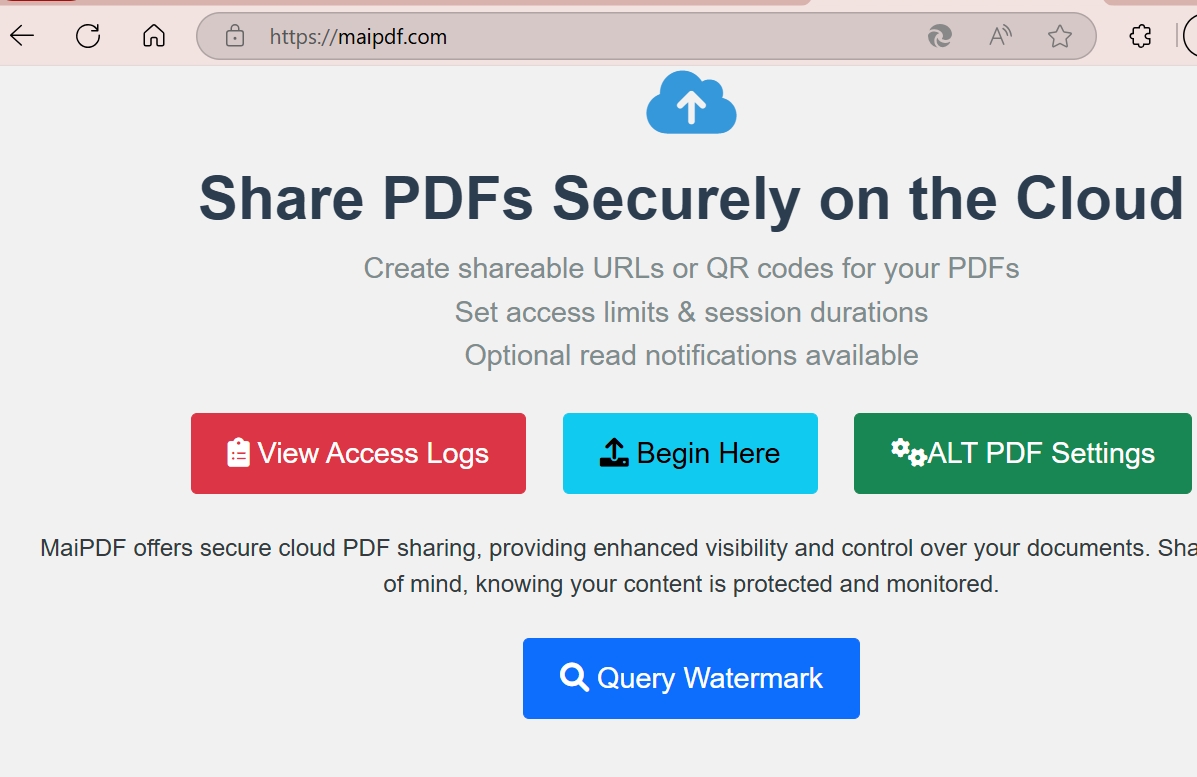
Upload your PDF, get a shareable link or QR code, then control who views it — with view limits, watermarks, expiration dates, and real-time analytics.
Free to use No sign-up required Works on any device
How It Works
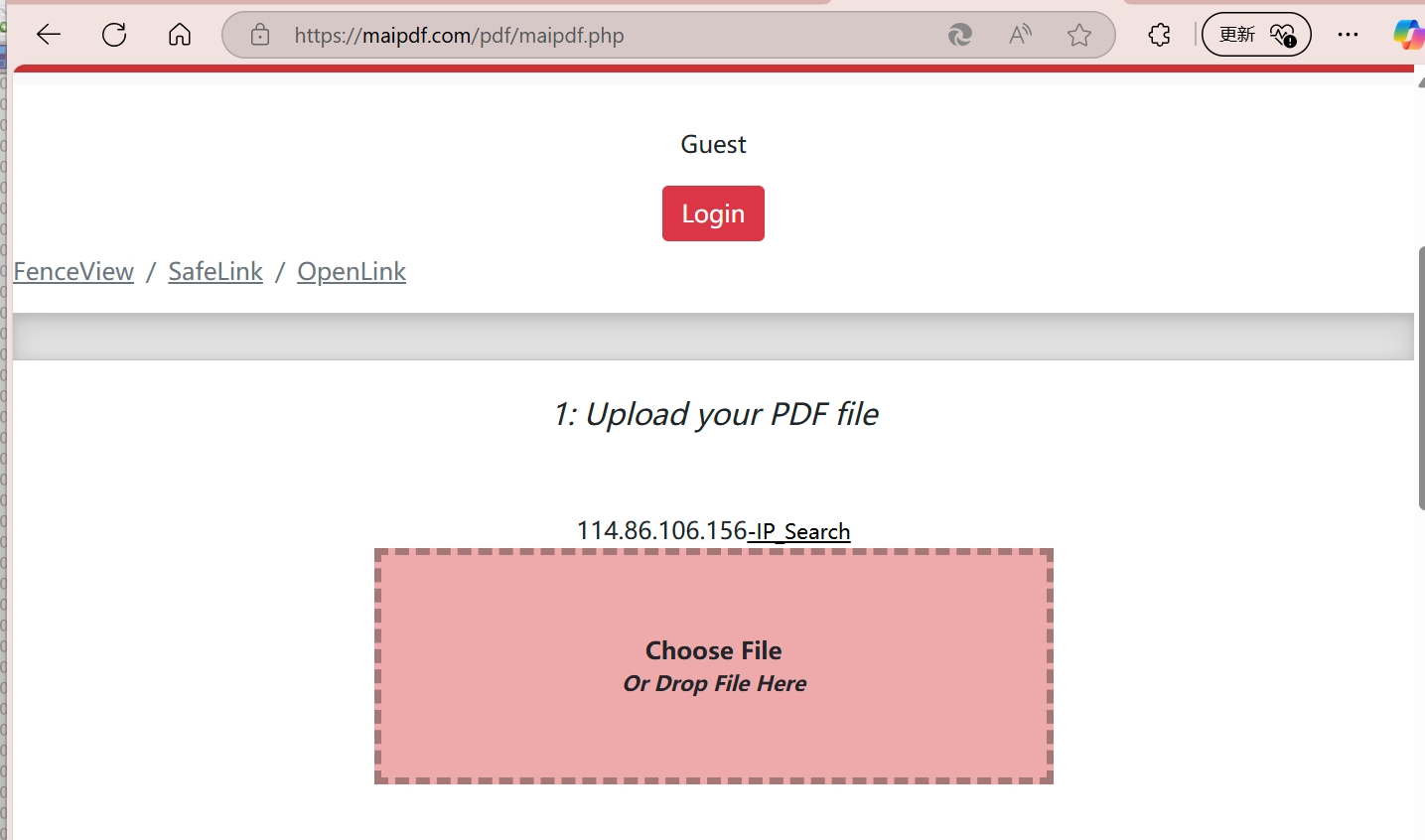
Drag and drop or click to upload. Your file is stored securely on the cloud.
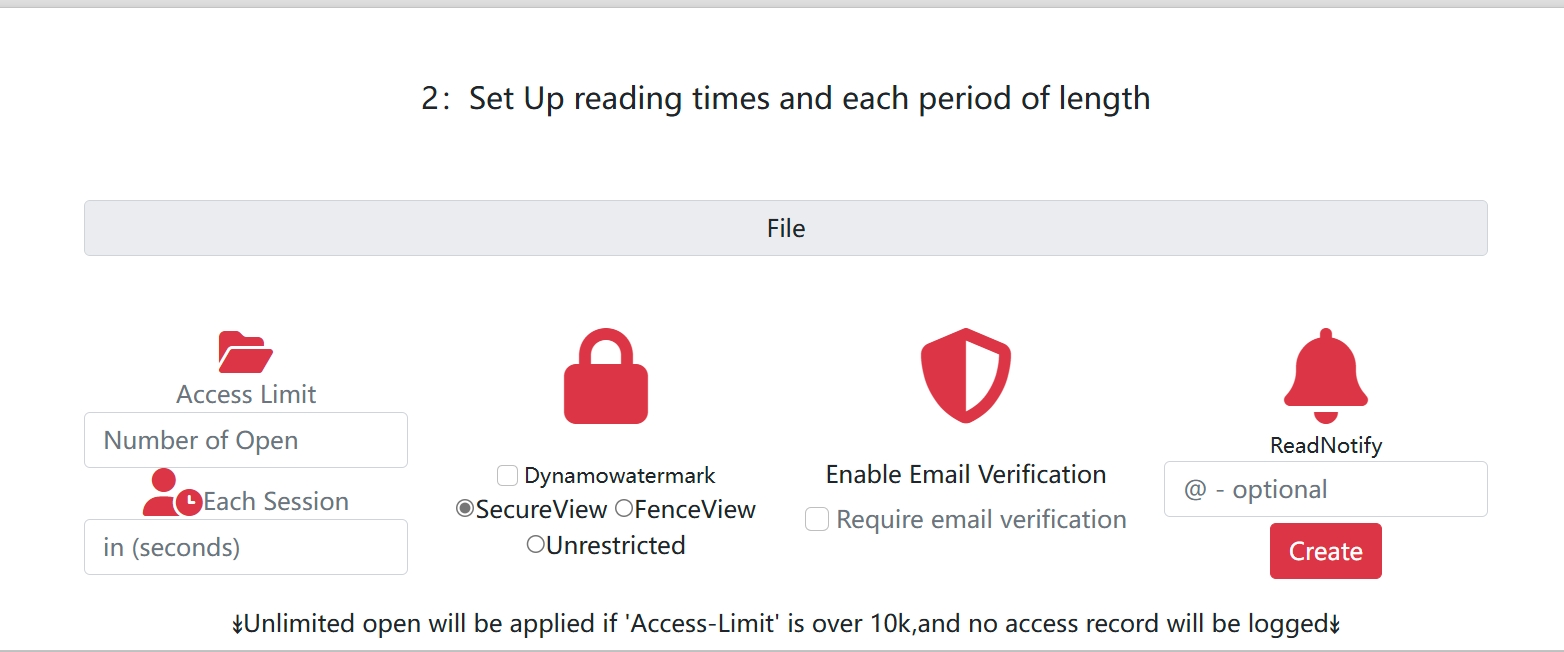
Add view limits, expiration dates, watermarks, email verification, or download restrictions.
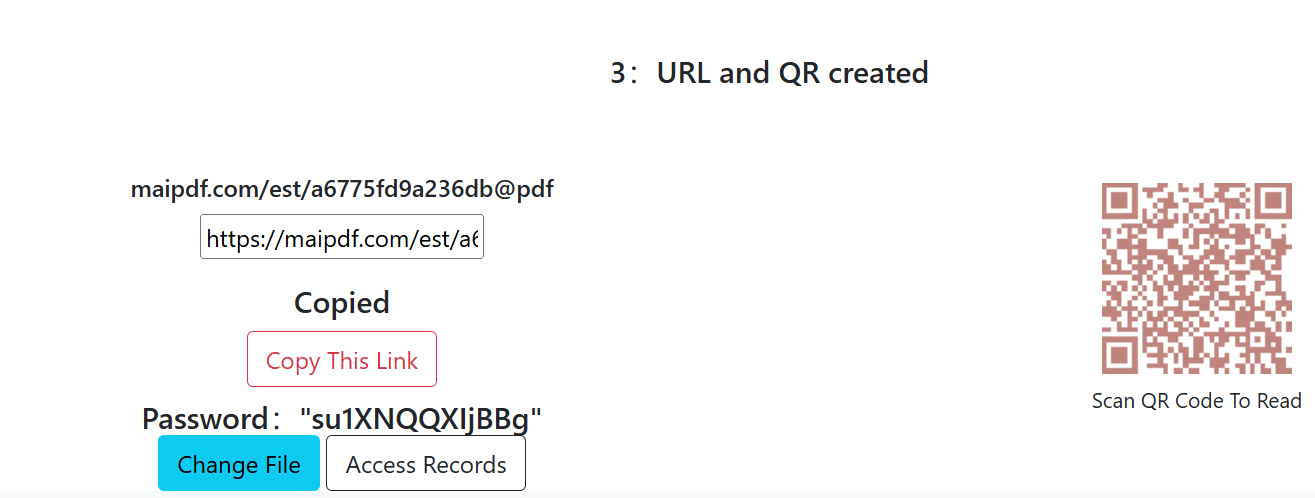
Get an instant link and QR code. Send it via email, chat, or social media — then track who opens it.
Key Features
Set exactly how many times a PDF can be opened, or make it expire on a specific date. Perfect for time-sensitive documents.
Learn more →Convert any PDF into a scannable QR code. Great for print materials, events, and offline-to-online sharing.
Learn more →Add viewer-specific watermarks that reveal who leaked your document. Includes QR-based tracking codes.
Learn more →Disable the download and print buttons so recipients can only view — not save — your PDF.
Learn more →Require a one-time email code before viewing. Know exactly who opened your document.
Learn more →Update the file behind a shared link without changing the URL. Recipients always see the latest version.
Learn more →Real-Time Analytics
See when your document was viewed, from which location, and on what device. Get notified the moment someone opens your link.
Guides & Articles
Update shared PDFs while keeping the same URL. Old link stays, new content appears instantly.
Everything you need to know about uploading, securing, and distributing PDFs via links.
Protect sensitive documents with view limits, watermarks, and email verification.
Step-by-step guide to turning any PDF into a scannable QR code for easy sharing.
How financial teams share sensitive reports with view limits and audit trails.
Share ebook previews securely without downloads. Control access and track engagement.
Use Cases
Share contracts, pricing sheets, and internal docs with controlled access.
Learn more →Share portfolios with watermarks and download protection. Track client views.
Learn more →Distribute course materials with view limits — prevent unauthorized redistribution.
Learn more →Also Available
Everything MaiPDF does for documents, MaiImg does for images — free hosting, QR codes, view limits, watermarks, and analytics.
Batch Upload
Image QR Code
Password Protection
View Analytics
Upload a PDF, set your security preferences, and share the link — it takes less than a minute.