Convert PDF to Secure Links
Transform any PDF into a secure, trackable link. Control who views your document, for how long, and get real-time analytics on every open.
6 min read March 23, 2026 Sharing
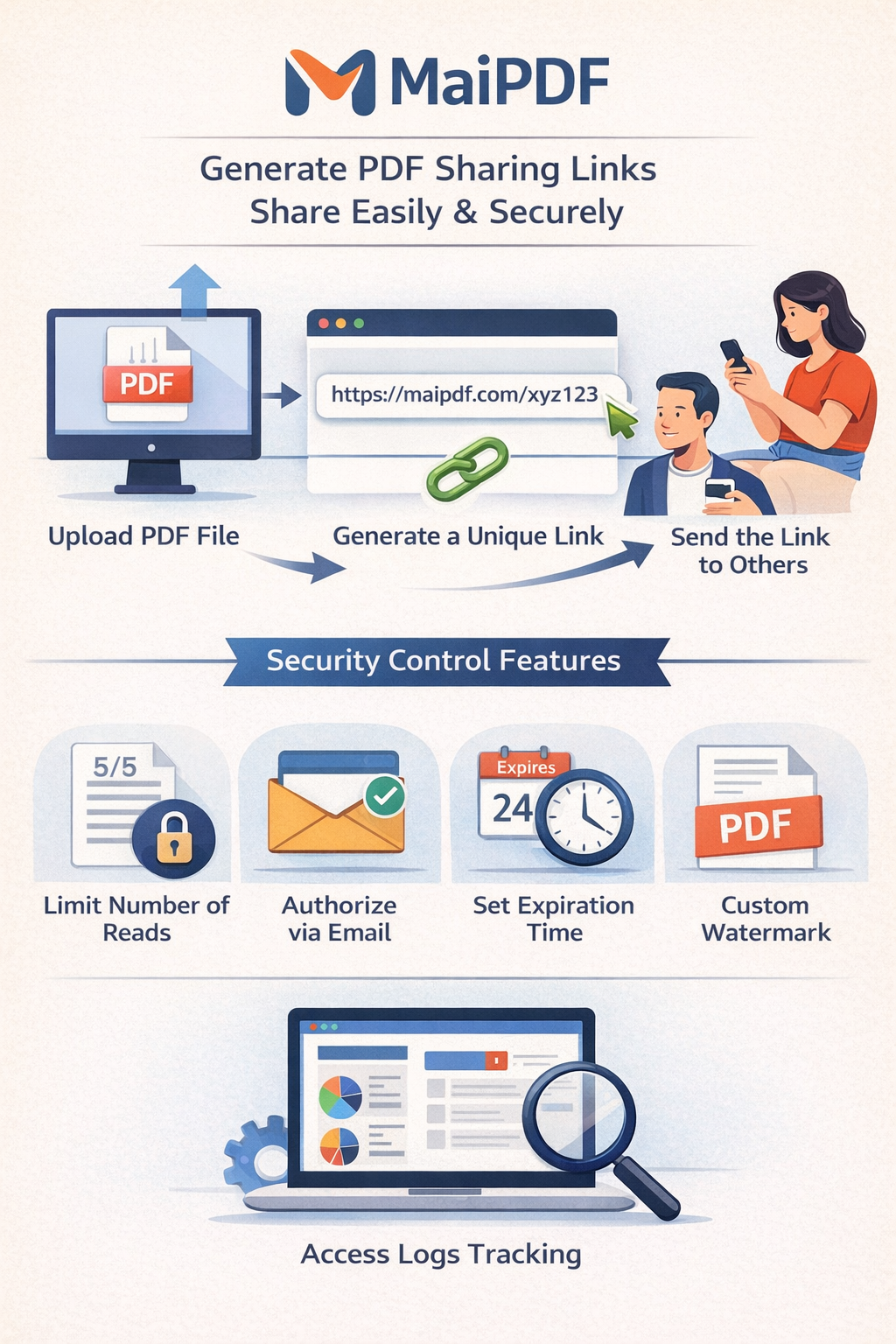
Transform any PDF into a secure, trackable link. Control who views your document, for how long, and get real-time analytics on every open.
6 min read March 23, 2026 Sharing
Sending a PDF as an email attachment means losing all control the moment you hit "Send." Anyone can forward it, copy it, or share it with unauthorized people. MaiPDF changes the equation: upload your PDF (up to 100 MB), apply security controls, and get a secure, trackable link. You decide who can view it, how many times, and for how long — and you get real-time analytics on every single open.
How It Works
Go to maipdf.com. No account needed — upload immediately without registration or software.
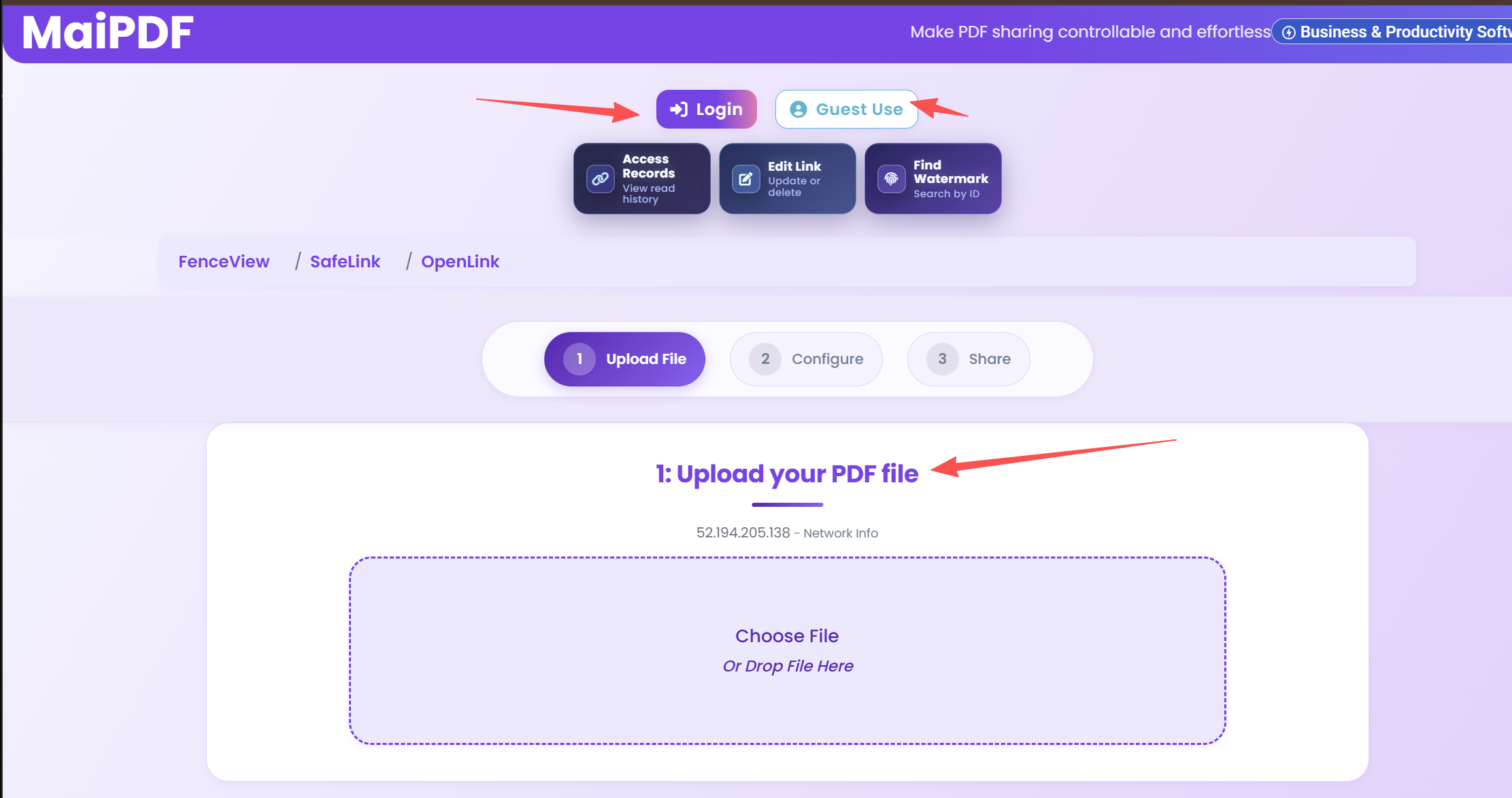
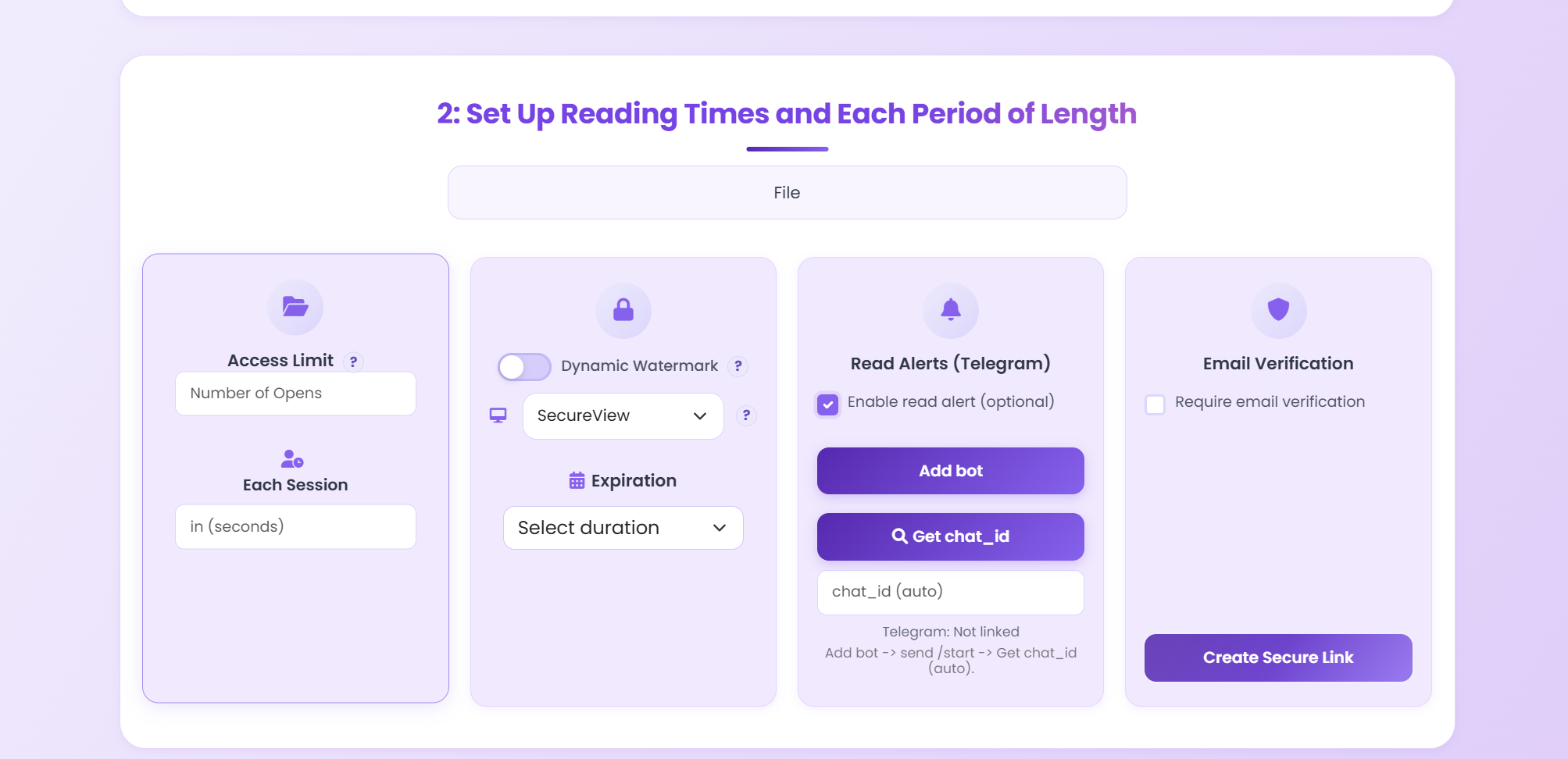
Upload your PDF (up to 100 MB) and apply security: password, view limit, expiration, watermark, or view-only mode.
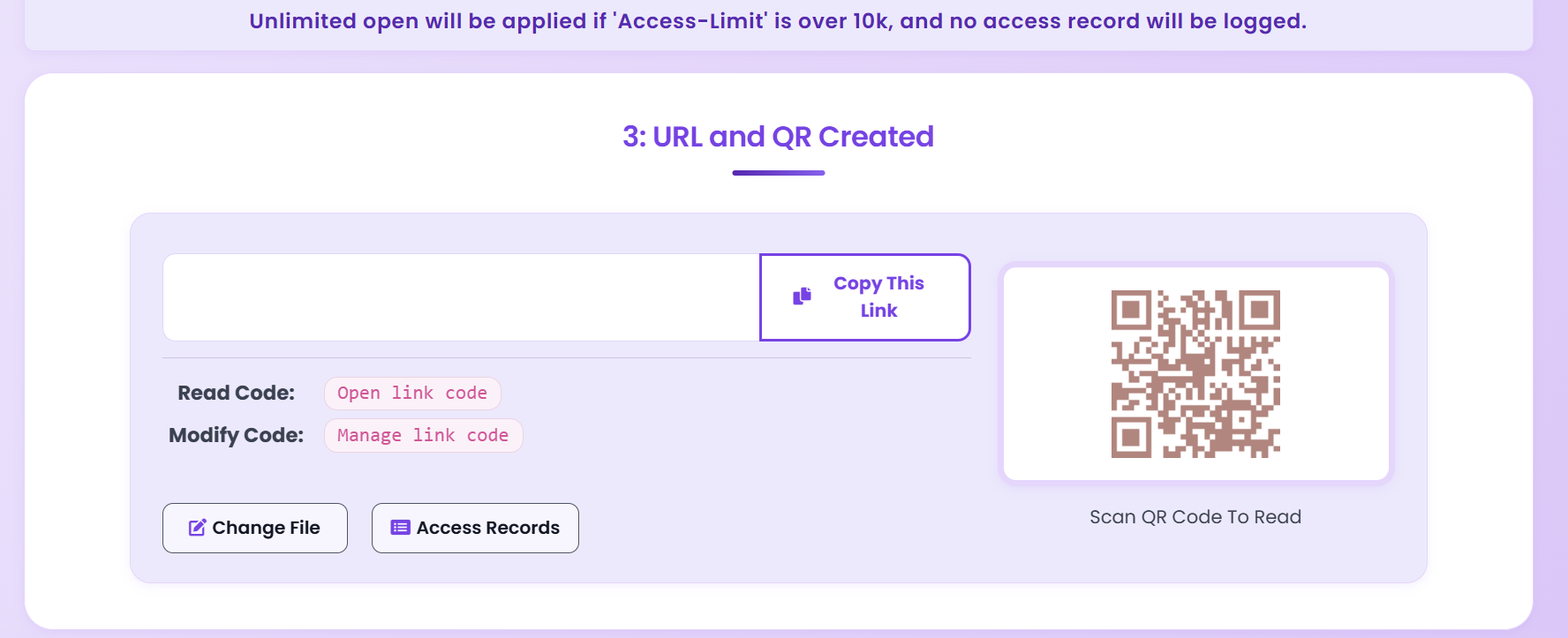
Get your encrypted link and QR code. Share via email, chat, or SMS — recipients view the PDF under your security rules.
Security Features
Upload your PDF and instantly get a unique, permanent link. No technical steps, no waiting — your secure link is ready in seconds.
Prevent recipients from downloading, printing, or copying your PDF. They can only view it in the browser — nothing leaves your control.
Require a password or email address before anyone can view your document. Only authorized recipients gain access.
Set an expiration date or maximum view count. Once the limit is reached, the link becomes inaccessible — ideal for NDAs and proposals.
Apply dynamic watermarks that display the viewer's info on every page. Discourages screenshots and unauthorized redistribution.
Track every view with timestamps, device types, approximate locations, and browser info. Full audit trail for every document.
Your link URL stays the same even when you replace the PDF behind it. Update content without redistributing a new link.
Recipients open the PDF in any browser on any device — desktop, tablet, or phone. No app needed, no software to install.
Comparison
FAQ
Related Reading
Share sensitive business documents without data breach risk.
Monitor who views your PDFs with real-time analytics and audit trails.
Stop unauthorized sharing with view limits, passwords, and watermarks.
Upload your PDF, apply security controls, and get a trackable link in seconds. Free, no sign-up required.
Updated MaiPDF protection path
SendPDFOnline pages now describe MaiPDF as a two-level product family: Online Cloud Sharing creates quick browser links and QR codes, while the MaiPDF App creates protected .maipdf packages for sensitive PDFs that need App DRM controls.
Upload a PDF, share a browser link or QR code, and keep read code / modify code management.
Package the PDF in the MaiPDF App with local encryption, license rules, expiry, open limits, and revoke control.
Use protected viewer, device binding, screenshot-aware controls, watermark trace, and license management where supported.
No web page can fully stop screenshots. MaiPDF App DRM is positioned as the stronger path: reduce casual copying, bind access to identity/devices, revoke licenses, and trace leaks with visible watermark information.