Send PDF Online with a Secure Link

Upload a PDF and share it as a link or QR code. If the real problem is screenshots, use MaiPDF App DRM: readers open a protected .maipdf file in the app with screenshot blocking, device rules, revoke control, and watermark tracing.

Free to use   No sign-up required   Works on any device
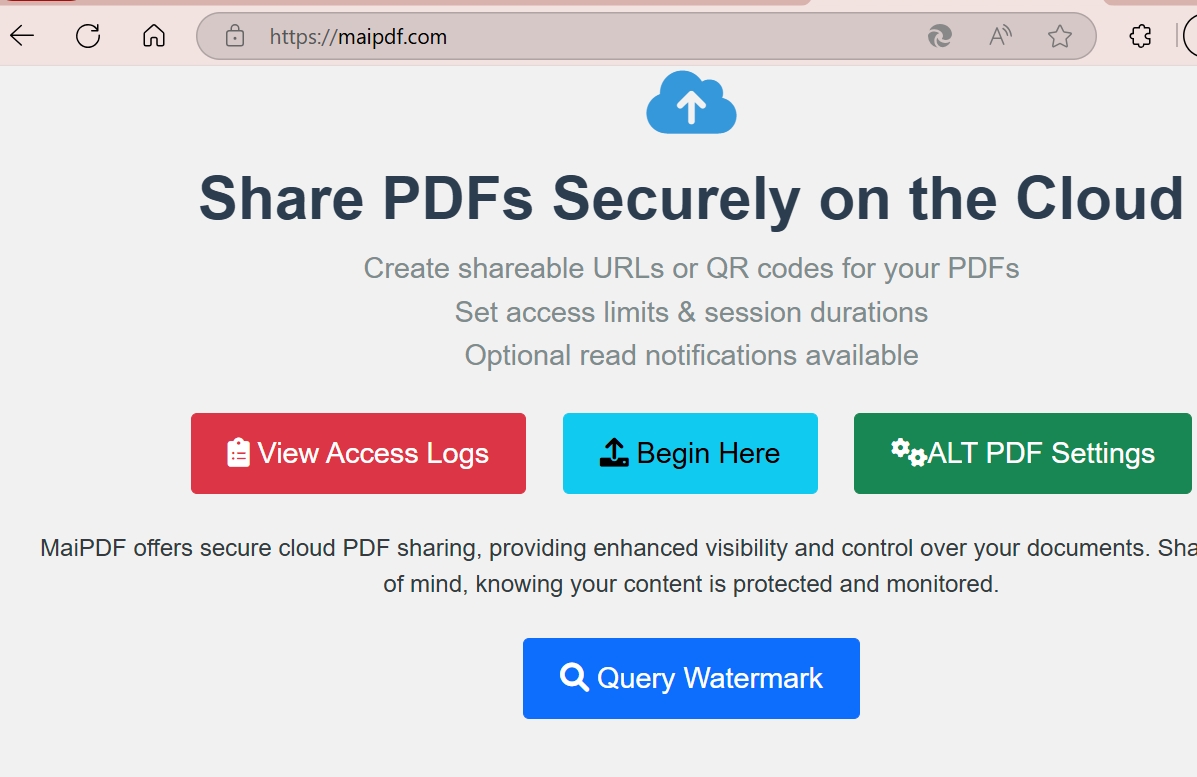
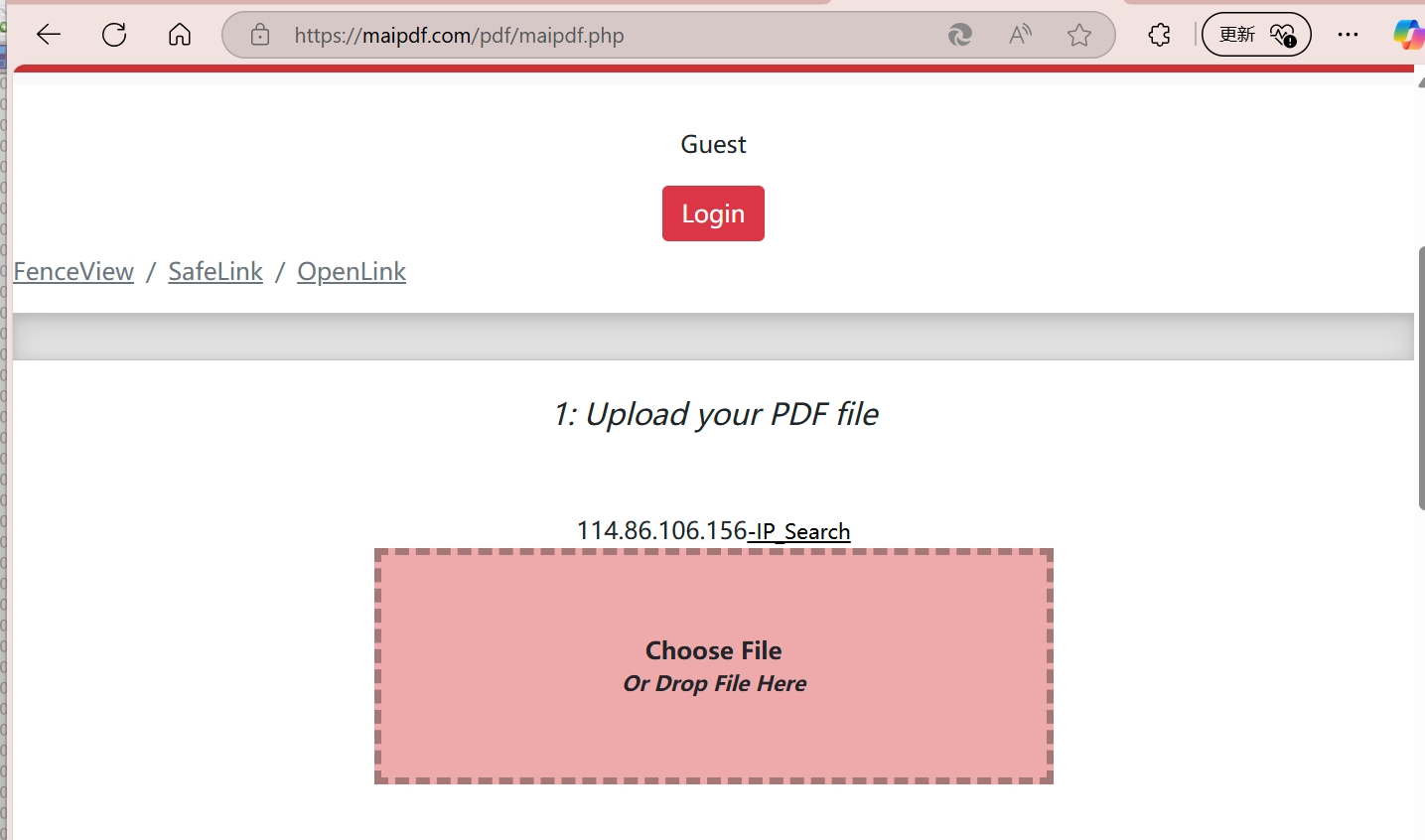
MaiPDF upload interface — send a PDF online and get a secure link

Need a link, or need to block screenshots?

Most files only need a browser link. If users must not casually screenshot or pass the file around, move the PDF to MaiPDF App DRM and protected .maipdf files.

Online Cloud Sharing

Send a PDF link quickly

  • Upload PDF, create link or QR code
  • Set expiry, open limits, watermark, and access records
  • Best for proposals, handouts, public downloads, and quick review
Send PDF online
MaiPDF App DRM / .maipdf

Block screenshots in the app

  • Package the PDF into a protected .maipdf file
  • Open inside MaiPDF App with screenshot blocking where supported
  • Add device rules, revoke access, and trace leaks with watermarks

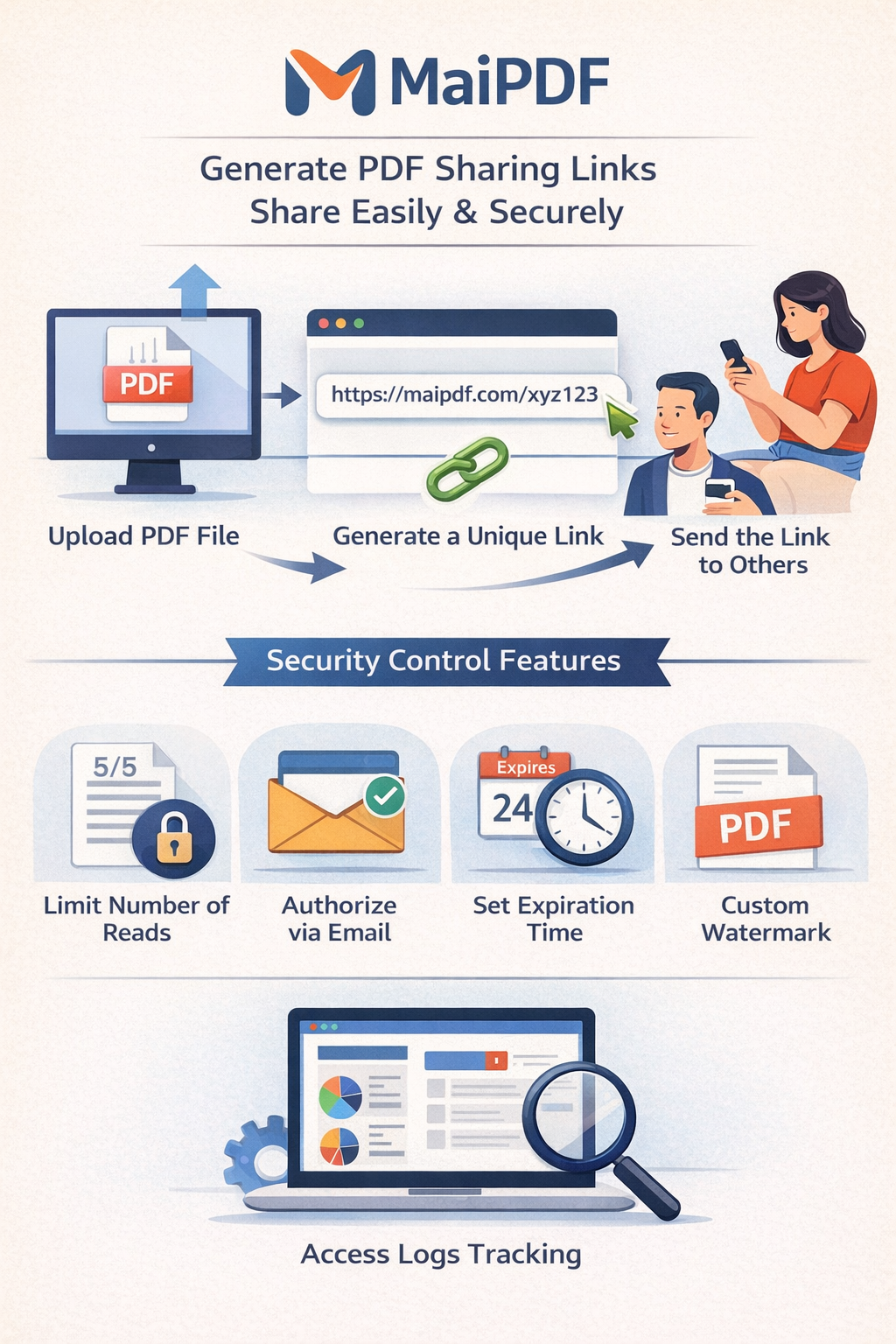
Share a PDF in 3 Steps

1

Upload Your PDF

Drag and drop or click to upload. Your file is stored securely on the cloud.

Upload a PDF to MaiPDF
2

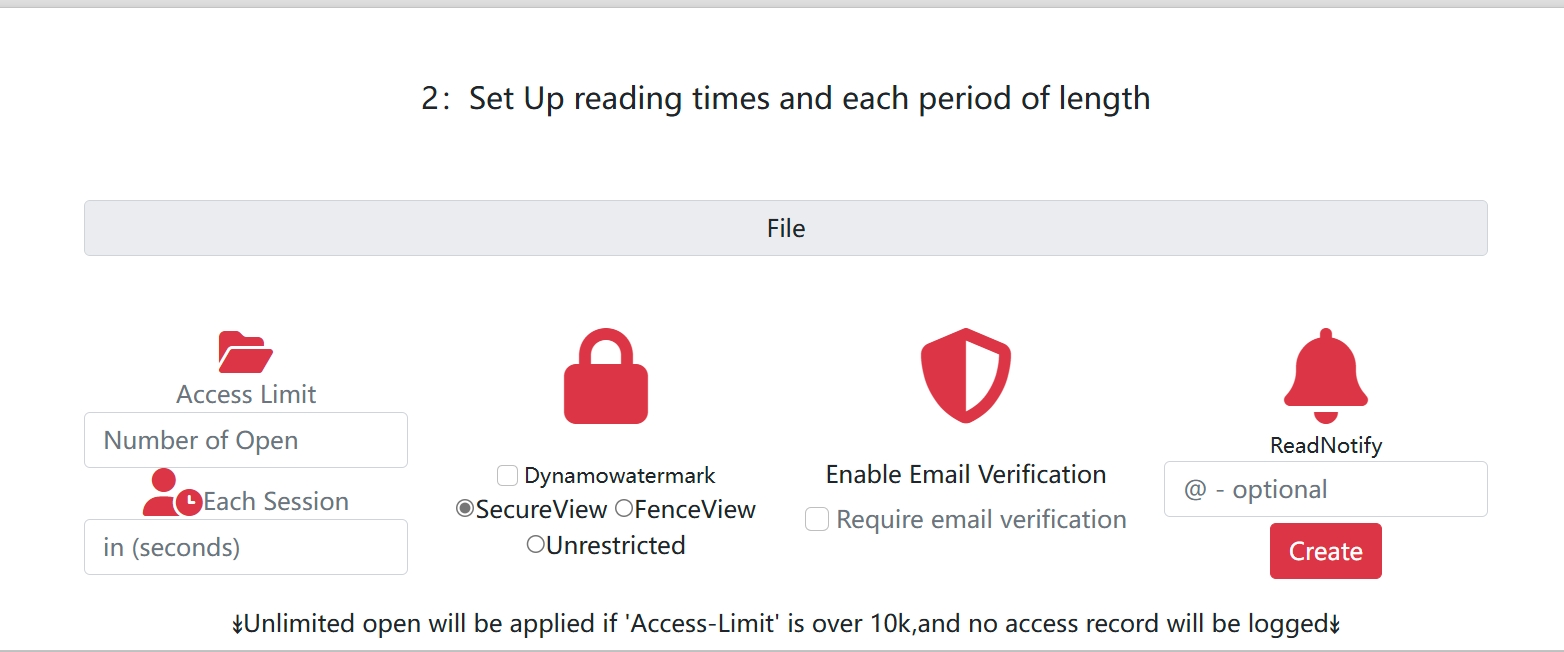
Set Security Options

Add view limits, expiration dates, watermarks, email verification, or download restrictions.

Set PDF security options — view limits, watermarks, expiration
3

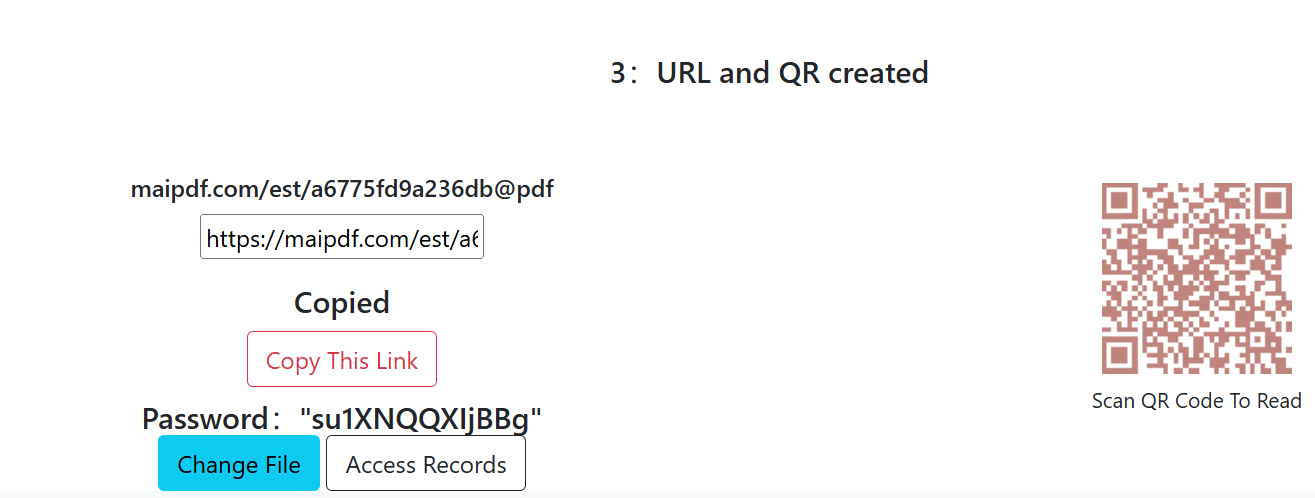
Share Link or QR Code

Get an instant link and QR code. Send it via email, chat, or social media — then track who opens it.

Get a PDF share link and QR code

Start from the Updated MaiPDF Hubs

The latest homepage, feature directory, article index, use-case hub, and Chinese hub now separate quick PDF links from App DRM screenshot blocking and .maipdf protection.

All Features Hub

A compact directory for link sharing, QR codes, view limits, tracking, watermarks, and App DRM screenshot blocking.

Open hub →

Articles & Guides

Updated guides explain when a browser link is enough and when users need App DRM to block screenshots.

Read guides →

Use Case Hub

Business, sales, education, design, and confidential-document examples with the right protection level.

View use cases →

中文教程索引

中文入口已突出在线云分享、链接/二维码、以及 .maipdf 强保护路径。

打开中文 →

App DRM Upgrade Path

For paid course files, contracts, or confidential PDFs, use App DRM to block screenshots, bind devices, revoke access, and deliver protected .maipdf files.

Everything You Need to Share PDFs Securely

View Limits & Expiration

Set exactly how many times a PDF can be opened, or make it expire on a specific date. Perfect for time-sensitive documents.

Learn more →

PDF to QR Code

Convert any PDF into a scannable QR code. Great for print materials, events, and offline-to-online sharing.

Learn more →

Dynamic Watermarks

Add viewer-specific watermarks that reveal who leaked your document. Includes QR-based tracking codes.

Learn more →

Reduce Download & Print

Hide common browser controls for online reading. If screenshots are the issue, use MaiPDF App DRM.

Learn more →

Email Verification

Require a one-time email code before viewing. Know exactly who opened your document.

Learn more →

Replace PDF Without Changing Link

Update the file behind a shared link without changing the URL. Recipients always see the latest version.

Learn more →

Browser link for speed. App DRM to block screenshots.

SendPDFOnline is the fast path: upload once, share a link or QR code, and manage online access. But a browser cannot fully control operating-system screenshots or copied local files.

For paid course files, confidential decks, contracts, or documents where screenshots are the main risk, use MaiPDF App DRM and protected .maipdf files.

Online Cloud Sharing

Best for fast sending

Browser links, QR codes, view limits, expiration, watermarks, access records, and same-link PDF replacement.

Send PDF online →
App DRM / .maipdf

Best for blocking screenshots

App reader screenshot blocking where supported, plus license checks, device binding, recipient rules, revocation, and watermark tracing.

Explore App DRM →

Know Who Opened Your PDF

See when your document was viewed, from which location, and on what device. Get notified the moment someone opens your link.

  • Open count and timestamps
  • Viewer location and device info
  • Read notifications via email
  • Watermark-based leak tracking
Explore Analytics Features →
PDF open analytics — see who viewed your document

Learn How to Send PDFs Securely

Featured

Replace PDF Without Changing the Link

Update shared PDFs while keeping the same URL. Old link stays, new content appears instantly.

Guide

Complete Guide to Sharing PDFs Online

Everything you need to know about uploading, securing, and distributing PDFs via links.

Security

Secure PDF Sharing Best Practices

Protect sensitive documents with view limits, watermarks, and email verification.

Tutorial

How to Convert a PDF to QR Code

Step-by-step guide to turning any PDF into a scannable QR code for easy sharing.

Business

Securing Confidential Investor Updates

How financial teams share sensitive reports with view limits and audit trails.

Use Case

E-book Preview & Distribution

Share ebook previews securely without downloads. Control access and track engagement.

Who Uses Secure PDF Sharing?

Business Teams

Share contracts, pricing sheets, and internal docs with controlled access.

Learn more →

Designers

Share portfolios with watermarks and download protection. Track client views.

Learn more →

Educators

Distribute course materials with view limits — prevent unauthorized redistribution.

Learn more →

Sales & Marketing

Send pitch decks and know the moment a prospect opens them.

Learn more →

Ready to Send Your PDF?

Upload a PDF, set your security preferences, and share the link — it takes less than a minute.

New focus: block screenshots with protected .maipdf files

SendPDFOnline is now positioned as the promotion and education hub for MaiPDF. Use this site to explain fast Online Cloud Sharing, then say the App clearly: use MaiPDF App DRM when the job is to block screenshots, bind devices, revoke access, and trace leaks.